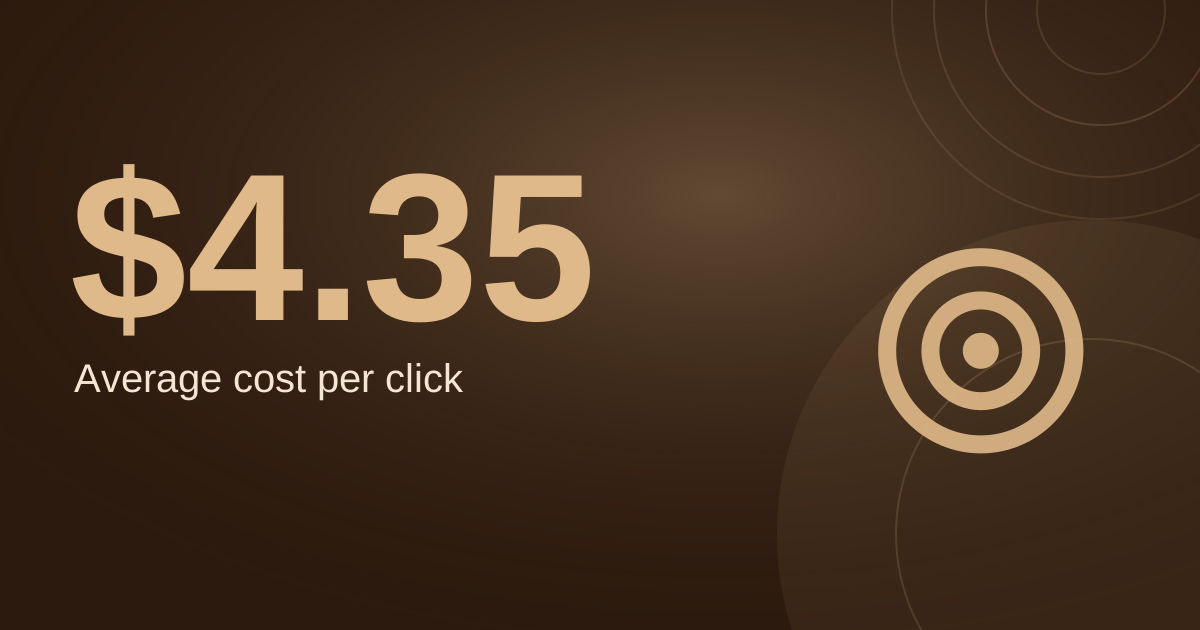
Here is what a leaky account costs. Say a salon spends $1,000 a month at a $4.62 click, and 7 in 100 relevant clicks become a booking. With clean traffic that is about 15 bookings at roughly $66 each.
If a quarter of the clicks come from searches that were never going to book, such as hair school applicants, job seekers or people three towns away, the same spend gives about 11 bookings at $88 each. Nothing about your ads changed except who clicked.
The $4.62 is a LocaliQ benchmark and the 7% and the 25% are my assumptions, so run it with your own numbers.
This article is a 30-minute audit for a hair salon's existing Google Ads account, in the order that usually saves the most money. It is for owners in the US, UK, Australia and Canada. If you are building from scratch, start with the
Google Ads setup guide for hair salons and the
keyword list instead.
What Is Normal? A Quick Benchmark
LocaliQ's 2026
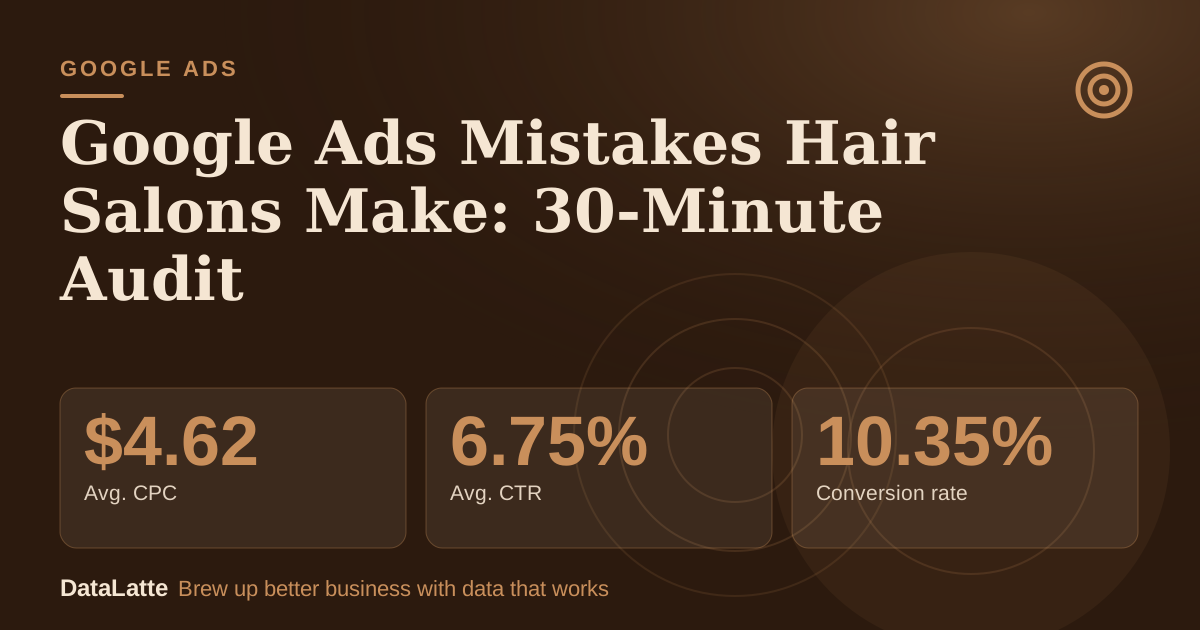
search advertising benchmarks (last updated June 1, 2026) list these figures for Beauty & Personal Care:
→
Avg. CPC
Beauty & Personal Care
→
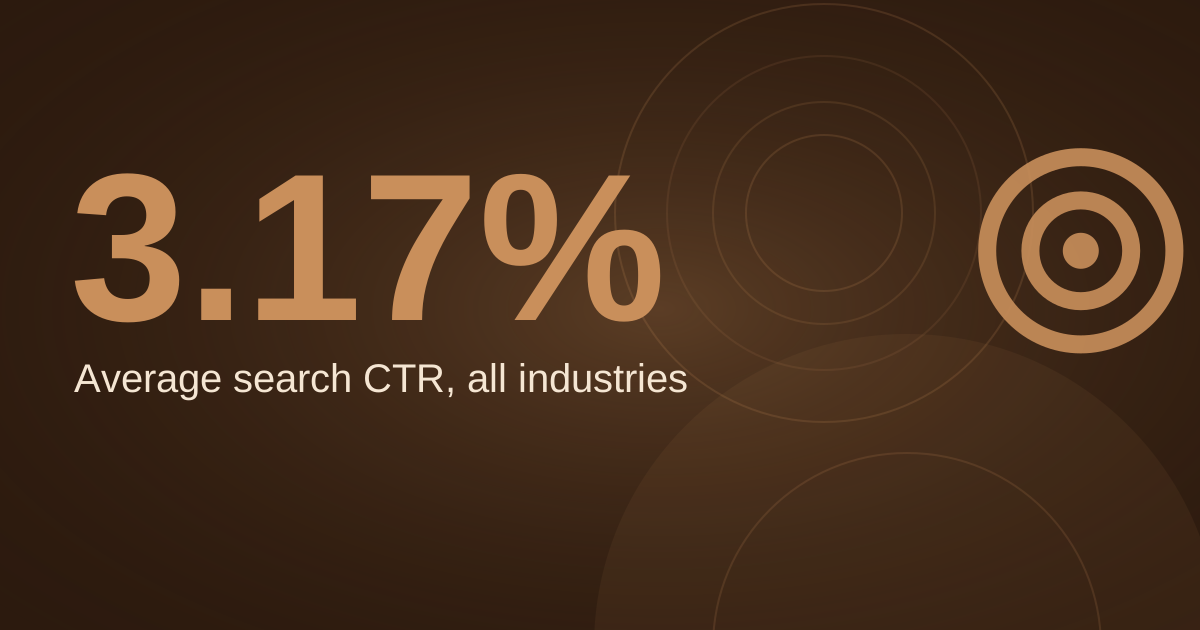
Avg. CTR
Beauty & Personal Care
→
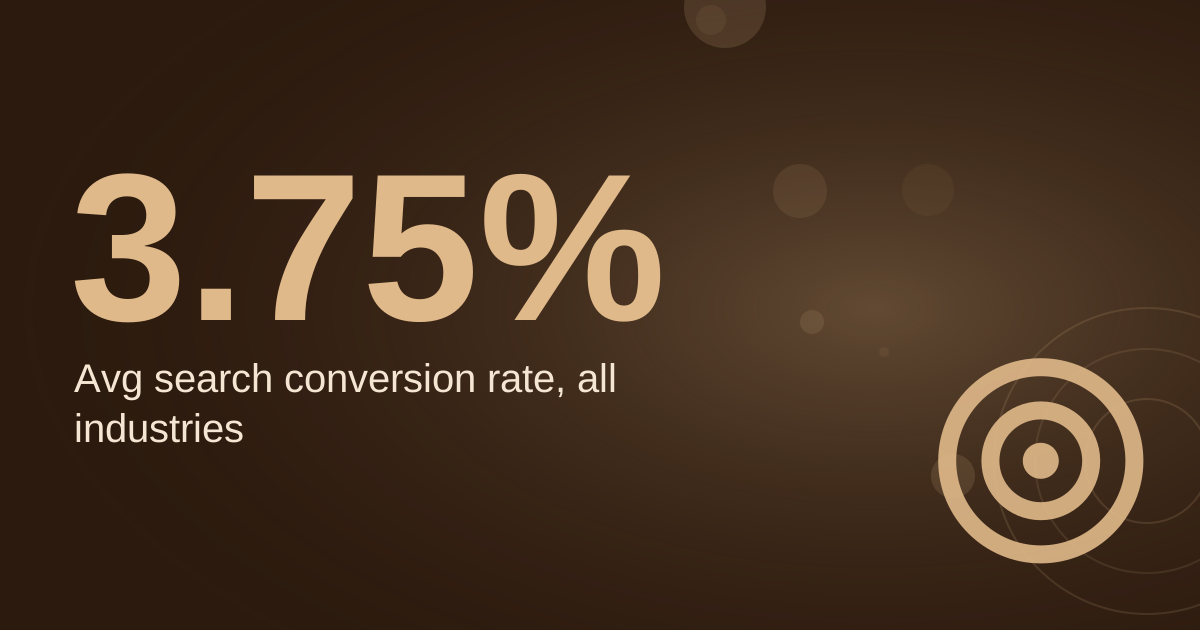
Conversion rate
Beauty & Personal Care
→
Cost per lead
Beauty & Personal Care
See Sources at the end of the article. Cards marked Assumption are examples, not results.
The page gives no sample size or data dates, and "conversion" there means whatever each advertiser counted. Use it to spot an account that is wildly off, not as a target. If your CPC is double this and your click-through rate is half, something in the checks below is probably wrong.
Check 1: What Is Your Account Counting as a Booking?
This is the mistake that hides all the others. Open Goals, then Conversions, and list every conversion action. Many accounts count page views, button clicks or "contact" page visits as conversions, so the dashboard shows 40 "conversions" and the diary shows 4 bookings.
Google's
help on primary and secondary conversion actions says primary actions are used for bidding (as long as their goal is used for bidding), while secondary actions are for observation only and do not influence bids.
So make only real booking events primary: a completed online booking, a form that asks for a service and time, and a phone call of reasonable length. Set everything else, like page views, to secondary.
For calls, Google's
website call conversion help says a call counts only when it lasts longer than a minimum length you set, and that the default tag tracks one number per page. Set a minimum that matches a real enquiry (30 to 60 seconds is my suggestion, not a Google default).
Our conversion tracking setup guide and call tracking guide cover the steps. Then make a test booking from your own ad and check that it shows up.
Check 2: Which Searches Are You Paying For?
Open the search terms report. Google describes it as a list of search terms that triggered your ads and clicks, and its
help page notes that the Keyword column, which tells you which of your keywords matched, is hidden by default and needs turning on through the column settings. Sort by cost and read the top 50 rows with a pen.
For a hair salon, typical leaks are:
- Training and jobs. "cosmetology school near me", "hairdresser apprenticeship", "stylist jobs".
- DIY and product searches. "box dye", "how to bleach hair at home", "purple shampoo".
- Wrong service. "wig installation", "hair transplant", "barbershop" if you do not do men's cuts.
- Wrong place. Searches naming neighbouring towns you do not serve.
Add each as a negative. Google's
negative keyword help has the detail that matters most: "Negative keywords don't match to close variants." If you block
school, a search for
schools can still trigger your ad unless you add the plural yourself.
It also says broad match is the default for negatives, so a multi-word negative blocks a search only if it contains all the words, in any order, while phrase and exact negatives are stricter. Our negative keywords guide walks through lists and campaign-level setup.
Check 3: Match Types and Bidding Together
Google's
match type help says broad match is the default match type for keywords because it is the most comprehensive, and states, "It's critical to use Smart Bidding with broad match." The combination to watch for is broad match keywords on manual bidding with no conversion data. That setup lets Google match your ad to loosely related searches while nothing tells it which ones book.
Fix: at a small budget, switch core keywords to phrase and exact, such as [balayage near me] or "balayage [town]". Add broad match later, only once you have a steady flow of real booking conversions for automated bidding to learn from.
Check 4: Where Are Your Ads Showing?
Three settings cost salons money quietly:
- Search partners. Google's Search Network help says search partners are included by default and can be turned off in the campaign's Networks setting. Compare performance by network in your report. If partners spend money without bookings, untick the box.
- Location radius. Google's location targeting help says you can target a radius, exclude regions, and that targeting is best effort, not exact. Its location options help lists the default for Search as "presence or interest", which includes people who showed interest in your area. Check the setting: for a walk-in business I prefer in-area people only. That is my preference, not a Google rule. Draw the radius from your last 50 clients' addresses.
- Device and hours. Check the report by device and by hour. If calls arrive at 9pm and nobody answers, schedule the call asset instead of paying for missed calls. Google's assets help says call assets can be scheduled for hours you can take calls.
Check 5: Are Auto-Applied Recommendations On?
Google's
auto-apply help says auto-apply works only at the account level, can be turned on or off at any time, and that "Auto-applying recommendations won't increase your budget." Open Recommendations and look at the Auto-apply settings and the History tab. Review what has been changed in your name.
Some changes can be fine, but a small salon should decide on keywords, bidding and budget itself, not discover them in the history a month later.
Check 6: Budget Settings You Misread
Per Google's
daily budget help, most campaigns can spend up to two times the average daily budget on a given day, but not more than 30.4 times it in a month. A "$30 a day" campaign showing a $55 day is behaving normally.
The mistake is the opposite one: one campaign eating the whole budget while a more valuable service starves. Split campaigns by service, with separate budgets, as described in our
setup guide.
Check 7: Ad Copy and Landing Page
Google's
responsive search ad requirements allow up to 15 headlines and 4 descriptions and say pinning reduces the number of combinations available, so it is not recommended for most advertisers. Check that every ad group has a service-and-town headline, a booking prompt and a real reason to choose you, and that you are not pinning all three headline slots.
On claims, Google's
unreliable claims policy prohibits "claims that entice the user with an improbable result", and says that if you guarantee results you need a clear refund policy. "Guaranteed platinum blonde in one visit" is the sort of line to avoid. "Colour consultation included" is safe if true.
Then click your own ad on a phone. Does the landing page repeat the service? Show price or a starting price? Have a booking button without scrolling? Load without a long wait? Fix those before touching bids. Our
landing page best practices go through the layout.
The Math
Here is the cost of a leak on a $1,000 monthly budget, using the $4.62 benchmark click and a 7% booking rate on relevant clicks. Both the share of irrelevant clicks and the booking rate are assumptions.
| Share of clicks that are irrelevant (assumption) | 0% | 10% | 25% | 40% |
|---|
| Clicks from $1,000 | 216 | 216 | 216 | 216 |
| Money spent on irrelevant clicks | $0 | $100 | $250 | $400 |
| Bookings | 15.2 | 13.6 | 11.4 | 9.1 |
| Ad cost per booking | $66 | $73 | $88 | $110 |
How to read it: the cost per booking rises 11% with 10% waste, 33% with 25% waste and 67% with 40% waste. These are ad costs per booking, before the value of the booking. A 40% leak turns a $66 booking into $110, which can push a $75 haircut client underwater on the first visit.
Two conclusions:
- Your break-even click price = the most you will pay per booking x your booking rate. At $90 and 7% that is $6.30. If your waste is high, your real rate is lower and the ceiling drops with it.
- Fixing the leak is worth more than raising the budget. Cutting waste from 25% to 10% at the same $1,000 improves cost per booking from $88 to $73 without spending another dollar. Raising the budget by $250 at 25% waste buys you about 2.8 more bookings, each at the same $88.
Wasted spend creeps back in as Google matches new searches. Set a calendar reminder for the first Monday of each month: read the top 50 search terms, check that conversions match your diary, and look at the Auto-apply history.
Do This Today
- Go to Goals, Conversions and make sure only real bookings, forms and calls of a sensible length are primary.
- Open the search terms report, turn on the Keyword column, sort by cost and add negatives for the top 10 wasteful searches, singular and plural.
- Check the Networks setting for search partners and your location setting, then redraw the radius from your last 50 clients.
- Open Recommendations, review the Auto-apply settings and switch off anything you did not choose.
- Click your own ad on a phone and write down three things that stop you booking, then fix the first one this week. If you also advertise on Meta, compare with our hair salon Facebook ads strategy.
FAQ
Q: Why am I getting clicks but no bookings?
A: Usually one of three things: the clicks are irrelevant (check the search terms report), the booking step is hard on a phone, or the booking is happening but is not being counted (check conversions and run a test booking).
Q: Is it worth running Google Ads in a small town?
A: It depends on search volume. Use Keyword Planner to check monthly searches for your services in your area before committing. If volume is low, a strong Business Profile may do more than ads.
Q: How often should I check the account?
A: Weekly for the search terms report in the first two months, then monthly for the full audit, my rule of thumb.
Q: Should I stop the ads while I fix problems?
A: Not always. Fix tracking first, since you need accurate data. If the account is wasting more than half its spend, pausing for a day while you add negatives is reasonable.
Q: Can I run Google Ads myself?
A: Yes, if you can spare an hour a week. If you cannot, hire help, and ask to see the search terms report and conversion settings before you pay.
Sources
Want a second pair of eyes on your account? See our
Google Ads service, the
hair salon marketing page, or
contact DataLatte.
Free for local businesses
Want this applied to your business?
I'll review your Google presence, local SEO, and ad accounts — and send you a specific action plan within 48 hours. No pitch, no pressure.