To rank in the Google Maps local pack, keep one accurate Business Profile, choose the fewest categories that describe your core work, enter your real-world name and address, and earn genuine reviews. Google's guidelines set the rules for the profile, and its Search guidance says changes can take hours to months to appear. Google does not publish a ranking formula or a timeline, so this guide separates what Google states from what secondary research suggests, and labels every example as an assumption.
→
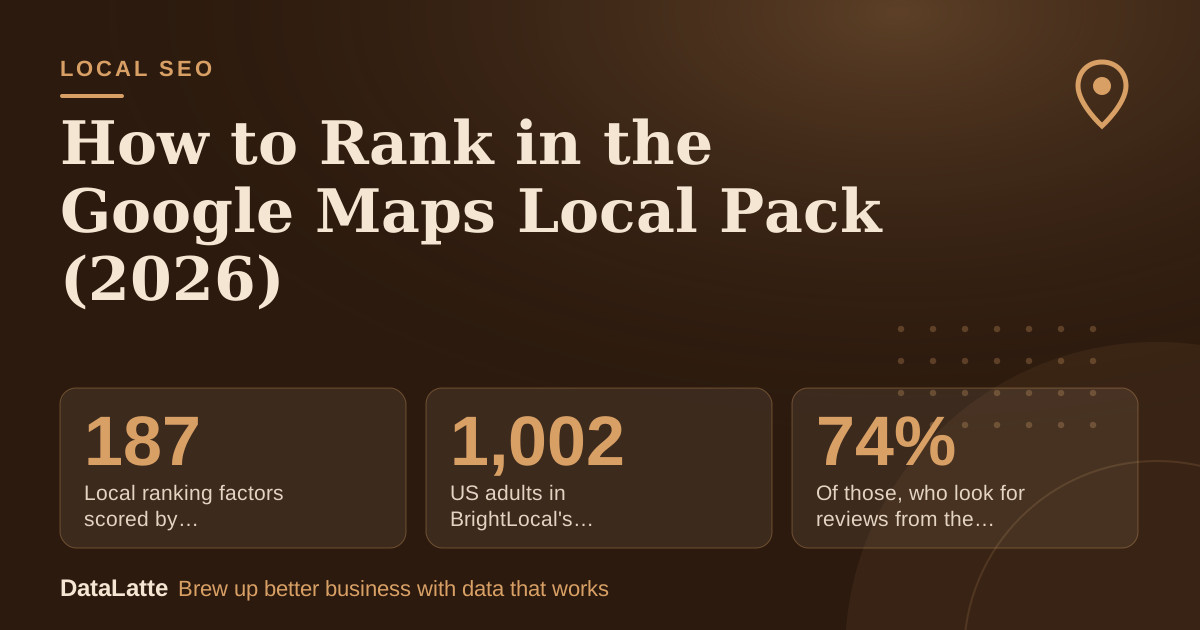
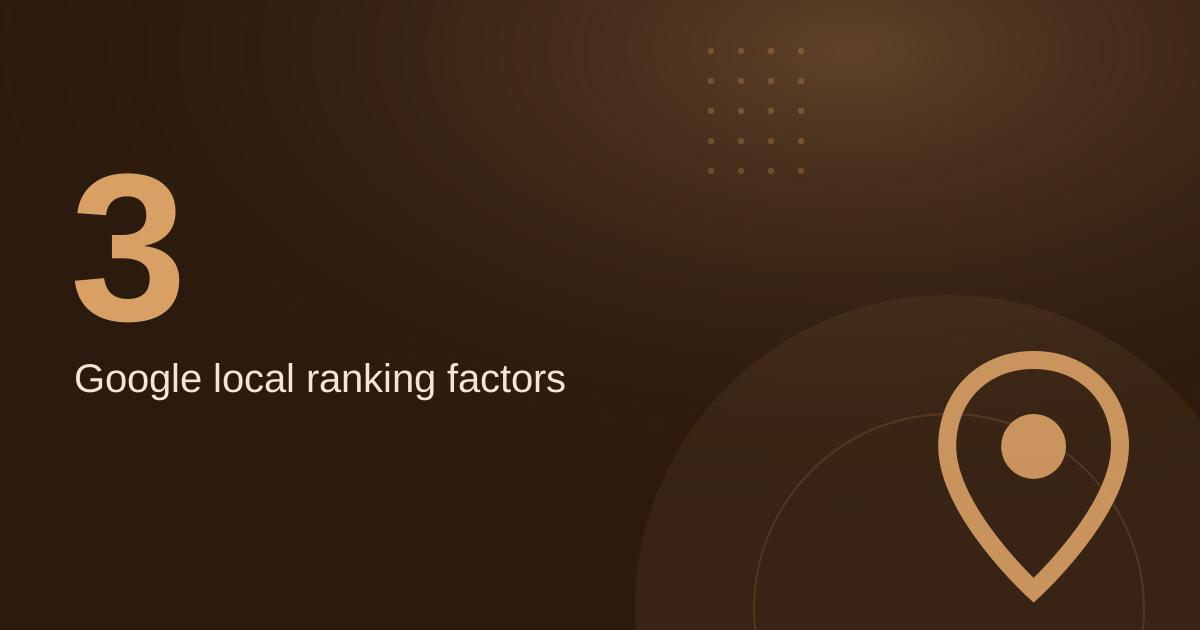
Local ranking factors scored by Whitespark experts
Secondary: Whitespark 2026
→
US adults in BrightLocal's 2026 survey
Secondary: BrightLocal 2026
↑
Of those, who look for reviews from the last three months
Secondary: BrightLocal 2026
→
Of those, who will only use a business rated 4.5 stars or higher
Secondary: BrightLocal 2026
See Sources at the end of the article. Cards marked Assumption are examples, not results.
What Does Google Require From a Local Business Profile?
Google allows a Business Profile if your business has a physical location that customers can visit, or if it travels to customers where they are. You must represent the business accurately, avoid prohibited content and behaviour, and follow the product guidelines. A profile that breaks these requirements risks suspension, so treat them as the base for everything else in this guide.
Google asks you to represent your business as it is recognised in the real world, across signage, stationery and other branding. Your address or service area should be accurate and precise. These are not optional polish steps. They are the conditions that let both customers and Google trust the listing, and a listing that customers trust is the one worth ranking.
Should You Keep One Profile and How Many Categories Should You Choose?
Google's guidelines say there should only be one profile per business, because duplicate profiles can cause problems with how your information displays on Google Maps and Search. Before you create anything new, check whether an old or duplicate listing already exists, and keep the one you own.
Choose the fewest categories that describe your overall core business. A salon might pick one primary category matching its main service and add only secondary categories that truly describe what it does. Listing every treatment as its own category goes against the guidelines and dilutes the signal about what the business mainly is.
How Should the Name, Description and Hours Be Written?
Use the name customers see on your storefront. Google's guidelines list unacceptable names, including marketing taglines, store codes, phone numbers, website addresses, hours inside the name, and fully capitalised words. Special characters and legal terms such as LLC are allowed only when you can show real-world proof, such as signage, business cards or invoices, that they consistently appear as part of the name.
The business description should explain services, mission and history. It must not focus on promotions, prices or sales, and it cannot display links of any type. Hours belong in the hours section. Keeping each field to its own job makes the listing easier to read and less likely to be edited or rejected.
What Does Google Search Need From Your Website?
Google finds most pages by crawling the web, so publishing a site is often enough. To check whether your site is indexed, search Google with the site: operator followed by your domain. If results point to your pages, you are in the index. If not, check the technical requirements and confirm that important resources such as CSS and JavaScript are not hidden from Google's crawler.
Use the URL Inspection Tool in Search Console to see a page the way Google sees it. If a page shows different information depending on the visitor's location, check what Google sees, because its crawler generally uses a US location. Descriptive URLs also help, so a service page path that names the service gives users and search engines a clearer signal. If your site shows a map, the
Google Maps embed guide explains how to do that well.
How Long Before Changes Show Up?
Google says every change takes time to be reflected. Some changes take effect within a few hours, while others can take several months. It suggests waiting a few weeks before judging whether work had a beneficial effect, and notes that not every change will be visible in search results.
One month is rarely enough to judge a single edit. Make changes in batches, record the date of each one, and review results after a few weeks. Paid placements are a separate channel with their own setup. The
Local Service Ads guide compares them, so you do not mix paid and organic results when you test.
What Does a Realistic First-Month Plan Look Like?
This is a worked example. All inputs are assumptions, not benchmarks: a salon with an existing verified profile, 30 Google reviews, an average rating of 4.3 stars, and about 60 customers a month. The time estimates are also assumptions for planning.
| Week | Task | Time (assumption) |
|---|
| 1 | Check name against signage, primary category, secondary categories, address, service area and hours | 1 hour |
| 2 | Remove duplicate listings if found; confirm the description has no links or promotions | 1 hour |
| 3 | Check the site is indexed with site:, then inspect the key page in Search Console | 1 hour |
| 4 | Reply briefly to each new review; never post customers' personal details | 1 hour |
Using the assumed figures, if 1 in 5 of the 60 monthly customers leaves a review, that is 12 new reviews a month (60 × 1/5). Over two months the profile would reach 54 reviews (30 + 24). These numbers are illustrations. The rate at which you ask customers is the part you control, not the outcome.
Which Checks Should You Run Each Month?
Repeat a short routine so you can see what changed and what it did. The steps below use only the tools named in Google's documentation.
- Search your main service from a phone at three points a few streets apart, and note where your listing appears.
- Check that your name, address, hours and categories still match your real-world branding.
- Confirm that the site: search still returns your pages and that Search Console shows no new crawl problems.
- Record the date of each change so you can compare results after a few weeks.
Because Google says results can take weeks to reflect a change, avoid reacting to one week's movement. A monthly record is more useful than daily checks. If you serve customers in Australia, the
Australia local marketing guide covers the local context.
How Do Reviews Fit Into the Picture?
Reviews are the part of the profile customers read most closely, and the secondary research above shows why. In BrightLocal's 2026 survey of 1,002 US adults, 74% said they look for reviews from the last three months, and 31% will only use a business rated 4.5 stars or higher. Those are survey figures, not Google data, so use them as a reason to keep reviews current rather than as a ranking rule.
Ask every satisfied customer for a review, and use the link or QR code from your Business Profile. Do not offer discounts or gifts in exchange for reviews, because Google's policies treat that as a violation. Reply to reviews briefly and politely, and avoid using replies to push offers.
FAQ
Can I pay to rank higher in the Google Maps local pack?
The Google sources used for this guide do not describe paid ranking, so this article makes no claim about it. Paid placements are a separate channel, and the
Local Service Ads guide explains how they work.
How long does it take to rank in the local pack?
Google says some changes take effect within a few hours and others take several months. It suggests waiting a few weeks before judging whether a change worked.
Do keywords in my business name help?
Google's guidelines require the name to reflect your real-world name. Adding keywords, taglines or locations that are not part of your branding is not permitted and can lead to suspension.
Do I need to submit a sitemap for my website?
Google says a sitemap is not required. It suggests first making sure people know about your site, and submitting a sitemap is optional.
Why does my ranking look different in different places?
Distance from the searcher is one of the factors Google names for local results, so the listings shown can change as the searcher moves. Test from several spots rather than only from your premises.
Sources
Want help checking your profile? See the
local SEO service or
book a free audit.
Free for local businesses
Want this applied to your business?
I'll review your Google presence, local SEO, and ad accounts — and send you a specific action plan within 48 hours. No pitch, no pressure.