A mobile business that travels to customers should list itself on Google as a service-area business. Hide the street address, define the cities, postal codes or counties you cover, and point your ads at those same places. Google's guidance says a business without a storefront can still have a profile if it makes in-person contact with customers. Keep the area within about two hours of driving, a limit reported in 2025 coverage, and spend ad money only where your route goes.
→
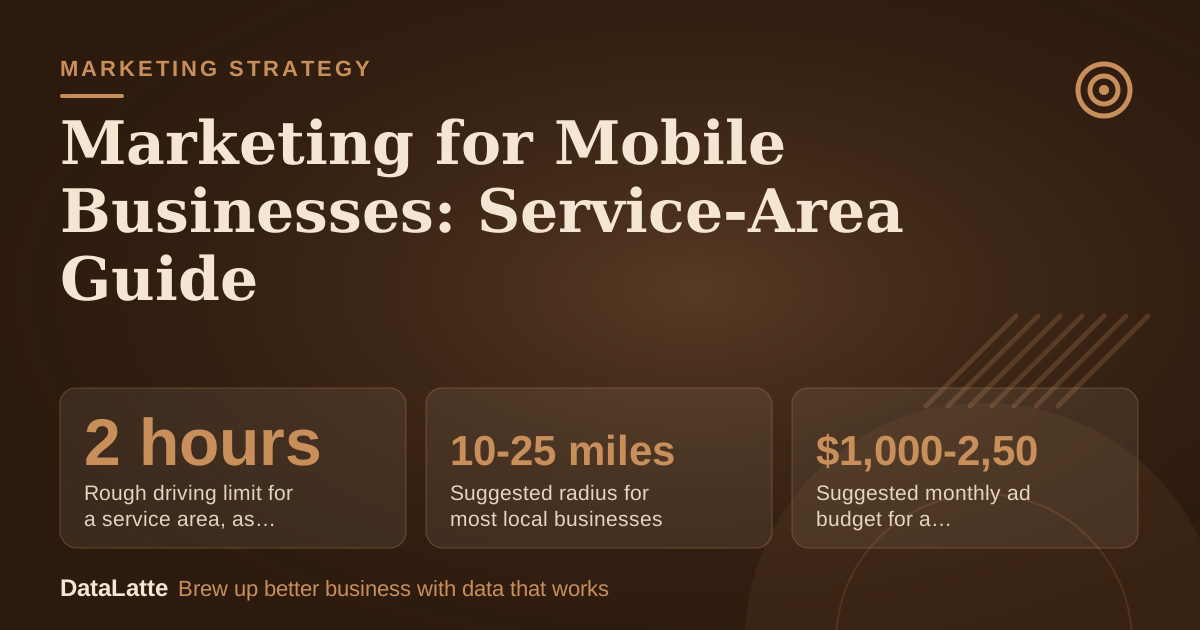
Rough driving limit for a service area, as of 2025
PPC Land via AdWave (secondary)
→
Suggested radius for most local businesses
AdWave guidance (secondary)
→
Suggested monthly ad budget for a defined service area
AdWave guidance (secondary)
→
People in your service area who need to know and trust you
AdWave guidance (secondary)
See Sources at the end of the article. Cards marked Assumption are examples, not results.
How Do You Set Up a Mobile Business on Google?
Google's guidance covers businesses that serve customers at their location rather than at a storefront. According to
Google's support guidelines, a business without a physical storefront can have a profile as long as it makes in-person contact with customers. That covers many mobile trades, from groomers to repair crews.
AdWave's guide to service-area profiles advises that you clearly define your service area and then hide your physical address from public view.
AdWave's Google Maps guide adds that you can define the area by listing exact cities, zip codes or counties. A home address is often the one you should hide.
Check the age-restriction rule before you build the profile. Google's guidelines say businesses tied to products or services that require a minimum customer age, such as alcohol, cannabis or weapons, are not permitted as service-area businesses without a storefront.
How Far Should Your Service Area Reach?
Most mobile businesses set the area by drive time rather than by a circle on a map.
Coverage of Google's 2025 rule update, summarised by AdWave, says Google limits service-area businesses to boundaries within about two hours of driving from the base location. Check Google's current help pages before you rely on that figure.
AdWave also recommends defining the service area precisely, using a 10-25 mile radius for most local businesses. Treat that as a starting point. A groomer in a dense city and a septic service in a rural county will need different boundaries, so draw yours from your real route history.
How Should You Target Ads to Your Route?
Ad targeting should mirror the service area on your profile.
Adwave's targeting notes describe radius, zip, DMA, city and state modes so advertisers can limit spend to their territory. A defined area also keeps you from paying for clicks you cannot serve.
A vendor guide recommends setting location targeting to "Presence" only, so ads show to people physically in the service area rather than to those who are just interested in it.
Define Digital Academy makes that point for local service firms. Use the table below to choose a method.
| Targeting method | What it limits | Best fit for a mobile business |
|---|
| Radius around base | Distance from one point | Single-van operators with a steady patch |
| Zip or postal code | Named neighbourhoods | Routes that follow known streets |
| City or county | Whole municipalities | Trades that cover full districts |
| Presence-only setting | Physical location in the area | Keeping ads away from people elsewhere |
Add exclusions for places you will not drive to, such as a neighbouring city across a bridge with a long detour.
Scheduling and messaging tools can cut admin time, but pricing varies widely.
RingCentral's roundup of marketing tools lists Mailchimp paid email plans from $7 per month, Zapier paid plans from $19.99 per month, and HubSpot Marketing Hub with a free plan and paid plans from $15. Those are list prices from a secondary source, so confirm them on each vendor's site.
Training costs also belong in the budget.
Thinkific's comparison of automation platforms notes that Keap's in-depth training is a paid service. For a one-van business, a simpler tool with a free tier often beats a platform you will not learn in time. For messaging customers, see
WhatsApp Business API for local marketing automation.
How Many Customers Do You Need Nearby?
Your service area needs enough people to make the route pay.
AdWave's guidance on local marketing says businesses need reach to roughly 1,000-10,000 people in their service area to be known and trusted. A tight postal-code list may not reach that number, so widen the area before you spend heavily.
AdWave also advises new businesses to start free and low-cost marketing immediately, and to begin paid advertising only after they have validated that customers want the service and they can handle more demand.
AdWave's first-year guide makes that case. If you cannot yet take extra bookings, delay the spend.
Seasonal timing also matters.
Our new year campaigns guide covers planning around quieter months, and
AI-driven customer insights for local businesses explains how to read which postal codes actually book.
What Does a $1,000 Monthly Budget Buy?
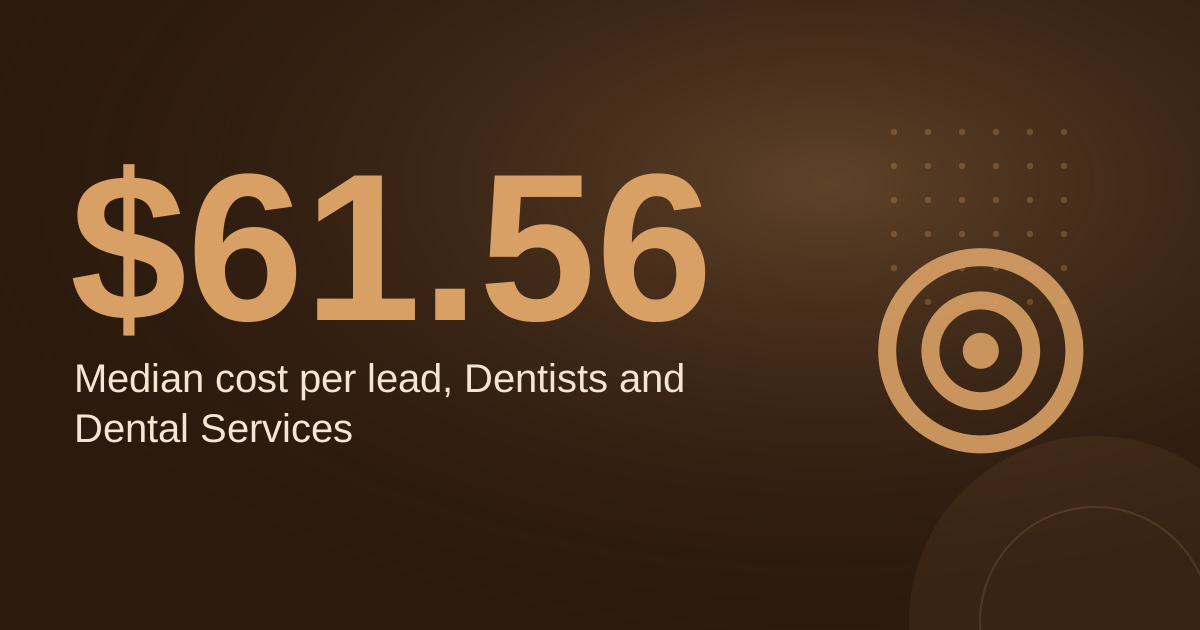
The inputs below are assumptions unless marked as sourced. AdWave suggests $1,000 to $2,500 a month for a defined service area, so $1,000 is the lower end of that range. Cost per lead, booking rate and average ticket are assumed for illustration only and must be replaced with your own figures.
| Step | Basis | Result |
|---|
| Monthly ad budget | Sourced range, low end | $1,000 |
| Cost per lead | Assumption | $45 |
| Leads per month | $1,000 divided by $45 | about 22 |
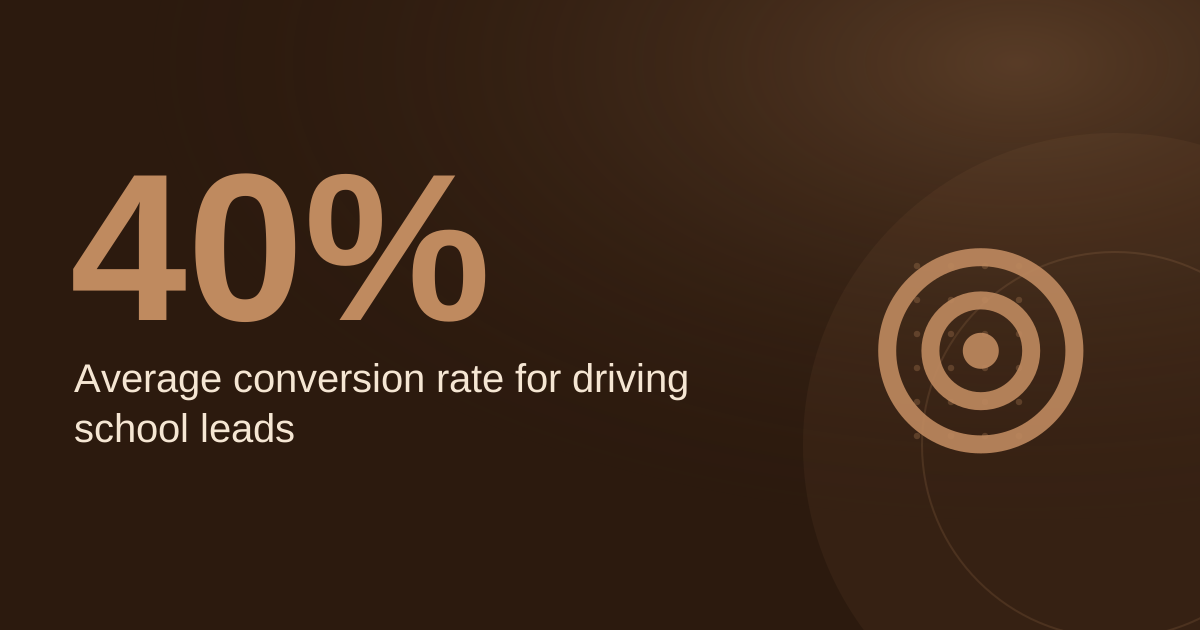
| Share of leads that book | Assumption, 40% | about 9 jobs |
| Average ticket | Assumption | $120 |
| Revenue from booked jobs | 9 jobs at $120 | about $1,067 |
| Cost per booked job | $1,000 divided by 9 | about $112 |
Drive time is not in the table. A job 40 minutes away costs more in time and fuel than the same job next door, so set postal-code targeting around the route you can serve in a day. Check the results after one full quarter rather than after a few weeks.
FAQ
Should a mobile business show its address on Google?
Usually not, if customers are visited at their location. Google's guidance allows a profile without a storefront when you make in-person contact, and AdWave advises hiding the physical address.
How big can a service area be?
Recent coverage reports a limit of about two hours of driving from your base, as of 2025. Confirm the current rule on Google's help pages before you set boundaries.
Should I use radius or postal-code targeting?
Use whichever matches your route. Radius suits a steady patch around one base, while postal codes suit streets you already cover. Adwave lists both as options.
Are ads always necessary for a mobile business?
No. AdWave advises starting with free and low-cost marketing and adding paid ads once you can handle more demand. Ads are most useful for filling gaps in the schedule.
Sources
Want your service area and ads set up properly? See the
Local SEO service or
book a free audit.
Free for local businesses
Want this applied to your business?
I'll review your Google presence, local SEO, and ad accounts — and send you a specific action plan within 48 hours. No pitch, no pressure.