AI for social media management means software that handles repetitive work such as scheduling posts, drafting captions, and flagging messages that need attention.
Encompass describes marketing automation as a way to integrate the tools that drive marketing performance, including social media management and analytics. The time savings are real but narrower than many vendor pages suggest. Rule-based tasks save the most time, while reviews and customer conversations still need a person. This guide shows where the hours go, what tools cost, and how to test whether a tool pays for itself.
RingCentral notes that most repetitive, rule-based marketing tasks can be automated, and it lists social media publishing among them. In practice that covers placing approved posts into set time slots, reposting evergreen content on a schedule, and pulling monthly performance reports.
Drafting is the second category. AI writing tools can produce a first version of a caption or a week of post ideas. The edit step matters, because the draft is a starting point for your own voice, not a finished post.
Replies and reviews are a different case. Automating a publishing queue carries little risk. Automating a reply to a complaint carries a lot. Keep that line in mind as you work through the rest of this guide.
How much time does automation really save?
Vendor claims of large percentage savings are hard to verify, so build your own estimate. The example below uses assumption-labelled inputs. Replace them with your own numbers before you decide.
Inputs: 5 posts per week (assumption). 10 minutes per post done manually (assumption). About 2 minutes per post with a scheduling tool (assumption, based on a vendor-reported reduction from 10+ minutes to 2 minutes in
SocioLocal's franchise examples, which is a best-case figure). Owner time valued at $25 per hour (assumption). Tool cost of $99 per month, the entry price of
Hootsuite's Standard plan for one user.
Calculation:
- Manual time: 5 posts x 10 minutes = 50 minutes per week
- Tool time: 5 posts x 2 minutes = 10 minutes per week
- Time saved: 40 minutes per week, or about 173 minutes (2.9 hours) per month, using 52 weeks divided by 12 months
- Value of saved time: 2.9 hours x $25 = about $72 per month
- Tool cost: $99 per month
At this volume the tool costs more than the time it saves. Run the same sum with 15 posts per week (assumption): the saving becomes 120 minutes per week, or about 8.7 hours per month, worth roughly $217 at the same rate. Volume decides the answer.
What do the main tools cost in 2026?
| Tool | Listed starting price | Plan detail |
|---|
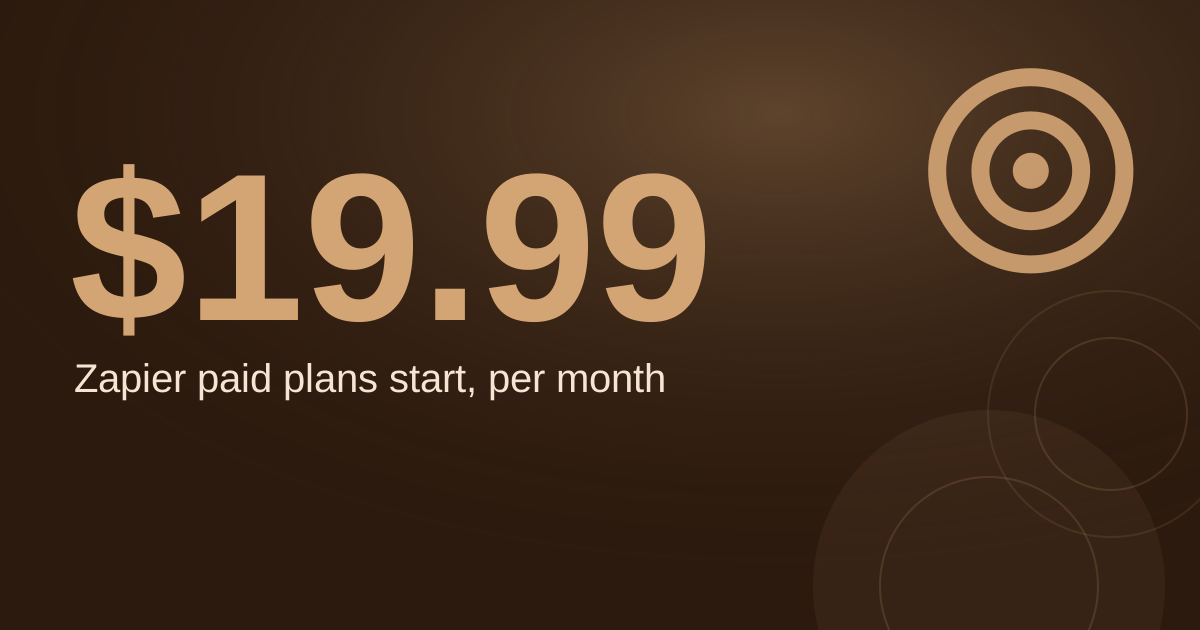
| Hootsuite Standard | $99 per user per month | Up to 10 social accounts, unlimited scheduling, AI content generation (Sintra, secondary) |
| Sprout Social Standard | $199 per seat per month | Advanced is $399 per seat per month; Enterprise is custom-priced (SocioLocal, as of 2026) |
Prices change, so check each vendor's pricing page before you buy. Per-seat pricing multiplies with headcount: three people on a $99 per user plan cost $297 per month. For a closer look at these two platforms at small-team scale, read
Hootsuite vs Sprout Social for small local businesses. For a wider list of options, see
AI-driven social media management tools.
Why do reviews and profiles need more attention than posts?
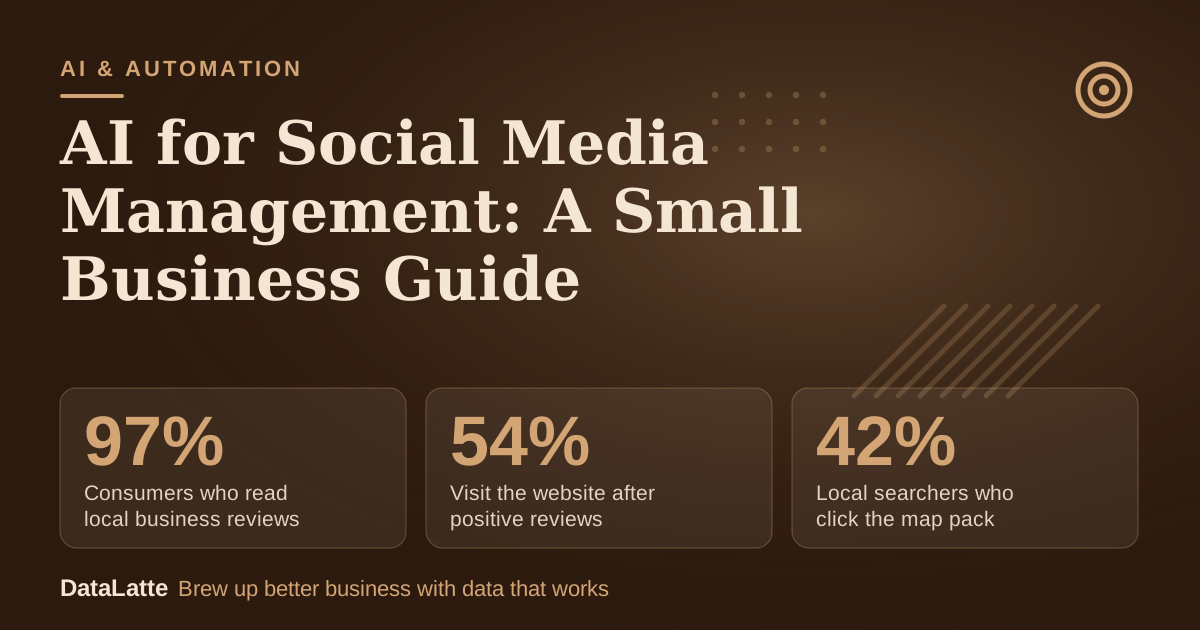
Local customers make decisions from listings and reviews, so these deserve more of your attention than the feed. The figures below come from secondary summaries of the original research.
→
Consumers who read local business reviews
BrightLocal 2026, secondary
↑
Visit the website after positive reviews
BrightLocal 2026, secondary
→
Local searchers who click the map pack
Backlinko 2024, secondary
→
Sprout Social Standard plan per seat per month
SocioLocal, as of 2026
See Sources at the end of the article. Cards marked Assumption are examples, not results.
Google reported in 2024 that a complete Business Profile makes customers 70% more likely to visit a location, according to
OnEveryMap's summary. Automation can notify you when a new review arrives, which is useful. The reply itself should still come from you, in your own words, after you read the review.
Where should a human stay in the loop?
AI works well as an alert system. Set up notifications for new reviews and for messages containing words that signal a complaint, such as "refund" or "late." Then respond yourself. A generic automated reply to an unhappy customer can make a small problem public.
Some review tools collect feedback from several sites in one place. Sintra reports that Vista Social's review management covers Google, Yelp, TripAdvisor, and other review sites (
Sintra, secondary). Compare how each option handles replies before you commit, and read
review management software for small business compared.
How do multi-location brands use AI differently?
Tools built for scale make different trade-offs. The author of SocioLocal's ranking describes the platform as best for multi-location brands and franchises with 100+ locations. That is a vendor's own positioning, not a universal rule, but it signals that a single-site business rarely needs enterprise features. Approval workflows and per-location permissions matter more as the number of locations grows. For the cost side of that decision, see
multi-location social media management: tools and costs.
Which niche guide should you read next?
The right setup depends on your industry and how often you post. Service businesses with a steady stream of before-and-after work often need a content process before they need more software. If you run a salon, the
hair salon guide to AI-powered social media management covers booking-driven posting. If you need a way to produce content without a big team,
local business social media content creation explains how to build a repeatable routine first.
If you want an outside view of where your hours go and which tasks are worth automating, start with a
free audit.
FAQ
It can draft them and flag them, but you should send the replies. Use AI to sort messages by urgency and to suggest a starting point for routine questions. Reserve complaints, refund requests, and anything emotional for a human response.
Count your posts per week, the minutes each post takes you now, and the time a tool would take. Multiply the saved hours by what your time is worth, then compare that figure to the plan price. The worked example above shows the method with assumption-labelled inputs.
Does per-seat pricing hurt small teams?
It can. A plan listed at $99 per user per month costs $297 per month for three users. Ask whether you need every person to have a login, or whether one account owner can schedule for the team.
They reduce routine work such as scheduling and first drafts. Strategy, brand voice, customer conversations, and review responses still need a person who knows the business.
Sources
Free for local businesses
Want this applied to your business?
I'll review your Google presence, local SEO, and ad accounts — and send you a specific action plan within 48 hours. No pitch, no pressure.