May 21, 2026·Nataliia Rumiantsewa· 10 min read All posts
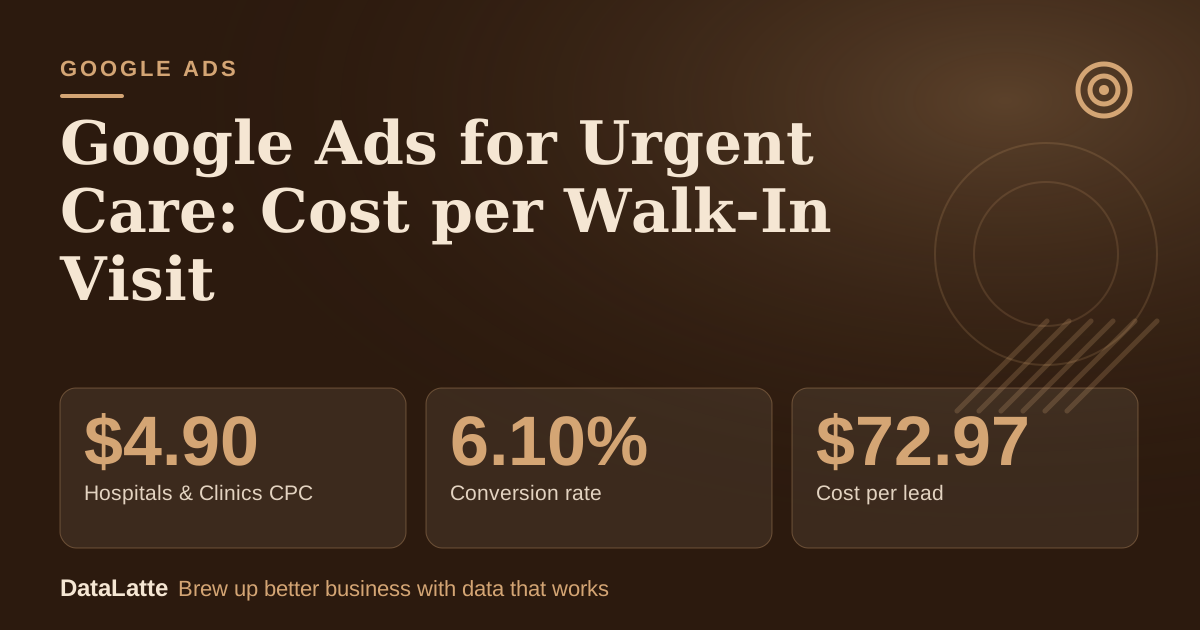
LocaliQ's healthcare benchmarks put the median click for Hospitals & Clinics at $4.90. At that price a $2,000 monthly budget buys about 408 clicks. If 6 in 100 clicks become a call or online check-in, and just over half of those people walk through the door, you pay roughly $146 for each ad-driven visit.
The 6% is LocaliQ's own conversion figure for that category; the walk-in rate and everything else in that sentence is my assumption.
The useful part: an urgent care owner can work out a ceiling click price before spending a dollar, and then see that the landing page and the front desk move the answer more than the keywords do.
This guide is for independent urgent care clinics and small groups in the US, UK, Australia and Canada. It covers the benchmark that exists and the one that does not, campaign setup, the Google policies that apply to health advertisers, tracking that avoids patient data, and the math. It is general marketing guidance, not legal advice; check HIPAA or local privacy questions with a compliance adviser.
What the Benchmarks Say, and What They Do Not
LocaliQ's healthcare search advertising benchmarks cover 3,542 US search campaigns from October 2024 to September 2025, on Google and Microsoft. The figures are medians. There is no urgent care line, so these are the nearest neighbours:
$4.90→
Hospitals & Clinics CPC
LocaliQ, Hospitals & Clinics
6.10%→
Conversion rate
LocaliQ, Hospitals & Clinics
$72.97→
Cost per lead
LocaliQ, Hospitals & Clinics
$2.29→
Emergency Medicine CPC
LocaliQ, Emergency Medicine
See Sources at the end of the article. Cards marked Assumption are examples, not results.
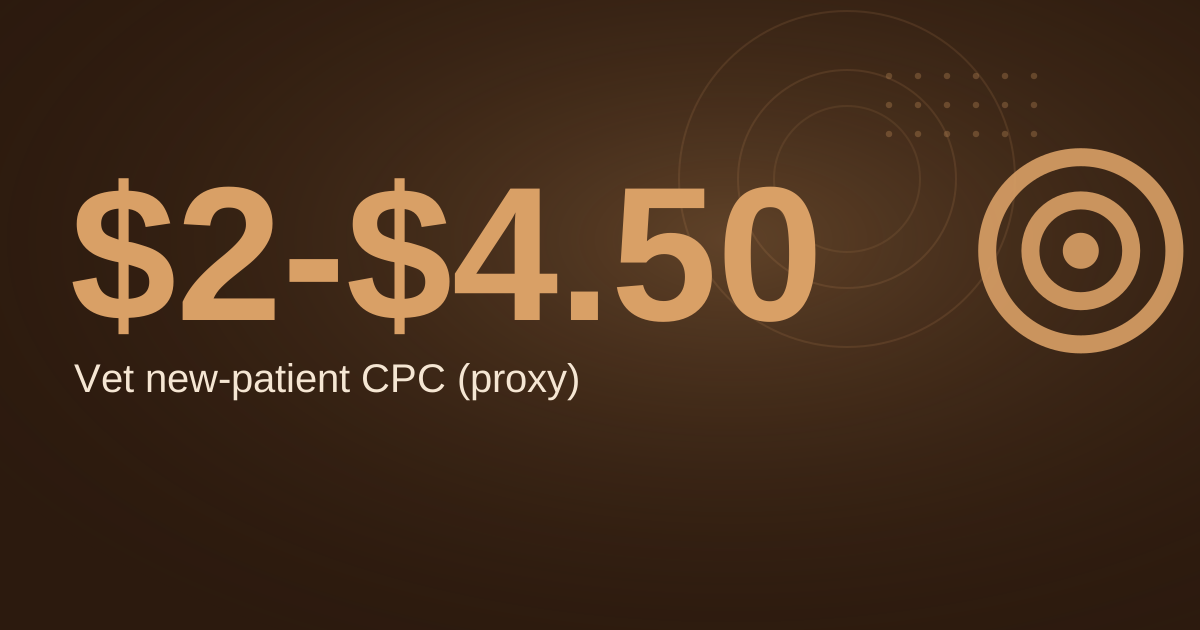
Emergency Medicine shows a 10.33% click-through rate, a 6.89% conversion rate and a $41.68 cost per lead. General Practice & Family Medicine shows a $5.47 click and a $62.80 lead. Those ranges are wide, and a "lead" is whatever each advertiser counted as a conversion. Treat the spread, roughly $2 to $5.50 a click, as a sanity band for your first month, not a forecast.
Vendor blogs quote urgent-care-specific numbers, but they disagree with each other and cite reports that could not be traced, so none are used here.
Pick the Campaign Type
Start with Search. People type what they need now: "urgent care near me", "walk in clinic open now", "x-ray near me". Search catches that moment, and you can target by keyword instead of by audience, which matters for the policy reasons below.
Add ad scheduling. Google's ad scheduling help says you can specify hours or days when ads show and set bid adjustments for particular days and times. Run ads when the doors are open, and raise bids on your busiest evening and weekend windows once you can see them in your own data.
Local Services Ads are worth checking, not assuming. Eligibility depends on your category and country, and Google's pages do not state that urgent care is covered everywhere. See our Local Services Ads guide and check in your account.
The Policies That Matter for Urgent Care
Three Google policy areas apply. This section reports what Google's pages say, and marks my reading separately.
1. Health is a sensitive interest category
Google's Health in personalized advertising page says content related to Health is a sensitive interest category, covering physical or mental health conditions, treatments for chronic conditions, invasive medical procedures and disabilities. For those categories, advertiser-curated audiences cannot be used: Customer Match, your data segments, audience expansion and lookalike segments are listed as unsupported. Predefined audiences, in-market segments and location targeting remain supported.
The page does not mention urgent care, injury care or emergency services either way. My reading, not Google's statement: if an ad or landing page centres on a condition (diabetes management, STI care), plan for the restrictions to apply. For general walk-in care, do not build your plan on remarketing or customer lists. Keywords are not audiences, so keyword-targeted Search stays your main tool.
2. Do not upload patient conversions
Google's customer data policies list health or medical information, including purchases of medical services, as a sensitive category. They say you may not upload conversion information related to sensitive categories, and that these conversions cannot be used for enhanced conversions.
In practice, do not feed visit records from your EHR or billing system into Google Ads. Count generic events on your site: a call of a set length, a check-in form submitted, a directions tap.
3. The Healthcare and medicines policy covers specific services
Google's Healthcare and medicines policy lists online prescription services, telemedicine (which it says must be LegitScript-accredited), addiction services, health insurance in the US, and testing items such as STI testing and HIV home tests. An ordinary walk-in clinic is not one of the headline items.
If you add a telehealth visit that prescribes, advertise STI testing or sell insurance products, read the relevant section first, since certification may be required. The page does not mention COVID-19 tests, so check how your own account treats them before building a campaign around them.
Claims
Google's unreliable claims policy bars inaccurate claims and claims that promise an improbable result, and says testimonials that claim specific results need a visible disclaimer. It does not mention wait times. My view: if you show "No wait" or "15 minute wait", it should be true when the ad runs. Safer headlines state facts: Open Until 10pm, X-Ray On Site, Walk-Ins Welcome.
Emergencies are not your customers
Urgent care is for non-life-threatening problems. UCLA Health's guide to urgent care versus the ER lists severe chest pain, seizures, heavy bleeding, severe allergic reactions and overdose as reasons to call 911 or go to the ER. Put a plain line on your landing page telling anyone with those symptoms to call emergency services, and keep ER-type terms out of your keywords.
Set Up the Campaign
Location
Draw a radius your patients actually travel, usually a short drive, and check the zip or postcodes of your last 50 visits. Consider presence-based location targeting if you do not want clicks from people who only searched about your town; that is my suggestion, so confirm the options in your own account.
Keywords and match types
Ad group
Example keywords
Match type
Core local
"urgent care near me", [urgent care your town], "walk in clinic your town"
Phrase + exact
Open now
"urgent care open now", "urgent care open sunday", "urgent care open late"
Phrase
Services
"x-ray near me", "sports physical your town", "stitches near me"
Phrase + exact
Illness
"strep test near me", "flu test near me"
Phrase
Brand
[your clinic name]
Exact
Add negatives on day one: jobs, salary, nurse practitioner jobs, hiring, free, veterinary, er, emergency room, 911, wait times er, pediatric (if you do not treat children). Our negative keywords guide shows campaign-level and shared-list setup.
Ads and assets
Use real, checkable text: Urgent Care in [Town]. Walk-Ins Welcome, Open 8am to 10pm, 7 Days, Most Insurance Accepted (only if listed on your site). Add a call asset, a location asset linked to your Business Profile, and sitelinks to Services, Insurance, Hours and Check-In.
Landing page
Send each ad group to a page that answers the first four questions: are you open, are you close, do you take my insurance, how do I get seen.
Include hours with an "open now" status, address, map and parking, a tap-to-call button, online check-in if you offer it, an insurance list and the emergency line above. Keep any form to name, phone and reason category, not symptoms. See landing page best practices and online booking for healthcare.
Tracking Without Health Data
Track three things:
Calls from the ad, counted only above a minimum length. Google's website call conversions help says a call counts only if it is longer than the minimum length you set. Choose a length that matches a real enquiry; 30 to 60 seconds is my starting point, not Google's.
Check-in or form submissions on a thank-you page with no health details in the URL.
Directions taps from the location asset.
Then close the loop by hand: ask each front-desk registration how the patient found you. Our call tracking guide covers number swapping. Keep ad tags off patient portals and intake pages.
The Math
Take a $2,000 monthly budget. The Base click price and conversion rate are LocaliQ's Hospitals & Clinics figures; the Strong click price is LocaliQ's Emergency Medicine figure. Every other row is an assumption. Replace them after one month of data.
Tough
Base
Strong
Budget (assumption)
$2,000
$2,000
$2,000
Cost per click
$7.00 (assumption)
$4.90 (LocaliQ)
$2.29 (LocaliQ)
Clicks
286
408
873
Click to call or check-in
3% (assumption)
6.10% (LocaliQ)
8% (assumption)
Contacts
8.6
24.9
69.9
Contact to visit (assumption)
40%
55%
70%
Visits
3.4
13.7
48.9
Ad cost per visit
$583
$146
$41
The Strong column pairs the cheapest benchmark click with optimistic rates, so do not plan around it. Two uses of the table:
Your ceiling click price. Max CPC = most you will pay per visit x contact rate x visit rate. In Base the rates multiply to 0.061 x 0.55 = 0.0336. If you will pay $100 to acquire a visit, the ceiling is $100 x 0.0336 = $3.36 a click.
What a visit is worth. Net revenue per visit depends on your payer mix, so pull it from your billing system. Add return visits and referrals from the same patient before judging a campaign by the first visit alone.
Your best levers are not in Google Ads. Answer the phone, keep the posted wait accurate, and confirm insurance quickly.
Optimise Weekly
Read the search terms report and add negatives, pause keywords that spent about twice your target cost per contact with none, test one new headline every two weeks, and check which hours calls go unanswered. Keep your Google Business Profile accurate, because patients compare hours, reviews and photos before calling. Google Ads for dentists and Google Ads for pediatricians cover similar patient funnels.
Do This Today
Pull the zip or postcodes of your last 50 visits and draw your ad radius from them.
Decide the most you will pay for one new visit and compute your ceiling CPC with the formula above.
Add the emergency line to your landing page and the ER terms to your negative keyword list.
Build one Search campaign with the five ad groups above, an ad schedule matching your opening hours, and no remarketing or customer lists.
Set up call and check-in conversions with a chosen minimum call length, and add "how did you find us" to registration.
FAQ
Q: How much should an urgent care center spend on Google Ads per month?
A: There is no official number. At LocaliQ's $4.90 Hospitals & Clinics click, $2,000 buys about 408 clicks and $1,000 about 204. Work backward from what a visit is worth to you using the ceiling formula.
Q: Can urgent care centers use remarketing?
A: It depends on whether your ads fall in Google's Health category. Google lists remarketing-style data segments, Customer Match and lookalikes as unsupported for sensitive categories and does not say whether general walk-in care counts, so plan without remarketing.
Q: Can I upload patient visits to Google Ads as conversions?
A: Google's customer data policy says you may not upload conversion information related to sensitive categories, which include health or medical information. Use on-site events and calls instead.
Q: Should I bid on symptom searches?
A: Selectively. "Strep test near me" shows a clear need that you can serve. Avoid terms that signal an emergency, and judge each by cost per visit.
Q: How long before the ads pay off?
A: Calls can start within days. Give it four to six weeks, my rule of thumb, before judging cost per visit.
Local marketing strategist with 10+ years at global agencies — OMD, Dentsu, GroupM, and BBDO. Now helping small businesses get the same data-driven edge. Based in Europe, working with clients in the US, UK, Australia, and beyond.