Instagram DM automation lets a local business answer routine questions, send booking links and pass difficult chats to staff without someone watching the inbox all day. Before building any flow, check Meta's current messaging rules, since they set how long a reply is allowed and when a conversation can continue. Vendor sources describe what tools do but do not replace Meta's documentation. This guide covers a practical setup for salons and studios, a worked cost example, and a checklist to run before switching anything on.
→
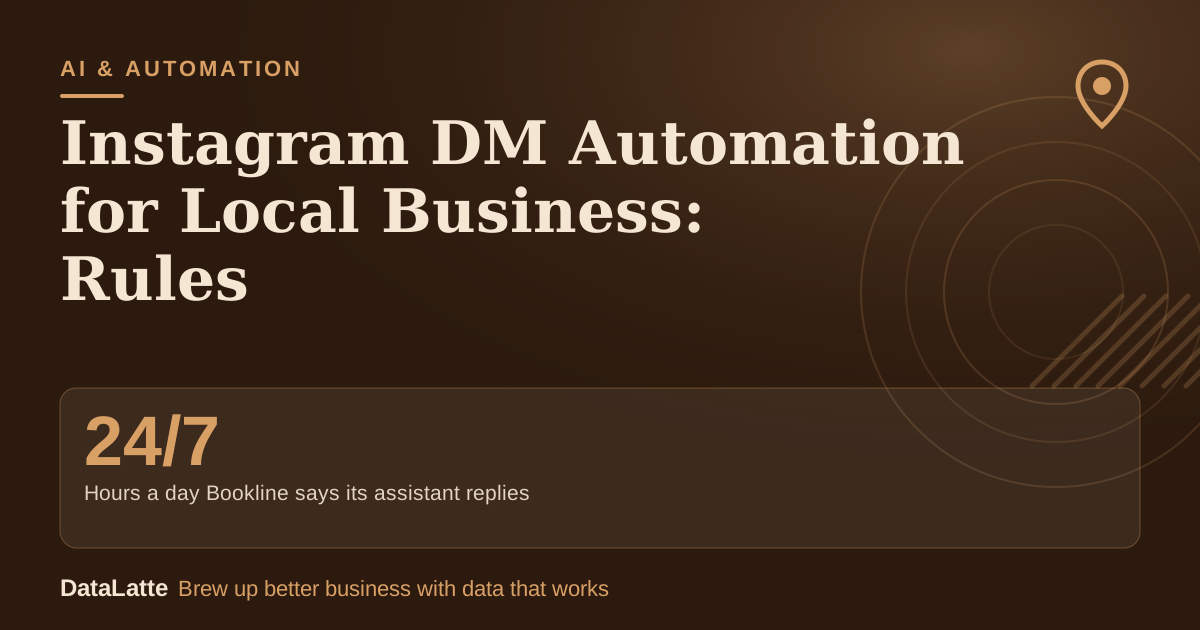
Hours a day Bookline says its assistant replies
Bookline vendor claim
Assumption→
Share of chats answered fully by the automated flow
assumption, worked example
Assumption→
Net monthly value of the worked example
assumption, worked example
Assumption→
Value of one extra booking in the worked example
assumption, worked example
See Sources at the end of the article. Cards marked Assumption are examples, not results.
What do you need to check before you build a DM flow?
Start with the platform rules, not the features. Open Meta's current developer documentation for Instagram messaging and write down the reply window, the number of messages allowed and the conditions for continuing a chat. Date the note, because platform rules change.
Then confirm the account type and the tool's access route. Ask the provider which Instagram connection it uses and whether it works with an ordinary customer account, not only its own test account. A tool that cannot demonstrate this should not be given control of the inbox.
What can an Instagram DM assistant do for a local business?
Bookline describes three core functions: answering direct messages, turning comments into private conversations, and publishing or scheduling posts with the replies attached. It states that it connects through Meta's official API and answers using the restaurant's own information,
according to its product page. These are vendor claims, so test them on your own account before relying on them.
For a salon or studio, the useful jobs are narrower: opening hours, prices, parking, the booking link, and a keyword reply such as "PRICE" on a post. A keyword reply saves time only if the message it sends is accurate and easy to correct when prices change.
Which DM flows fit a salon or studio?
Keep each flow short, and give every flow a clear exit to a person. The table below sets each trigger against its handoff point, which is where most automation fails.
| Trigger | Automated reply | Hand off to a person when |
|---|
| Comment with a keyword | Booking link and one question | The person asks something outside the price list |
| New chat | Prices, hours and location | A complaint or a change to an existing booking |
| "Price" or "how much" | Current price list | A custom quote or a colour correction is needed |
| Photo or voice note | Acknowledgement and a request for a short written description | The attachment is the main question |
The photo and voice row matters. Klioso's guidance on booking assistants notes that a system may receive an attachment without being able to interpret it, and that a professional should review a reference photo before anyone recommends a treatment,
per its capabilities article. Build that handoff into the flow from the start. For a wider view of when a bot should pass a conversation on, see
AI agent for customer service for local business.
How do quick replies differ from automated replies?
Instagram's quick replies save typing, but someone still has to read each message and send the saved text. Bookline's comparison makes this distinction: quick replies are saved texts a person inserts by hand, while automated messages reply without anyone watching the inbox.
The comparison appears on Bookline's page. It is the vendor's own framing, so check each function against what the platform actually allows.
Quick replies still suit a small team that handles a few DMs a day. Automation pays off when messages arrive late at night or during service, which is when a salon is least able to answer. Bookline states that its assistant replies 24/7, which matters most for enquiries from tourists or from people messaging after closing.
What does the Instagram DM math look like?
The inputs below are assumptions for a hair salon. They are not results from a live account, so replace them with your own counts before deciding.
| Input | Assumption |
|---|
| Booking questions by DM per month | 120 |
| Share answered fully by the automated flow | 50% (60 chats) |
| Minutes saved per automated chat | 4 |
| Time saved per month | 240 minutes, or 4 hours |
| Value of staff time | $20 per hour, so $80 |
| Extra bookings from faster replies | 3 per month at $60, so $180 |
| Tool subscription | $30 per month (placeholder; use your tool's price) |
| Net per month | $80 + $180 - $30 = $230 |
If the extra bookings turn out to be zero, the net falls to $50. At lower message volumes, the time saving alone barely covers the subscription. Count real DMs for two weeks before paying for software.
Check the tool's pricing page before committing. Some tools charge by active contact, and prices change often, so the figure above is a placeholder rather than a quote.
How do you keep automated chats visible and safe?
Name the person who reviews unresolved conversations, and decide how often they check. Klioso advises preserving the latest question and its context, so a staff member does not have to ask the customer to repeat everything,
as described in its article.
Do not let the assistant repeat a greeting when a customer is upset or asks for a person. A complaint should reach a real route, not disappear into an automated loop. Tell customers when they are talking to an automated assistant if a reply could be mistaken for a member of staff.
For teams that also schedule posts, the calendar can live in one tool, but the reply flow still needs its own review. The comparison in
Later vs Planoly for Instagram scheduling covers the scheduling side. If DM replies need to reach a booking system or CRM,
Zapier vs Make for small business explains how that connection layer works. Once a live assistant is running,
AgentOps for monitoring AI agents covers how to track what it sends.
What should you test before you switch it on?
Run this checklist with five recent real enquiries, the number Klioso suggests for a first test of an assistant's scope:
- Write down the result each enquiry needed: an answer, a booking, or a handoff.
- Test from an ordinary customer account, not only your own test account.
- Send one question the assistant cannot answer and confirm it passes to a person.
- Ask for a time that is already booked and check that the assistant does not confirm it.
- Send a photo with a short caption and check that the reply asks for a written description.
- Check reply times during a busy service, not only in the afternoon.
- Confirm that a named person reviews unresolved chats on a fixed schedule.
Switch the flow on for all customers only after all seven pass.
FAQ
Not freely. Meta's rules limit private replies to comments, and the exact limits are in Meta's developer documentation, which should be checked before building. Automation must stay inside those limits.
Do I need a separate tool to schedule posts?
No, but a scheduling tool and a DM tool can be separate. Bookline bundles publishing, scheduling and replies, so check whether you need all of those functions before paying for them.
Will DM automation replace front-desk staff?
It handles repeated questions. Keep a person for complaints, custom requests, money matters and anything that depends on a photo.
What if the assistant gives a wrong answer?
Keep business information current and reviewed. A price from an old promotion should not stay in the flow, so review prices and hours on a fixed schedule.
Sources
- Bookline: Instagram auto-reply and DM automation for restaurants (vendor product page; source for the feature list, the API claim, the 24/7 claim and the comparison table)
- Klioso: What can an Instagram booking assistant actually do? (secondary; vendor blog on capability tests, attachment limits and handoff)
Want a DM flow built around your booking process? Start with a
free audit, where your current inbox and the rules that apply to it are reviewed.
Free for local businesses
Want this applied to your business?
I'll review your Google presence, local SEO, and ad accounts — and send you a specific action plan within 48 hours. No pitch, no pressure.