To rank a coffee shop in the Dallas, TX Google Maps pack in 2026, start with a verified Google Business Profile, choose the Coffee shop category, collect recent reviews, and keep your name, address and phone number identical everywhere online. Verification comes first because an unverified listing will not show publicly. Setting up a Google Business Profile is free. The steps below cover each part, plus a monthly time budget you can adapt. No checklist guarantees a top-three spot, because results depend on competitors and on where the searcher is standing, so check your position regularly.
↑
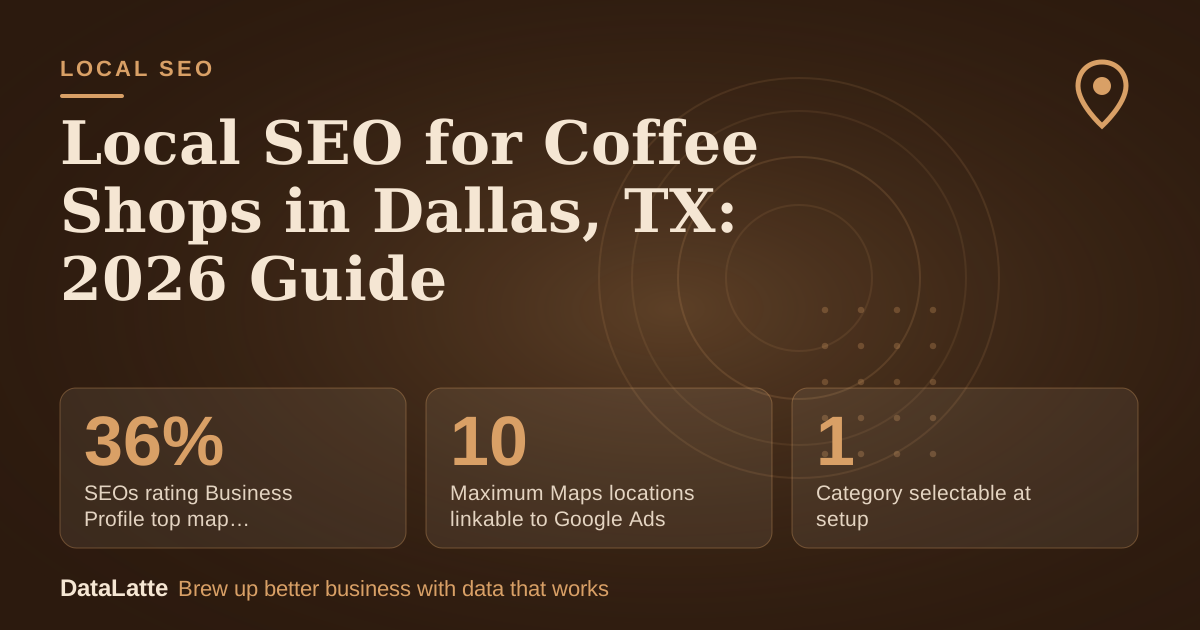
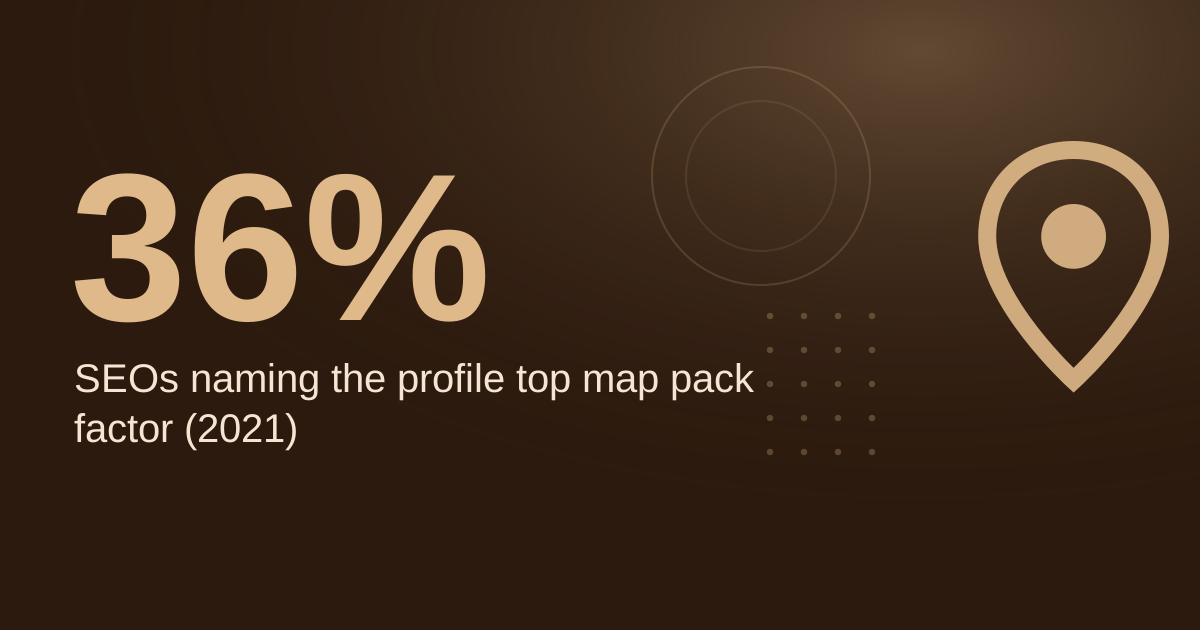
SEOs rating Business Profile top map pack factor (2021)
BrightLocal survey via Ahrefs, secondary
→
Maximum Maps locations linkable to Google Ads
Google Ads Help, used only when the profile option fails
→
Cost to set up a Google Business Profile
Google, primary
→
Category selectable at setup
BrewRound 2020, secondary
See Sources at the end of the article. Cards marked Assumption are examples, not results.
What does a coffee shop need before it can appear in Dallas map results?
Verification is the gate. According to BrewRound's 2020 guide, Google mails a letter with a code, and the profile does not appear in results until it is verified (
BrewRound, secondary). Per Diem makes the same point from the customer side: without
verification, updates will not show publicly and customers may not find the business (
Per Diem, secondary).
Ranking signals matter after that. In a BrightLocal survey cited by Ahrefs, 36% of SEOs said the Google Business Profile is the most important ranking factor for the map pack in 2021, up from 23% in 2013 (
Ahrefs, secondary). That is a survey of practitioners, not a Google rule, so read it as a sign of how much weight your profile carries.
Which Google Business Profile settings matter most for a coffee shop?
Start with the category. Per Diem recommends choosing "Coffee shop" or a related term rather than a broad category such as "Restaurant" (
Per Diem, secondary). BrewRound notes you can select one category at setup and add more later (
BrewRound, secondary). Set the primary category first, then add related ones only where they describe what you actually sell.
Next, use the Q&A section. Per Diem suggests answering common questions before customers ask them, such as whether you offer free Wi-Fi, dairy-free options, or dogs on the patio. Seed the questions you hear most at the counter.
Google also lets users message businesses directly through a listing, so check that inbox during opening hours. For a fuller walk-through of each profile field, see the
coffee shop Google Business Profile optimization guide.
How should a coffee shop handle reviews for map ranking?
Google shows reviews next to your Business Profile in Maps and Search (
Google, primary). The sources used here do not set a review count or star rating that guarantees top placement. Instead, compare your review count and rating with the shops that already hold the top spots in the Dallas pack, and use that gap as your target.
Ask for reviews at a predictable moment, such as after a visit, with a short message and a direct link to your review form. Respond to every review, positive or negative, and keep replies specific and courteous. Replies show prospective customers how you handle feedback, and they give Google more text to read about your business. Avoid copying the same reply across reviews.
Should a coffee shop post, answer Q&A and use the profile every week?
Posts only help when they are live. Google reviews each post after publishing, and a post shows publicly on Search and Maps only when its status is Live. Pending and Not approved posts do not show (
Google Help, primary). Check the status after publishing, especially for offers or events that need to be visible on a specific day.
Posting frequency is a judgment call. The Restaurant HQ recommends coffee shops post on social media at least once per week, ideally one to two times per day (
The Restaurant HQ, secondary). That guidance covers social media, not the Business Profile, so it is a benchmark for your broader content plan. For more on keeping the profile active, read
Google Business Profile tips for coffee shops.
Which keywords should a Dallas coffee shop target?
Focus on phrases customers type when they want a coffee now: "coffee shop near me," "best café" plus your city, "specialty coffee" plus your city, "coffee shop open now," and your neighborhood plus "coffee." Use them naturally in your profile description, service text, and website headings. Stuffing them into every line reads poorly to people and gives no benefit.
The sources here include no search volume data, so do not rank these phrases by volume you have not measured. Test them instead by checking your map pack position for each phrase every week. For paid search keyword research, see the
best Google Ads keywords for coffee shops.
How do citations and NAP consistency affect your map presence?
Citations are mentions of your business name, address and phone number (NAP) on other websites. Consistency matters more than volume. "St." and "Street" or two different phone formats can look like separate businesses, so use one exact version everywhere. Audit existing listings first, then fix errors before creating new ones. Directories such as Yelp, Foursquare and Bing Places are common places to check.
Your Google Business Profile is the source of truth. Google states that location data for Google Ads comes directly from Google Maps and Google Business Profile, and corrections made there flow into linked Google Ads accounts (
Google Ads Help, primary). Fix the profile first, then update the other listings to match it. If your shop appears on Google Maps in other places, the
Google Maps guide for coffee shops explains how to keep those listings aligned.
What does a monthly local SEO routine cost in time?
The table below is a worked example. Every input is an assumption, so replace the values with your own schedule before using the totals.
| Task | Frequency (assumption) | Minutes each (assumption) | Minutes per month |
|---|
| Publish Business Profile post | 4 per month | 20 | 80 |
| Upload new photos | 2 per month | 15 | 30 |
| Reply to reviews | 12 per month | 5 | 60 |
| Check Q&A and messages | 4 per month | 10 | 40 |
| Citation audit | 1 per month | 60 | 60 |
| Total | | | 270 (4.5 hours) |
At these assumed inputs, a single-location coffee shop spends about 4.5 hours a month on local SEO upkeep. If a step takes longer, such as a full citation clean-up after a rebrand, schedule it in a separate month rather than squeezing it into the routine.
How should your website support the Business Profile?
Your website should repeat the same signals as your profile. Use a clear title format such as "Coffee Shop in Dallas, TX | Your Business Name" on your homepage and location page, and keep your name, address and phone number identical to your profile. For structured data, schema.org includes a CafeOrCoffeeShop type that is more specific than a generic LocalBusiness type, so use it where your site platform supports it.
Embedding a map on your contact page helps visitors find you and gives a small, easy addition to location signals. The
guide to embedding Google Maps on a local business website covers the setup. Keep the embedded address exactly the same as your profile.
FAQ
Is a Google Business Profile free for a coffee shop?
Yes. Google describes its Business Profile as free to set up (
Google, primary). BrewRound's 2020 guide also says creating a listing is free and requires a Google account, which can be registered for free (
BrewRound, secondary).
Why won't my new coffee shop listing show in Maps?
The most likely reason is that the listing is not verified. Per Diem states that without verification, updates will not show publicly and customers may not find the business (
Per Diem, secondary). Check your verification status in your Business Profile dashboard.
Do posts show as soon as I publish them?
Not always. Google shows a post on Search and Maps only when its status is Live. Pending and Not approved posts do not show (
Google Help, primary). Check the status after publishing, particularly for time-sensitive offers.
Sources
- [Google Help: Create and manage posts on your Business Prof
Free for local businesses
Want this applied to your business?
I'll review your Google presence, local SEO, and ad accounts — and send you a specific action plan within 48 hours. No pitch, no pressure.