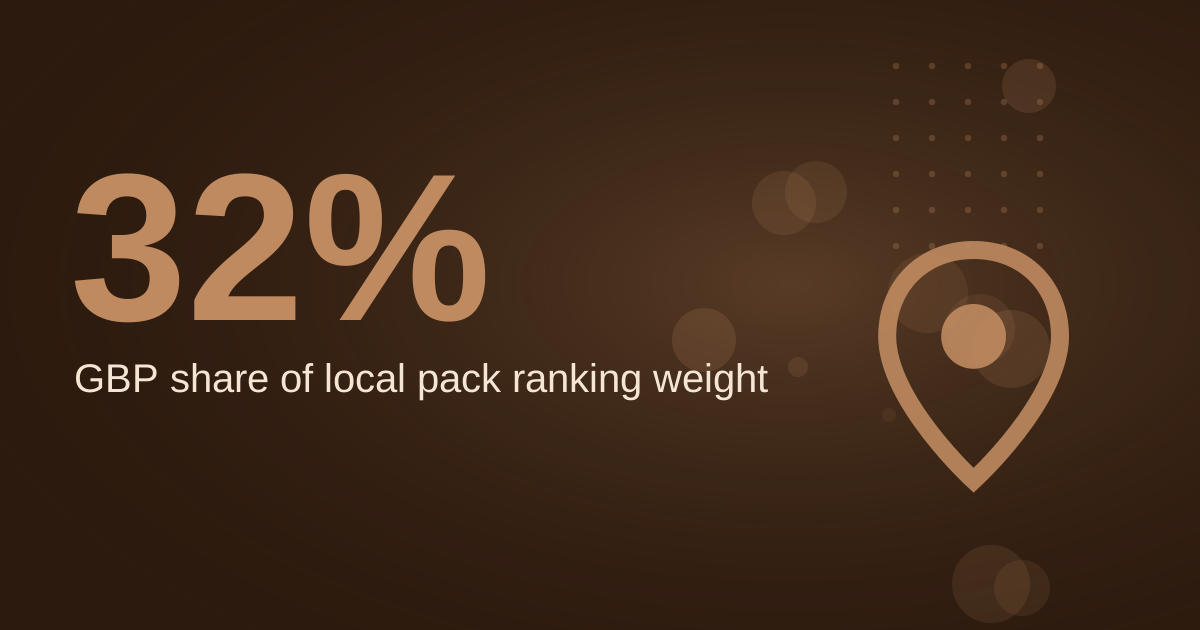
A coffee shop in El Paso, TX earns Google Maps visibility mainly through its Google Business Profile, the free listing that appears in Search and Maps. Start by claiming and verifying that profile, choosing the right category, and keeping hours, photos and posts current. Reviews and consistent citations then reinforce the listing, and the website should match what the profile says. This guide covers setup, the review routine, citation hygiene and a worked example you can adapt to your own shop. Figures come from the cited sources, and any example numbers are labelled as assumptions.
↑
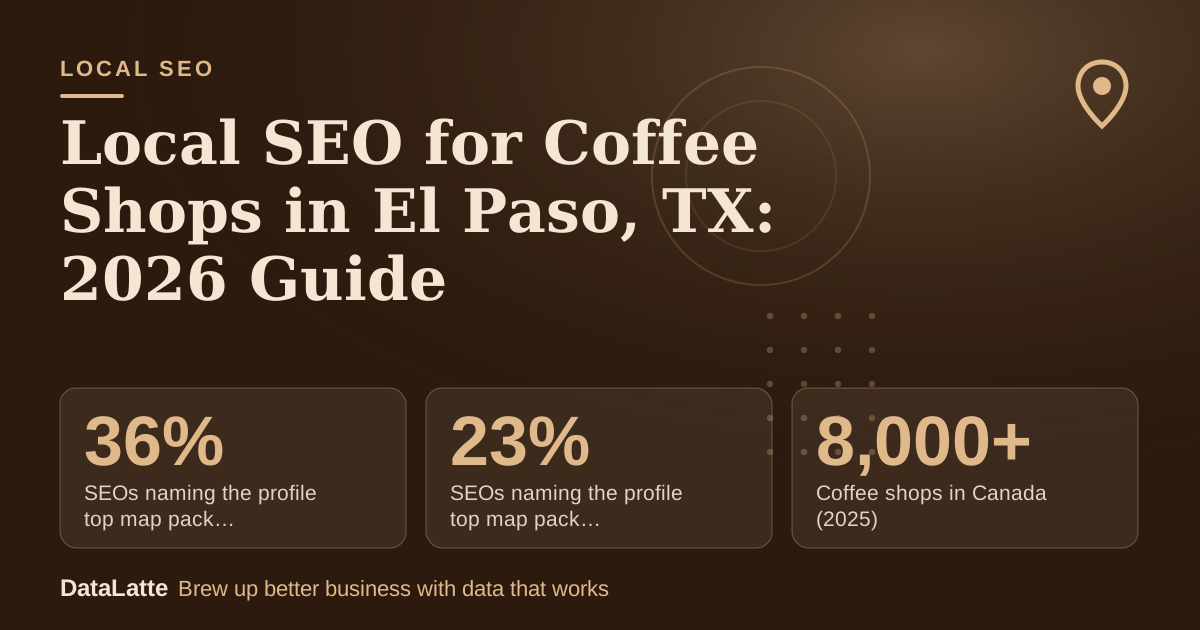
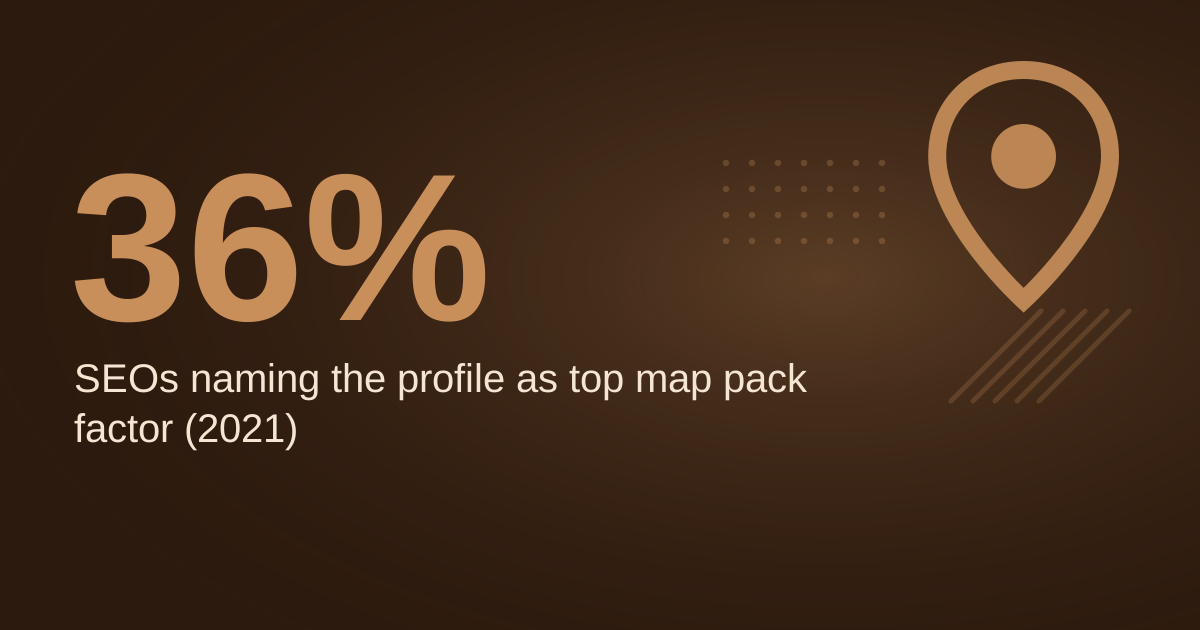
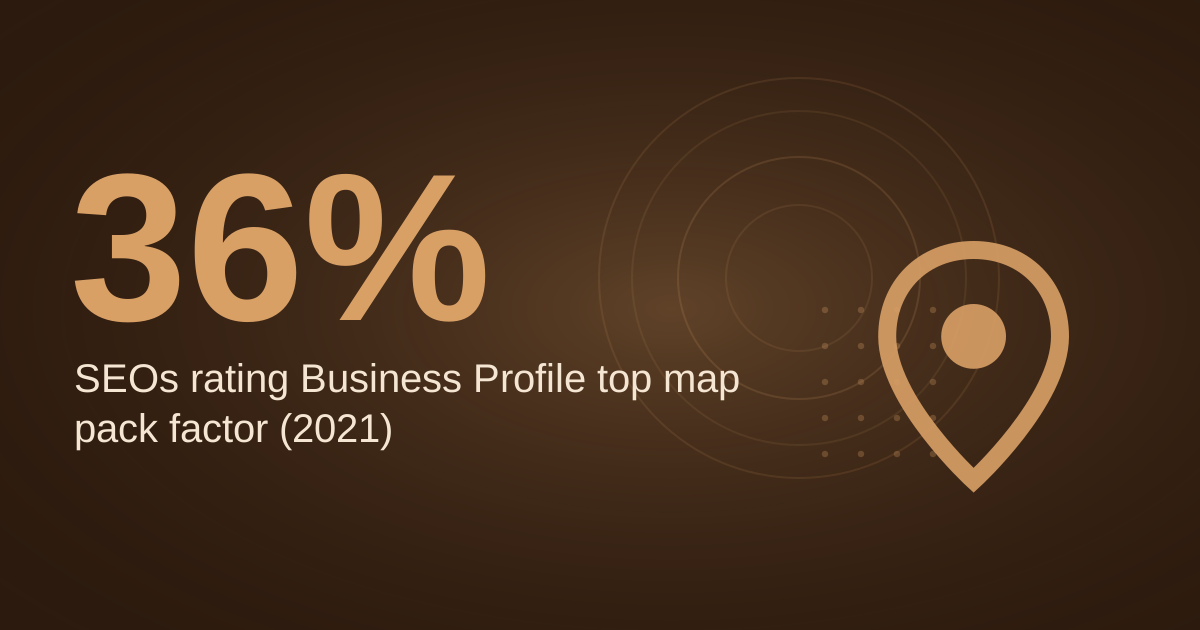
SEOs naming the profile top map pack factor (2021)
BrightLocal survey via Ahrefs (secondary)
→
SEOs naming the profile top map pack factor (2013)
BrightLocal survey via Ahrefs (secondary)
→
Coffee shops in Canada (2025)
IBISWorld via Square (secondary)
→
Cost to set up a Business Profile
Google Business Profile page (primary)
See Sources at the end of the article. Cards marked Assumption are examples, not results.
Why does the Google Business Profile matter most for coffee shops?
Google Business Profile is a free tool that lets businesses manage their presence across Google Search and Maps, according to
Keepers Digital (secondary). Google's own
Business Profile page makes the same offer, headlining a free profile on Search and Maps.
Practitioners weigh it heavily. In a BrightLocal survey reported by
Ahrefs (secondary), 36% of SEOs in 2021 said the profile is the most important ranking factor for the map pack, up from 23% in 2013. Treat that as a survey of professionals, not a rule Google has published.
Category choice matters too.
Per Diem (secondary) recommends "Coffee shop" or a related term rather than something broad like "Restaurant."
BrewRound (secondary, 2020) notes you can select one category at setup and add more later. For the full optimisation sequence, see
how to optimise a coffee shop Google Business Profile.
How do you set up and verify the listing?
Setup is short. BrewRound says creating a listing is free and needs a Google account, which can also be registered free. Work through these steps in order.
| Step | Action | Check before moving on |
|---|
| 1 | Sign in with a Google account and start a Business Profile | Use an account you will keep for the shop long term |
| 2 | Choose "Coffee shop" or a related term as the primary category | Avoid "Restaurant" unless it describes you better |
| 3 | Verify the location | The listing does not show publicly until verified |
| 4 | Match name, address and phone to your website | Identical wording, character for character |
| 5 | Add hours, services and photos | Hours match the sign on your door |
| 6 | Seed the Q&A and publish a first post | Confirm the post status is Live |
Verification deserves the most attention. BrewRound describes Google mailing a letter with a code, and says the profile does not appear in results until verified. Per Diem adds that without
verification, updates will not show publicly and customers may not find the business. BrewRound's page dates from 2020, so check Google's live verification help before you start.
Which Q&A and post habits help the profile?
Per Diem recommends answering common questions in the Q&A section before customers ask them, such as whether you offer free Wi-Fi, dairy-free options or dogs on the patio. Writing those answers yourself sets the wording that customers see. Per Diem also reports that Think Coffee, an independent brand, has thousands of app downloads after placing its app link in its Google profile. That is one example, not a benchmark.
Posts only appear publicly when their status is Live. Google's
post help page states that Pending and Not approved posts do not show on Search and Maps.
The Restaurant HQ (secondary) recommends posting at least once per week, ideally one to two times per day. A weekly post is a realistic floor for a small team.
Google also allows users to message businesses directly through their listings, per Per Diem. Check that the messages inbox is watched during opening hours. For more routine ideas, see
Google Business Profile tips for coffee shops.
How do reviews fit into the map pack?
Google states that reviews show next to a business's profile in Maps and Search, according to its
review tips page. Review wording is therefore visible to the same people who see the listing.
Thresholds circulate widely, but they are often unsourced. One landscaping page claims that businesses with over 50 reviews and a 4.7+ average dominate top map pack spots, without citing a source (
Accountability Now, secondary). Treat that as an unverified claim from a different trade. Track your own position against your own review count instead.
Ask for reviews in a way that invites specifics. A customer who mentions a particular drink, the seating or the Wi-Fi gives readers and search engines more to work with than a generic five-star rating. Reply to every review, and keep replies brief and accurate.
What does a review routine add up to?
The arithmetic is worth doing before you start. The inputs below are assumptions for a sample shop, so replace them with your own counts from the till and your review log.
- Assumption: 150 served customers per week
- Assumption: 60% of customers give a phone number for a review text
- Assumption: 4% of texted customers leave a review
Texts sent per week: 150 × 0.60 = 90. Reviews per week: 90 × 0.04 = 3.6, or about 4. Over 12 weeks: 3.6 × 12 = 43.2, or about 43 reviews.
If your real rate sits well below the assumed 4%, change the text wording and the timing before you change anything else. Log the weekly send count and the reviews received, so the rate is measured rather than guessed.
How do citations and NAP consistency work?
Citations are mentions of your business name, address and phone number on other websites. Consistency matters more than volume. A transposed digit or a different abbreviation for the same street creates a mismatch that search engines may read as two separate businesses. Fix existing directory entries before creating new ones.
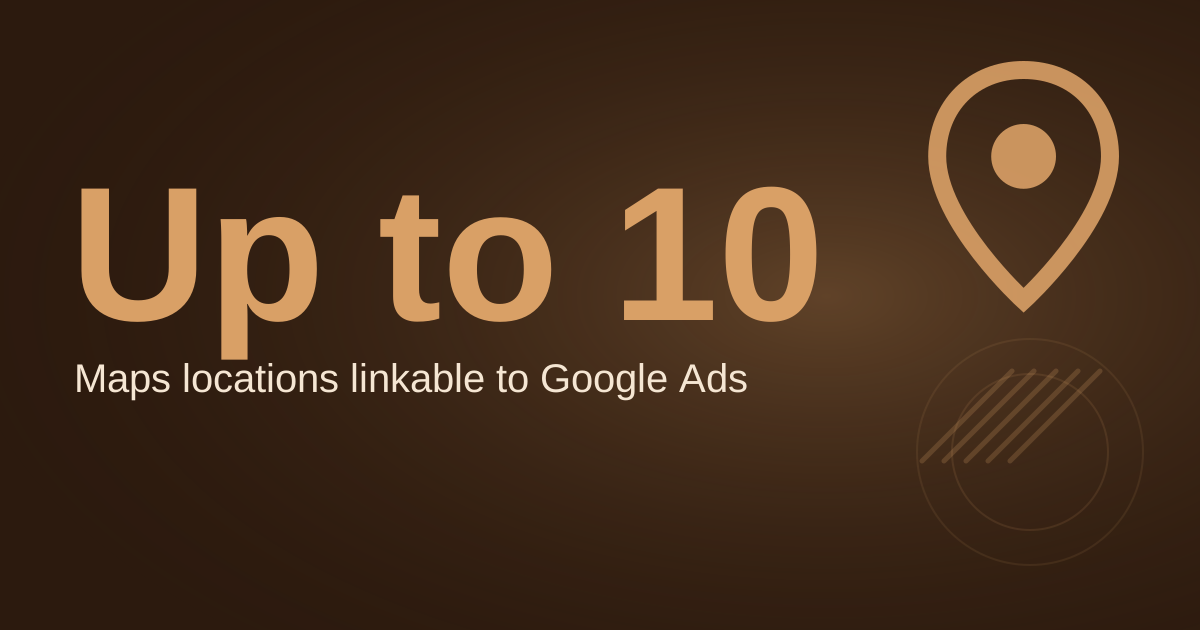
If you run Google Ads, the same data matters there. Google states that location asset data is sourced directly from Google Maps and Google Business Profile, and that successful corrections made there flow into linked Google Ads accounts (
Google Ads Help, primary). A clean profile therefore helps paid and organic search at once. For paid search specifics, see
Google Ads for coffee shops in El Paso, TX.
How should the website back up the profile?
The website should say the same things as the profile: the same name, address, phone, hours and menu categories. When a customer compares the two and finds a mismatch, trust drops and the listing becomes harder to rely on.
Give the location page a clear title that names the shop and the city, and embed a map so visitors can check the route. The steps for embedding a map are covered in
how to embed Google Maps on a local business website. Keep the menu and opening hours on the site current, and link the profile to the site so the two reinforce each other.
Which search terms should a coffee shop target?
Choose terms that match how people search from a phone. Queries like "coffee shop near me," "open now" and neighbourhood names are common local intent patterns. A 2020 BrewRound page says 46% of Google searches are for local businesses, but it cites no source, so use that figure only as a rough signal.
Build your list from your own data first. Check the search queries that bring people to your site in Google Search Console and the queries reported in your ad account, then group them by intent. For wider keyword ideas, see
the best Google Ads keywords for coffee shops in 2026 and
how coffee shops can dominate Google Maps.
How do you measure progress without guessing?
Set a baseline before you change anything. Record the profile's current views, calls and direction requests, plus your position for a short list of local searches. Repeat the same checks on the same day each week so the trend is comparable.
Use Google Search Console for organic clicks and impressions by page, and the profile's insights for views and actions. For map positions, check results in a private browser window from your shop's location, and log them in a spreadsheet. Avoid judging a single week, because map results vary by location and time of day.
FAQ
Is a Google Business Profile free for a coffee shop?
Yes. Google describes its Business Profile as free to set up on Search and Maps, and BrewRound says creating a listing is free. You will need a Google account, which can also be registered at no cost.
Why does my profile not show after I create it?
Verification is the usual cause. Per Diem states that without verification, updates will not show publicly, and BrewRound says the profile does not appear in results until verified. Check Google's current verification help page, since the BrewRound article dates from 2020.
How many reviews do I need to rank on the map pack?
No reliable sourced threshold exists. A landscaping page claims 50 reviews with a 4.7+ average, but cites no source. Track your own map position against your own review count, and treat any fixed target as a hypothesis to test.
Should a coffee shop use Google Ads alongside local SEO?
Both can run together. Google Ads location data draws on the same profile information, so a clean listing supports both. Compare cost and results before committing to a budget, and see
Google Ads services for local businesses if you want help setting that up.
Sources
- How to Use Google My Business for Your Coffee Shop, Per Diem (secondary)
- Google My Business for Coffee Shops, BrewRound (secondary, 2020)
- Local SEO: The Complete Guide, Ahrefs (secondary, citing a BrightLocal survey)
- Yelp vs Google Business Profile, Keepers Digital (secondary)
- 21 Coffee Shop Marketing Ideas, The Restaurant HQ (secondary)
- AI Google Business Profile Ranking for Landscapers, Accountability Now (secondary, unsourced claim)
- Get Listed on Google, Google Business Profile Canada (primary)
- Verify your Business Profile, Google Help (primary)
- Create and manage posts, Google Business Profile Help (primary)
- Tips to get more reviews, Google Business Profile Help (primary)
- About location assets, Google Ads Help (primary)
Ready for a second opinion on your listing?
Book a free audit, or see
our local SEO service for ongoing help with your El Paso coffee shop's map presence.
Free for local businesses
Want this applied to your business?
I'll review your Google presence, local SEO, and ad accounts — and send you a specific action plan within 48 hours. No pitch, no pressure.