Local SEO for a Fresno coffee shop starts with a verified Google Business Profile, because that listing is what shows up when someone searches for a coffee shop nearby.
Google's own listing page describes the profile as free. It only appears publicly after verification, so that step comes first. After that, the work is choosing the right category, answering common questions, publishing posts, collecting reviews, and keeping your name, address and phone number consistent wherever they appear.
→
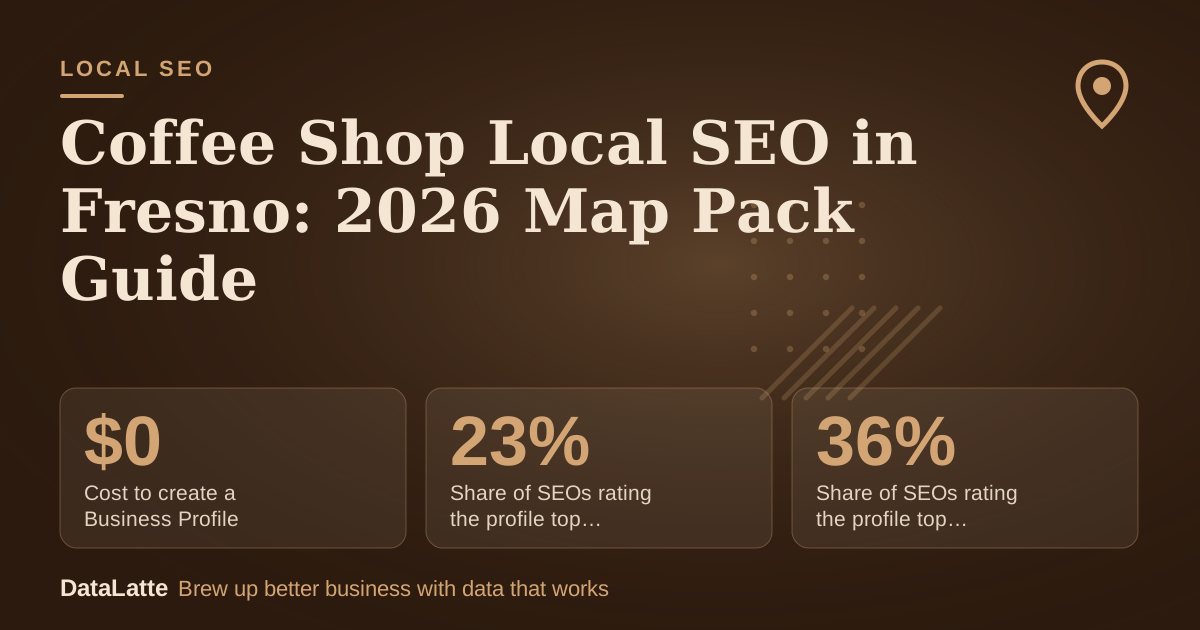
Cost to create a Business Profile
Google, free listing
→
Share of SEOs rating the profile top map factor, 2013
Ahrefs citing BrightLocal (secondary)
↑
Share of SEOs rating the profile top map factor, 2021
Ahrefs citing BrightLocal (secondary)
→
Max Maps locations to link in Google Ads
Google Ads help, fallback option
See Sources at the end of the article. Cards marked Assumption are examples, not results.
How much weight does the Business Profile carry in map results?
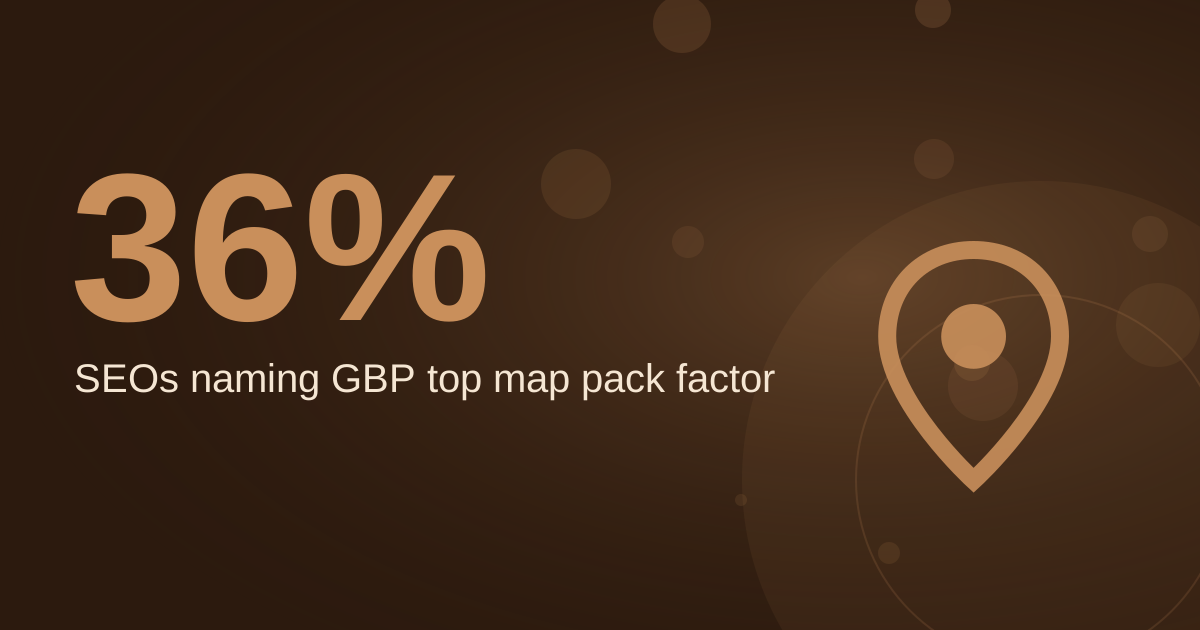
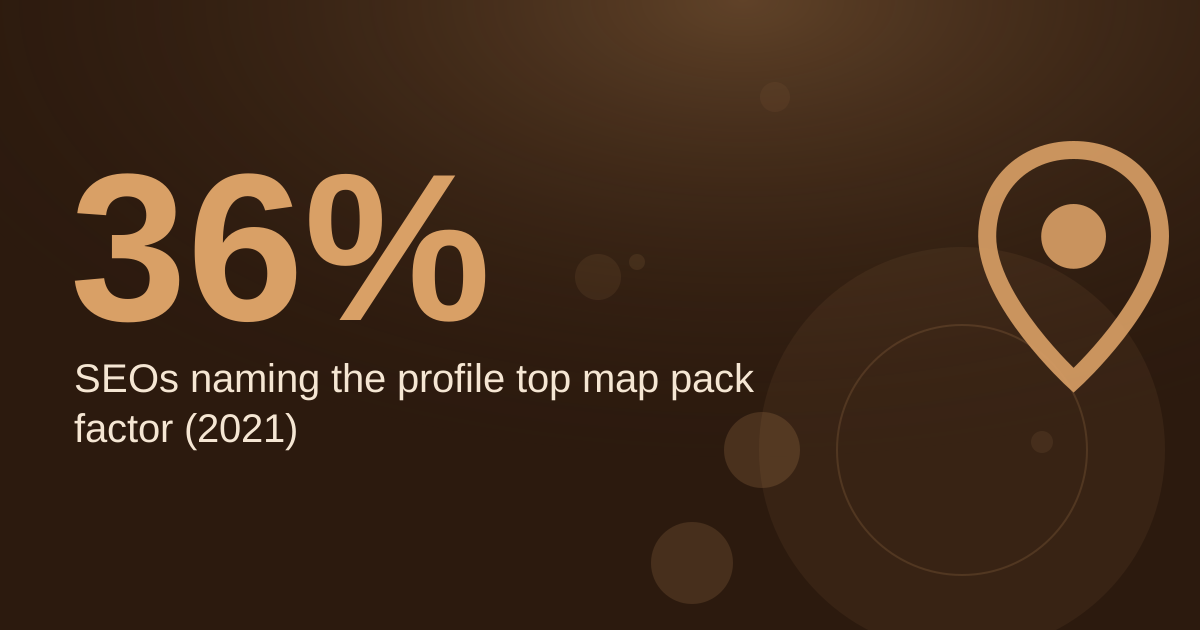
A BrightLocal survey, reported by Ahrefs, found that 36% of SEOs in 2021 considered the Google Business Profile the most important ranking factor for the map pack. In 2013 the figure was 23% (
Ahrefs, citing BrightLocal, secondary). That is a survey of professionals' opinions, not a measurement of how Google ranks results, so read it as a signal about where effort pays off.
A landscaping blog claims that businesses with over 50 reviews and a 4.7+ average rating dominate top map pack spots, but the page cites no source (
AccountabilityNow, secondary). Treat that as a benchmark to test against your own competitors rather than a guaranteed threshold.
The most practical check is manual. Search your core terms in a private browser window, note which three businesses appear in the map pack, and compare their profiles with yours.
What must a Fresno coffee shop set up before it can show on Maps?
Creating a listing is free, and it requires a Google account, which can also be registered for free (
BrewRound, secondary, 2020). Verification is the step that matters most. Verification has historically involved a letter containing a code, and the profile does not appear in results until verified (
BrewRound, secondary, 2020). Check Google's current verification options in its help center, since methods can change.
Without verification, updates will not show publicly and customers may not find the business (
Per Diem, secondary).
Category choice also matters. Per Diem recommends "Coffee shop" or a related term rather than a broad category such as "Restaurant" (
Per Diem, secondary). BrewRound notes that only one category can be selected at setup, and more can be added later (2020).
Which profile fields should you complete first?
Work through these in order, because later steps depend on the listing being verified and visible.
- Verify the listing before anything else. Unverified updates do not show publicly.
- Set "Coffee shop" as the primary category, then add related categories once the profile is live.
- Answer common questions in the Q&A section before customers ask them. Per Diem gives examples such as free Wi-Fi, dairy-free options and dogs on the patio.
- Review your messaging setup. Google allows users to message businesses directly through their listings, so assign someone to check those messages.
- Publish posts and confirm they are Live. Only posts with Live status show publicly on Search and Maps.
- Add an app or online ordering link if you have one. Per Diem reports that Think Coffee has thousands of app downloads after placing its app link in its Google profile.
- Embed a map on your contact page. The Google Maps embed guide walks through the setup.
How often should a coffee shop post to its Business Profile?
The Restaurant HQ recommends that coffee shops post on social media at least once per week, and ideally one to two times per day (
The Restaurant HQ, secondary). That guidance covers social media, but the same cadence is a reasonable target for Business Profile posts.
Keep posts specific: a seasonal drink, a weekend special, a new roast, or a local event. Each post is only useful if it is Live, so check the post status after publishing. Google reviews posts after publication, and Pending or Not approved posts do not appear to customers (
Google Business Profile Help).
If you are short on time, a weekly post is the minimum. The
profile tips guide covers more ideas for content that fits a café.
Do reviews appear in map results?
Google states that reviews show next to a business's Business Profile in Maps and Search (
Google Business Profile Help). That means every review is public-facing, not just a rating in the background.
Ask customers for reviews in a way that invites detail. Mentioning a drink, a seating area or the Wi-Fi gives future readers useful information. Reply to every review, including negative ones, and keep replies short and factual. Responses are visible to readers, so they should sound like the shop.
Why do name, address and phone data need to match?
Location data for Google Ads comes directly from Google Maps and Google Business Profile, and corrections made there flow into linked Google Ads accounts (
Google Ads Help). Fix the Google listing first, then check other directories so that street suffixes, suite numbers and phone formats match exactly.
If the profile-based option does not work for your ads, Google allows you to select up to 10 locations from Google Maps to link with your Google Ads account. Those locations must be yours, or they may be disapproved (
Google Ads Help).
One landscaping firm reported an 18% jump in local pack appearances after cleaning up its NAP data, per that article's anecdote (
AccountabilityNow, secondary). It is a single anecdote with no baseline, so use it as a reason to audit, not as an expected result. If you run paid search, the
keyword guide for coffee shops covers which terms to target.
What does a review plan look like in numbers?
The inputs below are assumptions for illustration. Replace them with your own counts.
Assumptions:
- Customers served per week: 300 (assumption)
- Share who leave a review after a prompt: 2% (assumption)
- Review goal: 50, the benchmark from the landscaping article (assumption)
- Prompt method: a card on the counter, at a cost of $0 (assumption)
Reviews per week at 2% equal 300 × 0.02 = 6. Reaching 50 takes 50 ÷ 6 ≈ 8.3 weeks, so about 9 weeks.
| Scenario (assumption) | Review rate | Reviews per week | Weeks to reach 50 |
|---|
| Strong prompt | 2% | 6 | About 9 |
| Average prompt | 1% | 3 | About 17 |
| Weak prompt | 0.5% | 1.5 | About 34 |
The profile itself costs $0, since Google's listing is free (
Google Business Profile). The only cost in this plan is staff time for prompting and replying.
How do you know the plan is working?
Record four numbers each week: total reviews, reviews replied to, posts with Live status, and the top three results for your core search terms in a private browser window. Changes in those figures tell you more than any single snapshot.
Small weekly changes add up. A shop that holds the same routine for several months will have a clearer picture than one that changes its approach every few weeks.
FAQ
Is a Google Business Profile free?
Yes. Google describes its Business Profile as a free listing on Google Search and Maps (
Google Business Profile).
Why are my Google posts not showing?
Google reviews each post after publishing. Only posts with Live status are public on Search and Maps, so a post marked Pending or Not approved will not appear (
Google Business Profile Help).
Does my profile need verification before customers can find it?
Yes. Updates do not show publicly without verification, and customers may not find the business (
Per Diem, secondary). Check Google's help center for the current verification method.
Can customers message a coffee shop through Google?
Yes. Google allows users to message businesses directly through their listings (
Per Diem, secondary). Check your messaging settings and assign someone to respond.
Sources
- Google Business Profile, Google (primary)
- Create and manage posts on your Business Profile, Google Business Profile Help (primary)
- About location assets, Google Ads Help (primary)
- Tips to get more reviews, Google Business Profile Help (primary)
- How to Use Google My Business for Your Coffee Shop, Per Diem (secondary)
- Google My Business for Coffee Shops, BrewRound, 2020 (secondary)
- Local SEO: The Complete Guide, Ahrefs, citing BrightLocal survey data (secondary)
- AI Google Business Profile Ranking for Landscapers 2026, AccountabilityNow (secondary)
- 21 Coffee Shop Marketing Ideas from an Expert, The Restaurant HQ (secondary)
Next step: request a
free audit of your listing, or read about the
local SEO service.
Free for local businesses
Want this applied to your business?
I'll review your Google presence, local SEO, and ad accounts — and send you a specific action plan within 48 hours. No pitch, no pressure.