The Google Maps pack shows the top three business listings in local search results, and a pet groomer in San Francisco, CA has to win one of those three slots to get most of the nearby booking traffic (
Adwave, secondary). The pack draws its listing data from the Google Business Profile, so a complete, accurate profile is the starting point. Add enough high-quality photos, a steady posting rhythm, consistent name, address, and phone details, and a growing review count. The steps below cover each one, with a worked example built on labelled assumptions.
→
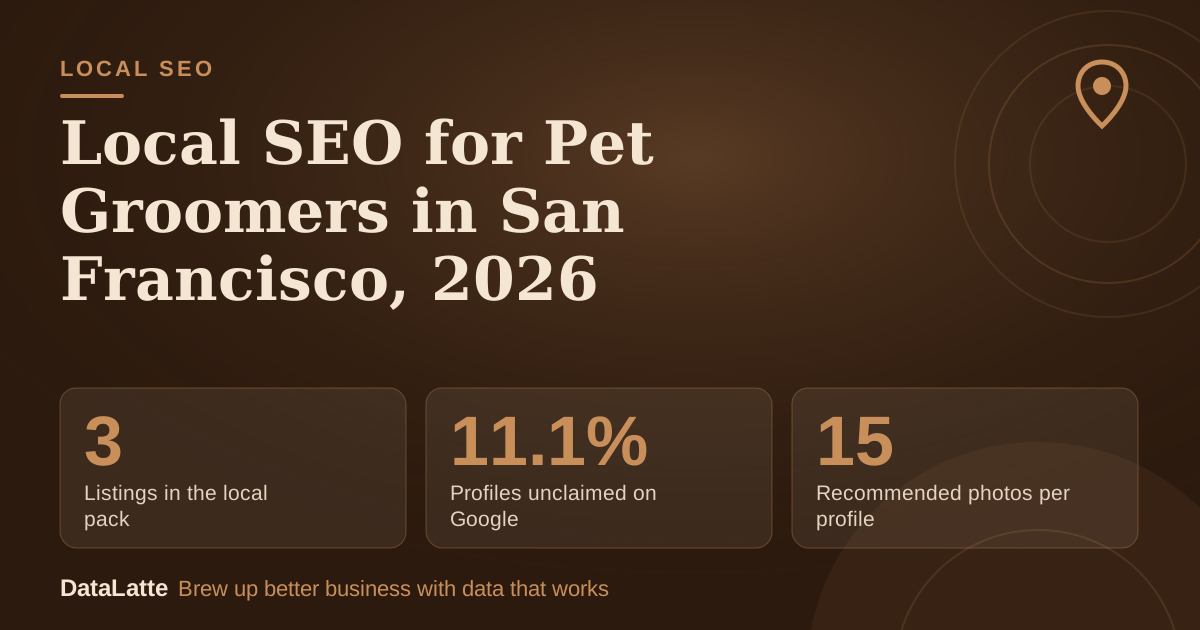
Listings in the local pack
Top three results in local search
↓
Profiles unclaimed on Google
Figure given without a named source
↑
Recommended photos per profile
Adwave recommendation
↑
Reviews linked to higher pack odds
Blogging Wizard analysis of 2M pages
See Sources at the end of the article. Cards marked Assumption are examples, not results.
How does the Google Maps pack choose San Francisco groomers?
The pack displays the top three listings for a local search, and those listings are pulled directly from Google Business Profile records (
Adwave, secondary). Google's own help documentation confirms that reviews appear next to your profile in Maps and Search (
Google Business Profile Help). That means your profile, reviews, and photos all sit on the search results page where people choose a groomer.
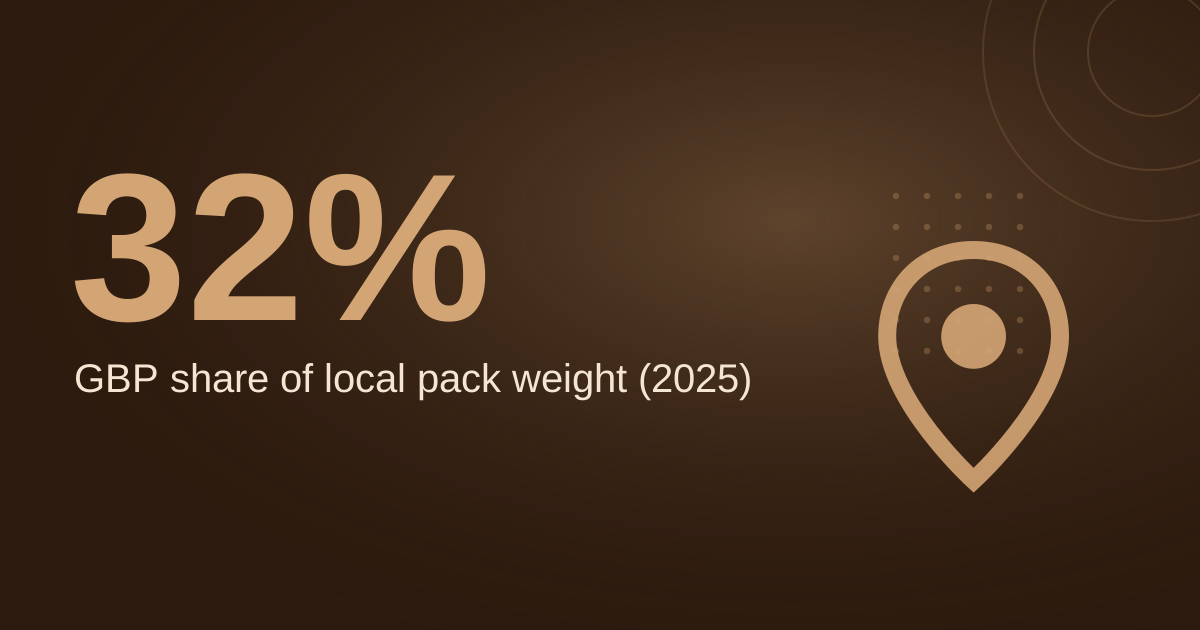
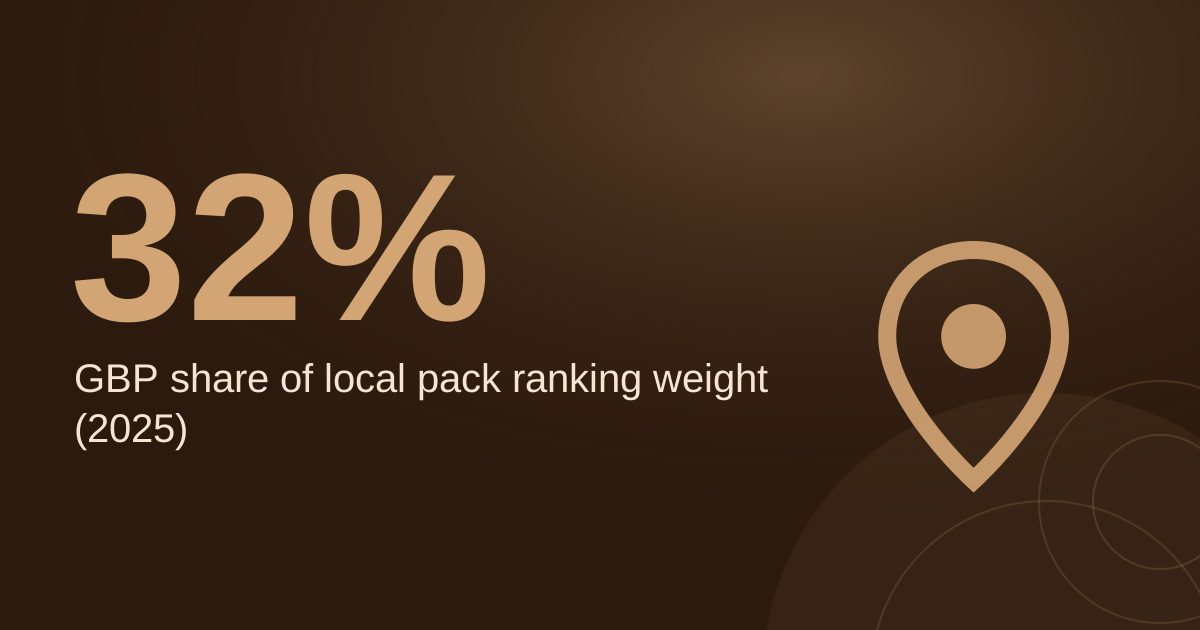
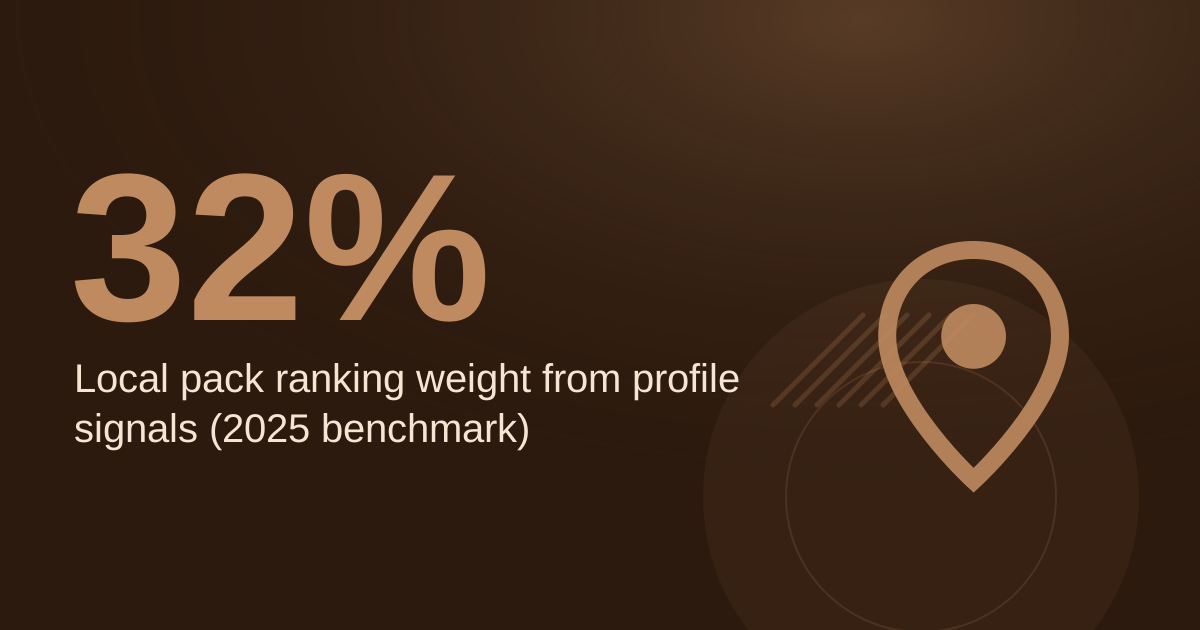
Google Business Profile weight is significant but not the whole story. One Adwave benchmark reports that profile signals made up 32% of local pack ranking weight in 2025 (
Adwave, secondary). A BrightLocal survey cited by Ahrefs found 36% of SEOs rated the profile as the most important pack factor in 2021 (
Ahrefs, secondary). Treat both as industry estimates, not guarantees for your listing.
Which Google Business Profile fields should you complete first?
Start with your primary category. Adwave advises checking the top three to five businesses that appear in local map results for your main service and noting which categories they use (
Adwave, secondary). Pick the category that matches what most of your bookings are for, then add secondary categories only where they describe a real service.
Next, write your description. The profile allows 750 characters (
Adwave, secondary). Lead with the grooming service, the neighborhood you serve, and one differentiator, such as experience with anxious dogs. Keep the wording natural and avoid repeating the same keyword.
Hours, phone number, and address must be exact. Adwave says they should be 100% accurate (
Adwave, secondary). Update holiday hours before the season starts, not after customers call and find you closed.
Do mobile groomers need to show a street address?
A business that works from home or travels to customers can hide its street address and be designated a Service Area Business (
Adwave, secondary). For a mobile pet groomer, this is usually the right setting, because customers search by neighborhood rather than by a storefront. Define the service area in the profile so that searches from nearby neighborhoods still match.
Storefront groomers should keep the address visible and make sure it matches every other listing exactly. Mobile and storefront businesses both benefit from the same posting, photo, and review habits described below.
How many photos and reviews does a pet groomer need?
Adwave recommends at least 15 high-quality photos, and says a robust gallery gets far more clicks and calls (
Adwave, secondary). A separate Adwave guide suggests at least 10 (
Adwave, secondary). Use 15 as the target. Photos of finished grooms, the grooming space, and the mobile van, if you have one, cover the most common searches.
For reviews, an analysis of 2 million profile pages by Blogging Wizard, reported by Adwave, found businesses with over 200 Google reviews were significantly more likely to appear in the local pack (
Adwave, secondary). Another article claims over 50 reviews and a 4.7+ average rating dominate top spots, but cites no source for that claim (
Accountability Now, secondary). Treat 200 as a long-term goal and 50 as a shorter milestone.
Why must your name, address, and phone match everywhere?
Name, address, and phone (NAP) details must match exactly on your website, your Google Business Profile, and major directories such as Yelp, Apple Maps, and Bing Places (
Adwave, secondary). Small differences count. Adwave's guide flags "St." versus "Street" and even a comma as mismatches (
Adwave, secondary).
Apple Maps matters more than many groomers expect. Apple Business Connect reports Profile Views, which counts how many people saw your business card in Apple Maps (
Adwave, secondary). A listing in that system should use the same NAP as your Google profile. One landscaping business reported an 18% increase in pack appearances after cleaning up its NAP data, though this is an anecdote from a secondary article (
Accountability Now, secondary).
What does a worked review and photo plan look like?
The example below uses assumption-labelled inputs. Replace them with your own numbers before you plan.
Assumption: you have 38 Google reviews today, you earn 2 new reviews per week, and your target is 200 reviews, based on the threshold in the Blogging Wizard analysis. The gap is 162 reviews. At 2 per week, that is 81 weeks, roughly 19 months. If a review request process lifts you to 4 per week, the gap closes in about 41 weeks, roughly 9.5 months.
Assumption: you have 4 photos now, and the target is 15. You need 11 more. Upload them in batches, one batch per month, so the profile shows steady activity.
Assumption: your average grooming ticket is $85, and better map visibility adds 3 bookings a month. That is $255 per month, or $3,060 per year, before costs. Adjust those inputs to match your real pricing and conversion rate.
Use this step checklist to turn the plan into routine work:
- Compare your NAP on your website, Google profile, Yelp, Apple Maps, and Bing Places, and fix any mismatch.
- Check the categories used by the top three to five groomers in your search results.
- Upload photos until you reach 15 high-quality images.
- Schedule one post per week, then confirm it shows as Live.
- Set a monthly review goal and a follow-up message after each appointment.
- Log your metrics once a month and compare against the previous month.
Does Google's AI answer feature change what you maintain?
Google's AI-driven answers, referred to as Ask Maps, draw on business profile data, website content, and reviews, according to a transition summary by Accrisoft (
Adwave, secondary). That is the same material this guide covers, so accurate profile fields and a website that describes your services clearly help both the pack and AI answers. See also
how AI is used for Google Business Profile optimization.
Google Ads location assets pull their data directly from Google Maps and Google Business Profile, and corrections made there flow into linked Google Ads accounts (
Google Ads Help). Fixing your listing therefore helps paid campaigns too. A Marketing 360 case study describes a mobile pet groomer that advertised on Facebook and Google, which is a reminder that paid and organic channels can run side by side (
Marketing 360, secondary). For a comparison of the two platforms, read
Google Ads vs Facebook Ads for local businesses.
How should you track local SEO progress?
Adwave lists six local search metrics worth tracking: Google Business Profile impressions, map-pack views, clicks to call, direction requests, website visits from the profile, and branded search lift over time (
Adwave, secondary). Record them monthly in a simple spreadsheet, so you can see whether changes to photos, posts, or reviews move the numbers.
Pair these with a short list of search terms, such as "dog groomer near me" and "mobile pet grooming," and check where your business appears for each one. For a deeper walkthrough of profile metrics, see
Google Business Profile optimization for pet groomers.
FAQ
Is a Google Business Profile free to set up?
Yes. Google describes its Business Profile as a free tool for managing your presence on Google Search and Maps (
Google Business Profile).
How long until my profile posts appear publicly?
Google reviews each post. Only posts with the Live status appear publicly on Search and Maps, while Pending and Not approved posts do not show (
Google Business Profile Help).
Can I start ranking for my own business name quickly?
A vendor page says businesses often begin ranking for their own name a few weeks after verifying the profile. This is an estimate, not a guarantee (
Adwave, secondary).
Can I answer messages from a desktop computer?
Yes. Google Business Profile messages can be managed from the dashboard on desktop, not only through the Google Maps app (
Adwave, secondary).
Sources
- Google Business Profile Help: Create and manage posts, primary
- Google Business Profile Help: Tips to get more reviews, primary
- Google Ads Help: About location assets, primary
- Google Business Profile (Canada), primary
- Adwave: Local SEO audit checklist, secondary
- Adwave: Google Business Profile categories, secondary
- Adwave: Google Maps marketing, secondary
- Adwave: Local SEO for small business and the map pack, secondary
- Adwave: Google Business Profile messaging, secondary
- Adwave: Multi-location local SEO audit, secondary
- Adwave: How to get more Google reviews, secondary
- Adwave: Local search intent, secondary
- Adwave: Apple Business Connect, secondary
- Adwave: Voice search optimization for local businesses, secondary
- Adwave: Google Business Profile Q&A, secondary
- Adwave: How to market a lawn care business, secondary
- Ahrefs: Local SEO guide, secondary
- Accountability Now: AI Google Business Profile ranking for landscapers, secondary
- Marketing 360: Pet groomer case study, secondary
Ready to see where your San Francisco grooming business stands on the map? Start with a
DataLatte local SEO service review.
Free for local businesses
Want this applied to your business?
I'll review your Google presence, local SEO, and ad accounts — and send you a specific action plan within 48 hours. No pitch, no pressure.