A coffee shop in Oklahoma City gets into Google Maps results through its Google Business Profile, which Google describes as free. Ranking in the map pack depends on a verified profile with the right category, live posts, and a steady flow of reviews. This guide covers the setup steps, a worked monthly return, and a tracking routine. It has no Oklahoma City ranking data, so test your own map pack results for the searches your customers use.
→
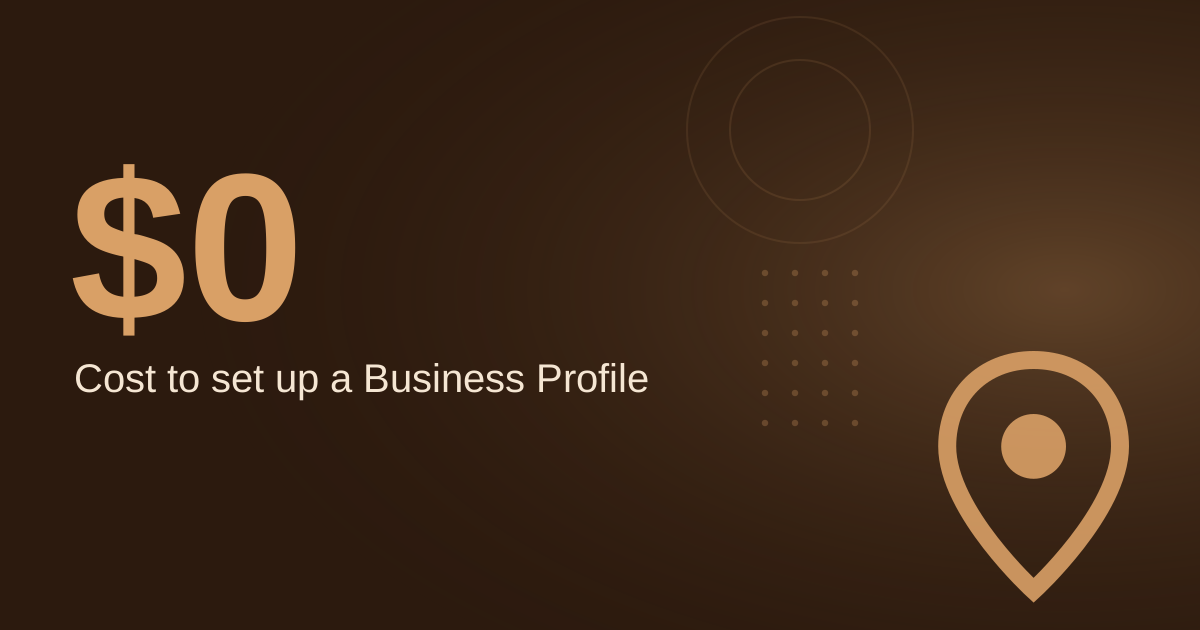
Google Business Profile setup cost
Google, free setup
↑
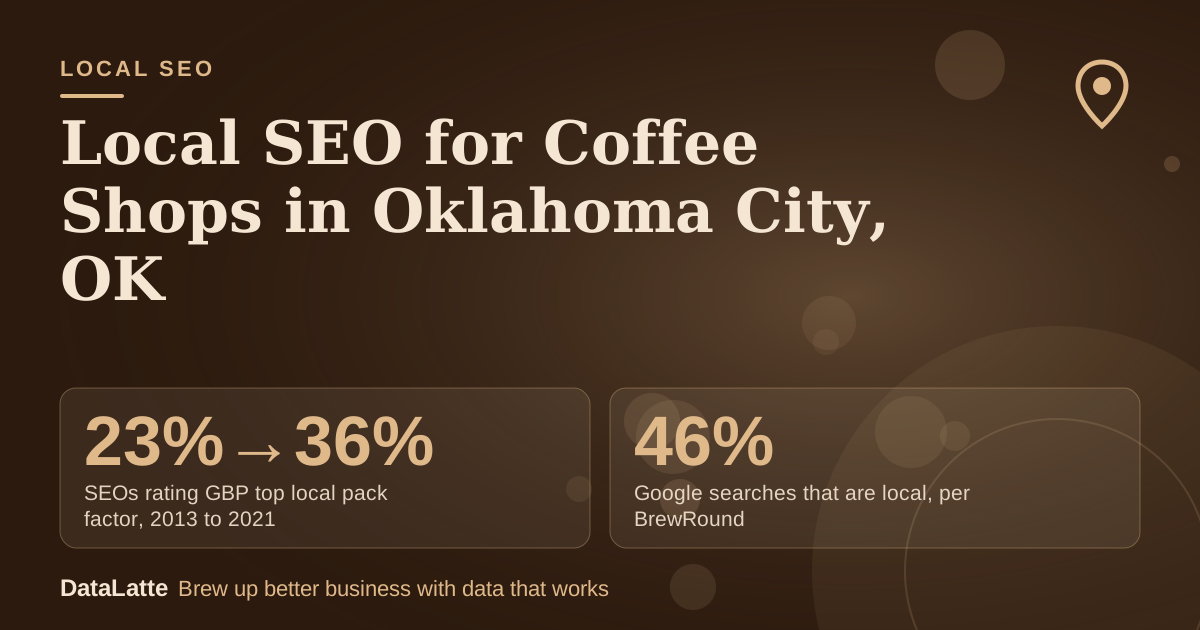
SEOs rating GBP top local pack factor, 2013 to 2021
BrightLocal survey via Ahrefs (secondary)
↑
Google searches that are local, per BrewRound
BrewRound 2020, no source cited (secondary)
→
Post status needed to show publicly
Google Help: only Live posts show
See Sources at the end of the article. Cards marked Assumption are examples, not results.
How do you set up a Google Business Profile for an Oklahoma City coffee shop?
Google presents its Business Profile as a free listing that appears on Search and Maps. You need a Google account to create one, and BrewRound notes that a Google account can be registered for free if you do not already have one (
BrewRound, 2020, secondary). Setup starts with the exact name, address, and phone number of your shop.
Verification comes next. BrewRound says Google mails a letter containing a code, and the profile does not appear in results until it is verified. Per Diem adds that unverified updates will not show publicly, so customers may not find the business (
Per Diem, secondary). Treat verification as the first milestone, not a final step.
Use this checklist for the setup:
- Sign in with a Google account, or register one for free.
- Enter your exact business name, address, and phone number.
- Choose "Coffee shop" or a related term as the category, not a broad term like "Restaurant" (Per Diem).
- Complete verification with the mailed code.
- Confirm the profile shows publicly before you start other edits.
For a deeper walkthrough, see
the coffee shop profile optimization guide. A 2021 BrightLocal survey, cited by Ahrefs, found 36% of SEOs rated Google Business Profile signals as the most important for the local pack, up from 23% in 2013 (secondary).
Which profile details help nearby coffee searches find you?
Answer common questions before customers ask them. Per Diem recommends answering questions about free Wi-Fi, dairy-free options, and dogs on the patio in the Q&A section. Google also lets people message a business directly from its listing, so check that inbox regularly (Per Diem).
Service area settings need care. Google's service-area guidance says areas should be set by city, postal code, or another area type, not by a radius (Cheers.tech summary, secondary). If your shop only serves walk-in customers, you may not need a service area at all. If you do deliver or cater, set areas by city or postal code rather than drawing a radius around the shop.
Some coffee shops use the profile for orders. Per Diem reports that Think Coffee, an independent brand, has thousands of app downloads after it placed its app link in its Google profile. Your ordering or loyalty link is worth adding if you have one.
How often should you post and collect reviews?
Google reviews each post after publishing, and a post shows publicly on Search and Maps only when its status is Live. Pending and Not approved posts do not show (
Google Business Profile Help). Check status after each post, not just after the first one.
The Restaurant HQ recommends that coffee shops post on social media at least once per week, and ideally one to two times per day (secondary). For profile posts, a weekly rhythm is a realistic start. The
Google Business Profile tips for coffee shops cover what to write in each one.
Reviews matter because Google shows them next to your Business Profile in Maps and Search (
Google, tips to get more reviews). Ask satisfied customers to leave a review, and reply to each one. Replies are visible to anyone reading the listing, so keep them specific and polite.
What does a monthly return look like for one coffee shop?
The table below is an illustration. Only the setup fee comes from a source. Every other input is an assumption to replace with your own figures.
| Line | Value | Basis |
|---|
| Google Business Profile setup | $0 | Free per Google (sourced) |
| Extra visits from the profile per month | 25 | Assumption |
| Average spend per visit | $6.50 | Assumption |
| Gross monthly revenue from those visits | $162.50 | 25 × $6.50 |
| Owner time: 3 hours a month on posts and photos at $25/hour | $75 | Assumption |
| Net monthly gain before any ad spend | $87.50 | $162.50 − $75 |
The result depends on your own numbers. Change the visit count and spend to match your sales records, and the net figure updates. If you also run Google Ads, location data comes from Google Maps and your Business Profile, and corrections made on the profile flow into linked ad accounts (
Google Ads Help).
Which search phrases should Oklahoma City coffee shops target?
Salesforce gives long-tail examples such as "best coffee shop in [city]" and "plumber near me" as location-specific phrases to build around (Salesforce UK, secondary). The table below groups typical patterns by intent. Intent labels are judgments, and the sources here do not include search volumes.
| Query pattern | Likely intent | Where to use it |
|---|
| Coffee shop near me | Visit now | Business name, category, description |
| Best coffee shop in Oklahoma City | Comparing options | Description, website title, review replies |
| [Neighbourhood] coffee shop | Local discovery | Posts, service pages |
Put each phrase where it fits naturally. Stuffing the same words into every field reads poorly to customers. For paid search keyword ideas, see
best Google Ads keywords for coffee shops before you spend.
How do you track map pack progress each month?
Set a baseline before you change anything, then check the same things every month. Use this routine:
- Pick five target phrases from the table above.
- Search each phrase weekly in a private browser window and note whether you appear in the top three.
- Review profile views, calls, and direction requests in the Business Profile dashboard once a month.
- Confirm that recent posts show Live status.
- Compare results with your baseline and change one thing at a time.
If you want a broader view of how Google Maps listings compete, read
how coffee shops dominate Google Maps. If your website also shows a map,
embedding a Google Map on your site is a simple addition.
Next steps: if you want an outside check of your profile, verification status, and map pack position,
book a free audit. You can also read about
DataLatte's local SEO service.
FAQ
Is a Google Business Profile really free for a coffee shop?
Google's Business Profile page describes it as a free profile on Search and Maps (
Google Business Profile). Check the current terms on the live help pages before you start, since paid features can change.
Can a coffee shop choose more than one category?
BrewRound says you can select one category when you create the listing, and more can be added later (secondary, 2020). Start with "Coffee shop" or a related term, then add others once the profile is live.
Do customer reviews show on the profile?
Yes. Google says reviews show next to your Business Profile in Maps and Search (
Google).
Should I set a service radius around my shop?
Google's guidance, as summarised by Cheers.tech, says service areas should be set by city, postal code, or another area type, not by a radius (secondary). Skip a service area if you only serve customers who visit the shop.
Sources
Free for local businesses
Want this applied to your business?
I'll review your Google presence, local SEO, and ad accounts — and send you a specific action plan within 48 hours. No pitch, no pressure.