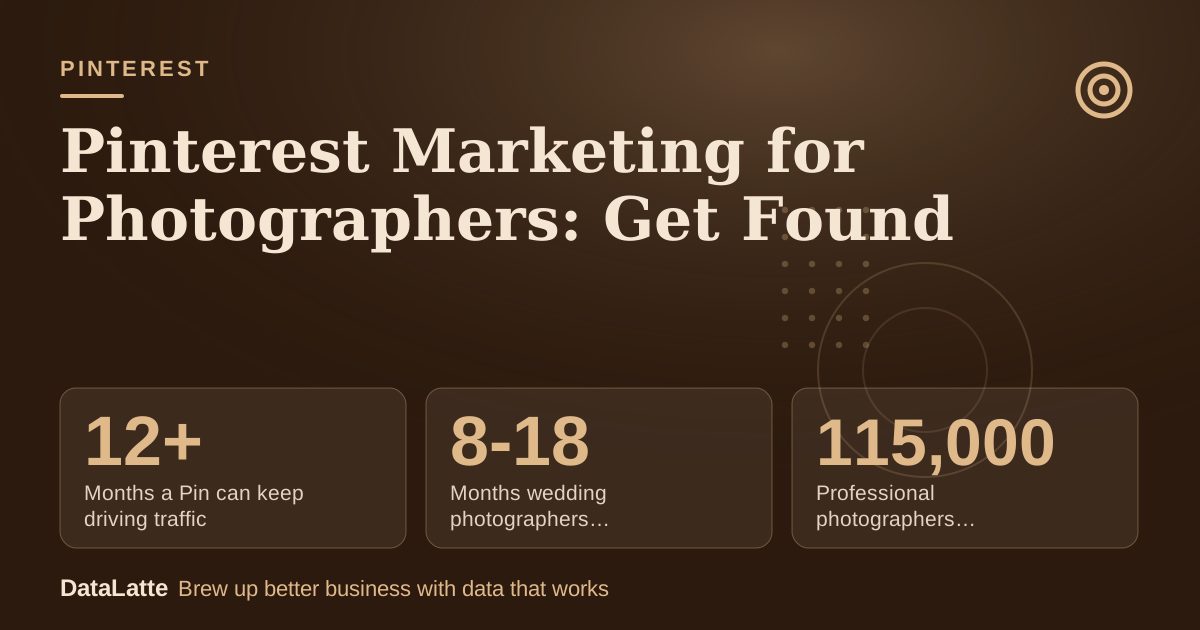
Pinterest can bring a photographer steady website visits without ad spend, provided each Pin links to a page built to win a booking. Pins keep working after they are posted: AdWave says Pinterest pins
continue driving traffic for 12+ months after publishing. The setup is simple. Create a business profile, name boards after client intent, make vertical images from your best galleries and send each Pin to a page with your location, packages and an enquiry form. Results are slow, and no neutral source publishes conversion rates for photographers, so track enquiries yourself.
The figures below come from the sources at the end of this guide. Anything labelled assumption is an example input, not a benchmark.
→
Months a Pin can keep driving traffic
AdWave, secondary
→
Months wedding photographers book ahead
AdWave, secondary
↑
Professional photographers competing in the US
IBISWorld 2024 via AdWave, secondary
→
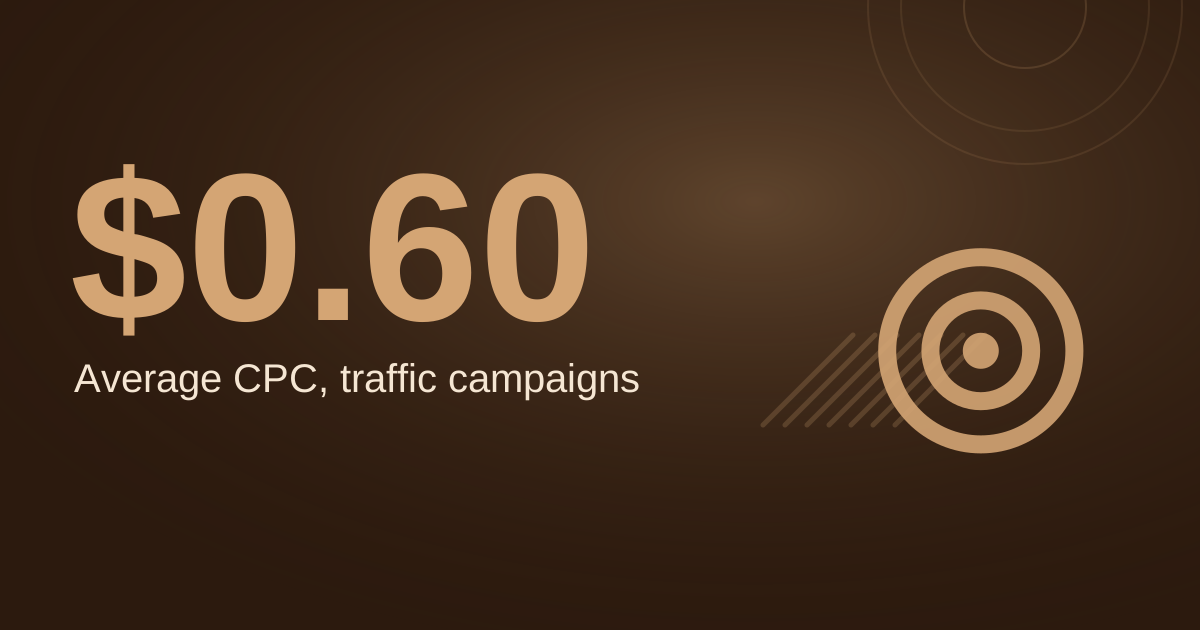
Expected Google Ads cost per inquiry
AdWave, secondary
See Sources at the end of the article. Cards marked Assumption are examples, not results.
Is Pinterest Worth It for a Local Photographer?
It can be, when clients plan ahead. AdWave says
wedding photographers often book 8-18 months in advance and senior portrait photographers book 3-6 months out. A Pin that gets found early can reach a couple long before they choose a photographer, which suits a channel that builds slowly.
Pinterest also works as a planning tool. AdWave cites historical research from Market.us finding that
84% of users had used Pinterest when deciding what to buy. That research is about product buying, not portrait sessions, so treat it as context rather than proof. Bookeo states that
Pinterest drives 33% more referral traffic to shopping sites than Facebook, again a shopping-site figure rather than a photography one.
Treat Pinterest as a low-cost source of search traffic, not a fast lead engine. Photographers who already post on Instagram can reuse the same images. The
Instagram marketing guide for photographers covers how to split your time between the two, and the
Pinterest guide for local businesses weighs whether the channel suits your area.
How Does Pinterest Compare With Google Ads and SEO?
Each channel has a different cost and time pattern, and the sources give different kinds of figures for each. The table below sets them side by side.
| Channel | Figures from sources | Time to meaningful results | Source |
|---|
| Pinterest Pins | Pins keep driving traffic for 12+ months after publishing | Not given by a neutral source | AdWave, secondary |
| Google Ads | $500-$2,500 per month budget for a single photographer; $25-$85 cost per inquiry | Traffic and inquiries stop when the budget stops | AdWave, secondary |
| SEO and content | Organic marketing can take 4-6 months to show movement | 4-6 months | AdWave, secondary |
| Social organic | Typically 6-12 months of consistent effort | 6-12 months | AdWave, secondary |
Google Ads gives a faster signal but costs money every month. Photography to Profits publishes a booking calculator with defaults of a $1,000 monthly ad budget, a $25 cost per lead, a 25% lead-to-booking rate and a $2,500 average booking value (
vendor page). These are the vendor's defaults, not benchmarks, but the structure is useful: enter your own numbers and see what a month of spend returns. Pinterest has no equivalent fixed cost, but it has a time cost, which the worked example later in this guide puts in money terms.
How Do You Set Up the Profile and Boards?
Create a business account and put your service area in the profile description. Name boards by client intent, combining a place with a session type, so that a search for a kind of shoot in your area can match a board. Keep each board to one session type. That makes it easier to see which types of session earn visits.
Next, claim your website. Pinterest's help pages explain what claiming does and which methods are available, and the steps and options can change, so follow the current instructions there rather than a copied checklist. Once claimed, your site's Pins are connected to your profile, which helps people find you from the images they save.
Avoid boards that mix wedding, newborn and corporate work. A visitor who finds a mixed board has to hunt for the service they want, and a board that matches one search intent is easier to tie to one landing page. Review the board list every few months and merge or rename any that get no visits.
What Should Each Pin and Landing Page Include?
Start with your strongest vertical gallery image and write a title that names the service and place. Add a short text overlay, such as "Backyard family session, Austin", so the Pin makes sense before anyone clicks. Only publish images you have rights to use. For client work, include a usage release in your contract so the Pin is covered.
Link each Pin to a page for that session type, not to your home page. A useful page includes a few images, your package list or starting price, your service area and an enquiry form. This layout is a design judgement, not a measured result, and it matches the way a visitor moves from inspiration to booking. For keyword choices in titles and descriptions, read the
Pinterest SEO guide for free traffic.
Check the current image and text specifications on Pinterest's help site before you upload. Specs change more often than this guide can track, so the live page is the reliable reference.
How Do You Track Whether Pinterest Brings Enquiries?
AdWave recommends
using UTM parameters on destination URLs so Google Analytics can separate traffic by board, theme, campaign or creative angle. Tag each Pin link with a source of pinterest, a medium such as social, and a campaign name that matches the board. Without tags, Pinterest visits blend into a general social or referral group, and you cannot tell which boards are working.
Add a "How did you find me?" field to your enquiry form and record the answer. Review three things each month: visits from Pinterest, enquiries that mention Pinterest, and which boards bring the visits. If visits arrive but nobody enquires, the landing page needs work. If visits do not arrive at all, check your board names and Pin titles first.
Give a new Pin set several months before you judge it. Because the sources do not give a neutral typical time to results for photographers, your own monthly numbers are the only fair measure.
What Does One Booking Pay for Your Pinterest Time?
Pinterest's cash cost can be close to zero, but the time is not free. The table below uses assumptions to show how many bookings cover the time spent. Replace every assumption with your own figures.
| Input | Value | Label |
|---|
| Hours per month making Pins and pages | 6 | assumption |
| Value of your time | $40 per hour | assumption |
| Monthly time cost | $240 (6 x $40) | calculated |
| Average session booking | $450 | assumption |
| Bookings needed to cover one month | 240 / 450 = about 0.53 | calculated |
| Bookings over 6 months | 3 | assumption |
| Revenue over 6 months | $1,350 (3 x $450) | calculated |
| Time cost over 6 months | $1,440 (6 x $240) | calculated |
Under these inputs, three bookings in six months leave a $90 gap, so a fourth booking, or a higher-fee session, is needed to break even. Four bookings bring in $1,800, which covers the $1,440 time cost with room to spare. A wedding photographer with a higher average fee reaches break-even sooner, and a portrait studio with lower fees needs more bookings. Use your own hours, hourly value and average fee, because those four inputs decide the result.
Pick your best session gallery, make three vertical Pins from it, and link all three to one page that names your service area, packages and enquiry form.
FAQ
How long do Pinterest Pins keep bringing visitors?
AdWave states that pins
continue driving traffic for 12+ months after publishing. That is a secondary source, so confirm the pattern against your own analytics over several months.
Is Pinterest worth it for a local photographer?
It can be, mainly for sessions that clients plan in advance. Wedding photographers often book 8-18 months ahead, according to
AdWave, which gives a Pin time to be found. Judge it on enquiries, not on visits alone.
Do I need to claim my website on Pinterest?
Claiming connects your site to your profile and to Pins saved from your site. Pinterest's help pages describe the methods and steps, which change, so check them before you start.
Should I pay for Pinterest ads?
Start with organic Pins and tracked links. Paid spend is a separate decision. For comparison, AdWave suggests a single photographer budget
$500-$2,500 per month on Google Ads, depending on specialty and market.
If you want an outside check of your current channels and tracking,
book a free audit. For budget options beyond paid ads, see the
affordable marketing help guide for small businesses.
Sources
Free for local businesses
Want this applied to your business?
I'll review your Google presence, local SEO, and ad accounts — and send you a specific action plan within 48 hours. No pitch, no pressure.