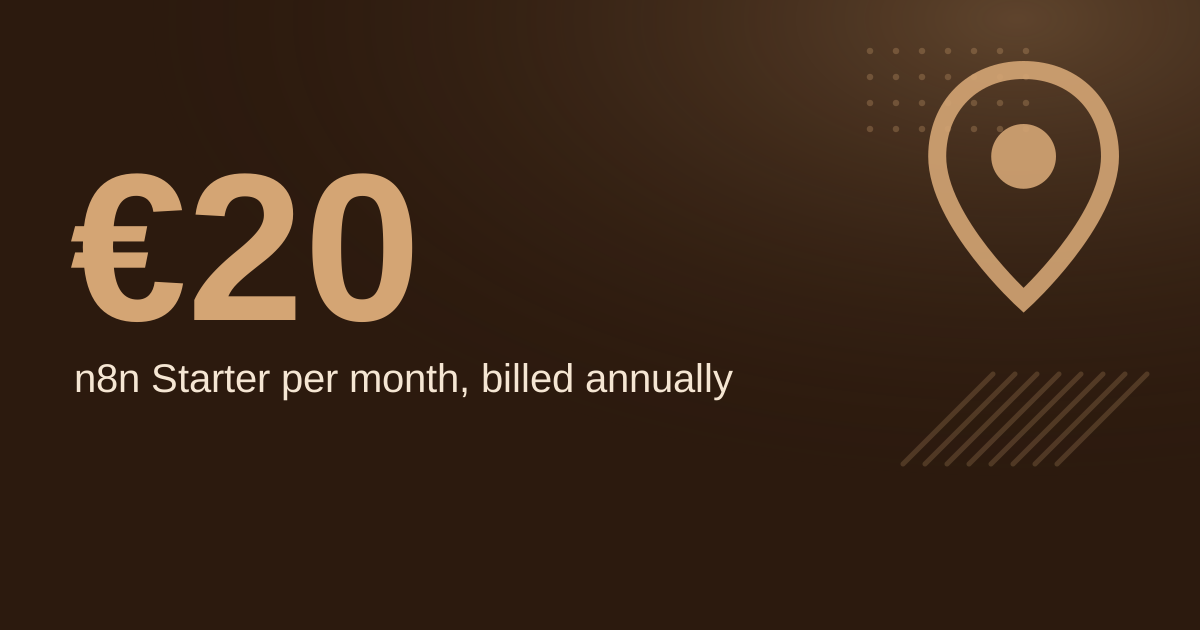
For most local businesses, an AI chatbot should handle repeat questions such as opening hours, prices and booking links, while a person takes anything complex. A chatbot can answer at any hour. Live chat only works while someone is staffed to reply. Because published software prices vary by vendor and plan, the cost comparison below uses assumption inputs that you should replace with your own wage and chat volume.
This guide compares the two on hours, cost and fit, with a worked example and a decision rule.
↑
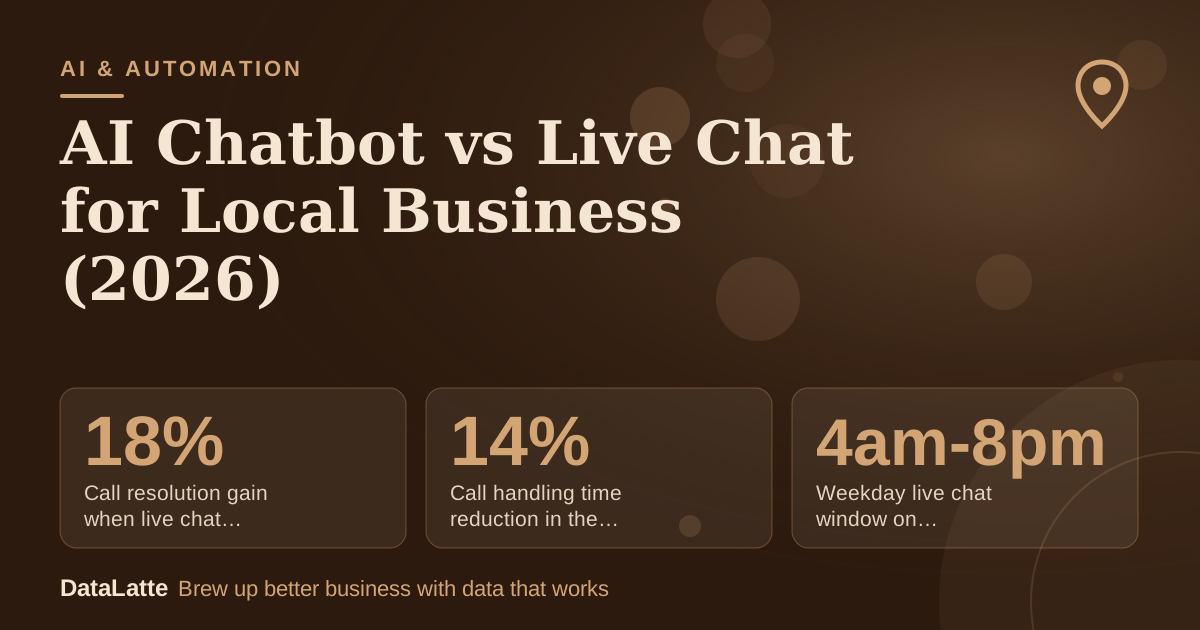
Call resolution gain when live chat is integrated with support tools
Grammarly Business, no data source named
↓
Call handling time reduction in the same setup
Grammarly Business, no data source named
→
Weekday live chat window on Squarespace's help centre (EST)
Squarespace Help Center, live chat hours
→
Vendor claim for chatbot deployment time
RingCentral blog, vendor claim (secondary)
See Sources at the end of the article. Cards marked Assumption are examples, not results.
What Is the Difference Between an AI Chatbot and Live Chat?
An AI chatbot answers automatically from the content you give it. Live chat connects a visitor to a person. The two overlap, but they fail in different ways, so it helps to compare them side by side before you choose.
| AI chatbot | Live chat |
|---|
| Who answers | Software | A person |
| Hours | Around the clock | Only when staffed |
| Best for | Repeat questions, simple bookings | Complex, high-value or upset customers |
| Main cost | Subscription plus setup time | Staff time |
| Main risk | Wrong or stuck answers | Slow replies when you are busy |
Voice AI vendor
ElevenLabs lists customer support automation for handling inquiries, troubleshooting and ticket resolution 24/7 among common conversational AI use cases. That is the job a chatbot does well: the same answers, at any hour, with no queue.
How Do Hours and Staffing Change the Answer?
Live chat is limited by the people on shift. Squarespace's
help centre offers live chat Monday to Friday, 4am to 8pm EST, and states that it is offered in English only. Even a large company runs live chat to fixed hours, so a small business will usually have shorter ones.
Live chat can still perform well when it is part of a wider setup.
Grammarly Business states that, when integrated with other support technologies, live chat can improve call resolution by 18% and decrease call handling time by 14%. The page does not name the data behind these figures, so treat them as directional rather than a forecast for your shop.
What Does It Cost in Practice? A Worked Example
All inputs below are assumptions for a hair salon receiving 120 chat conversations a month. Replace them with your own figures before you decide.
| Item | Assumption | Chatbot first | Live chat only |
|---|
| Software | $50 a month for a chatbot; $0 for a basic inbox | $50 | $0 |
| Staff wage | $20 an hour | Not applicable | Not applicable |
| Staff hours | 10 hours a month on escalations (chatbot); 15 hours a week staffed (live only) | 10 hours, $200 | 65 hours, $1,300 |
| Total | | $250 | $1,300 |
The live-only figure uses 15 hours a week multiplied by 52 weeks, divided by 12 months, which gives about 65 hours a month. At these inputs, staffed chat costs about $1,050 a month more than the chatbot route.
Now test the value side. Assume each booking from chat is worth $300. The extra $1,050 would need about 3.5, or roughly 4, extra bookings a month to pay for itself. If your chats are mostly the same five questions, the chatbot is the cheaper route. If each chat is a high-value enquiry, the human reply may earn its price.
When Should You Choose a Chatbot, Live Chat or Both?
Choose by the type of question rather than by the tool. Work through these four rules in order.
- If most questions are about hours, prices, parking or booking links, start with a chatbot.
- If enquiries are consultations, custom quotes or high-value services, offer live chat or a callback form instead.
- If you get both kinds of questions, run the chatbot first and keep a clear button that connects to a person.
- If you receive fewer than about 30 chats a month, put the answers on your booking page and skip both tools for now.
Readiness matters too. One AI content agency,
Endless Media Solutions, says it does not promise chatbots unless a business is genuinely ready for them. That is a sensible test to apply to your own team before you launch.
How Do You Set Up a Chatbot Without Losing Customers?
Work through this checklist before the widget goes live:
- Write the ten questions customers ask most often and answer each one in plain text.
- Connect the bot to your booking link, so a customer can act on the answer.
- Add a handoff that passes the chat transcript to a person.
- State your human reply hours on the chat widget.
- Read the first 50 conversations and correct any wrong answers.
Step 3 matters most. A chatbot that cannot reach a person creates the frustration that drives customers away. For a fuller walkthrough, read the
AI chatbot for local business guide. If you want to understand how a bot differs from a more autonomous agent, see
AI agents for customer service.
How Do You Measure Which One Works?
RingCentral's guide recommends that small businesses start with one or two automation tools that integrate with what they already use, and set clear success metrics before going live. The same logic applies to chat. Pick the tool, then define the numbers.
Track three figures for 30 days: chats started, bookings that came from chats, and cost per booking, calculated as software plus staff time divided by bookings. Log every conversation that ended without an answer, because those show where the bot or the staff rota is failing.
For a coffee shop example of how a bot and a person can share the load, see
AI customer service for local coffee shops. If you are weighing
live chat tools and costs as well, run both options through the same 30-day test. To check how your enquiry and booking paths perform before you spend anything, request a
free audit.
FAQ
Is an AI chatbot cheaper than live chat?
Usually, because live chat costs staff time and a chatbot does not need a person on shift. In the salon example above, the chatbot route came to about $250 a month against about $1,300 for staffed chat. Those are assumption inputs, so run the numbers with your own wage and volume.
Can a local business use an AI chatbot without a big budget?
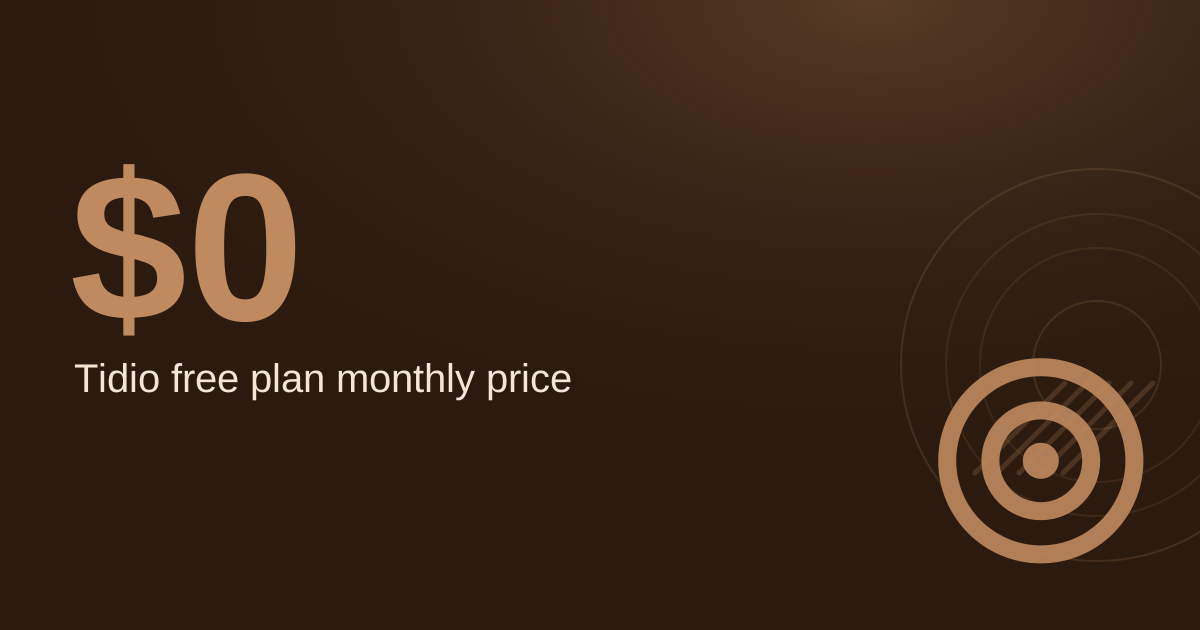
Yes, if chat volume is modest. Many vendors offer entry plans, but prices and allowances change, so check the current terms on the vendor's live pricing page before you sign up. Your booking page may also answer most questions without any tool.
Will customers accept a chatbot?
Some customers will prefer a person, so make a human reachable from the chat window at all times. A clear handoff matters more than the bot's wording.
Which one converts better for local businesses?
There is no reliable published conversion figure for this comparison that applies to local businesses. Run a 30-day test with both options and compare cost per booking in your own account.
Sources
Free for local businesses
Want this applied to your business?
I'll review your Google presence, local SEO, and ad accounts — and send you a specific action plan within 48 hours. No pitch, no pressure.