To rank a coffee shop in Cleveland, OH in the Google Maps pack, start with a verified Google Business Profile, choose the "Coffee shop" category, answer common questions before customers ask them, post regularly, and collect reviews. Setting up a profile is free, and verification comes first, because unverified updates do not show publicly. This guide covers each step in order, with a 12-week plan built on labelled assumptions.
→
Cost to set up a Google Business Profile
Google, primary
↑
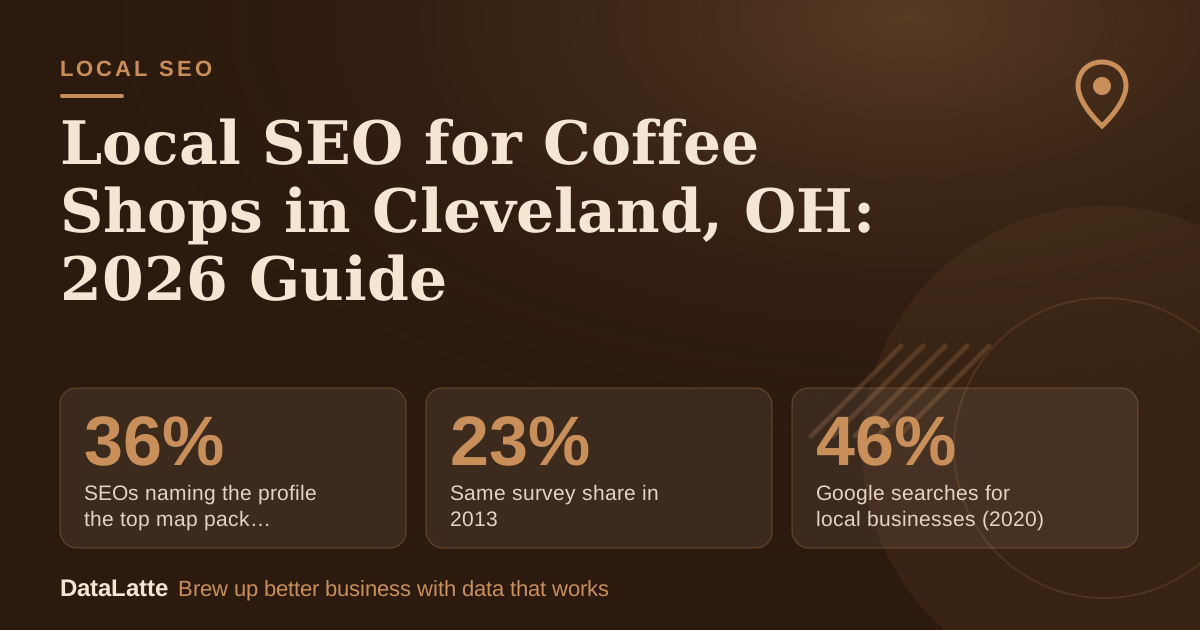
SEOs naming the profile the top map pack factor (2021)
BrightLocal survey via Ahrefs, secondary
→
Same survey share in 2013
BrightLocal survey via Ahrefs, secondary
→
Google searches for local businesses (2020)
BrewRound, secondary, no source cited
See Sources at the end of the article. Cards marked Assumption are examples, not results.
Is a Google Business Profile free, and how do you verify it?
Setting up a Google Business Profile costs nothing. Google describes its Business Profile as
free to set up, and it manages your presence across Google Search and Maps. You need a Google account to start, and BrewRound's 2020 walkthrough notes that one can be registered for free (
BrewRound, secondary).
Verification is the step most owners delay. Per Diem warns that without
verification, your updates will not show publicly and customers may not find you (
Per Diem, secondary). BrewRound's 2020 guide says Google mails a letter with a code, and the listing does not appear in results until it is verified. Verification methods change, so confirm the current process on Google's live help pages before you start.
Which category should a coffee shop choose?
Your category tells Google what your business is, so it affects which searches your profile can match. Per Diem recommends choosing "Coffee shop" or a related term rather than a broad category such as "Restaurant" (
Per Diem, secondary).
BrewRound notes that you can select only one category when you create the listing, and more can be added later. Choose your primary category carefully on day one, then add secondary categories that describe what you actually sell, such as espresso or pastries. For a field-by-field walkthrough, read
the coffee shop Google Business Profile optimisation guide.
Which questions should the Q&A section answer?
Per Diem recommends answering common questions proactively. Its examples are whether you offer free Wi-Fi, dairy-free options, or dogs on the patio (
Per Diem, secondary). Write those answers yourself rather than waiting for customers to ask, because they control the message that appears to searchers.
Google also allows people to message businesses directly through their listings. Assign someone to check those messages each day, since a message left unanswered reflects poorly on the shop. Per Diem also describes Think Coffee, an independent brand, which placed its app download link in its Google profile and now has thousands of downloads. For more tactics, see
Google Business Profile tips for coffee shops.
How do you confirm that a post is visible?
Posts are useful for specials, seasonal drinks, and local events, but Google only shows them in certain states. Google's help page says a post is public and shows on Search and Maps only when its status is Live. Pending and Not approved posts do not show (
Google Business Profile Help, primary).
After you publish, check the status. A post that stays pending for days is not reaching anyone, so publish early enough to allow for review. Keep posts specific: a seasonal drink, a new pastry, or a Wi-Fi-friendly work session gives customers a reason to visit, and it gives you a clear message to test in the next post.
Do reviews and the profile determine map pack rank?
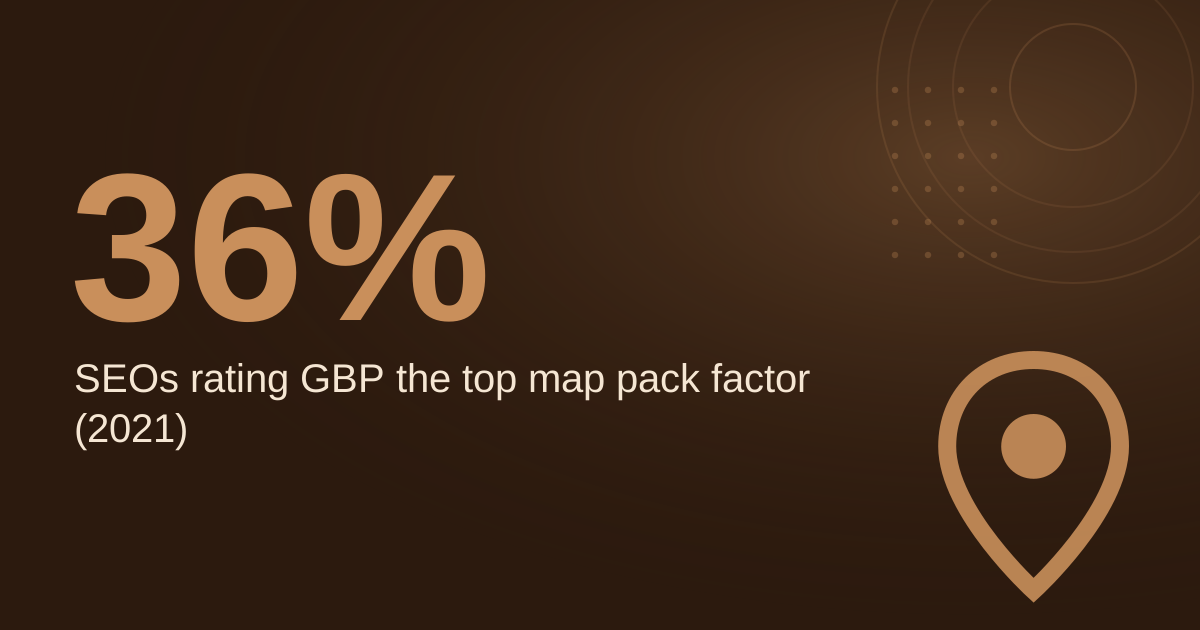
A 2021 BrightLocal survey, reported by Ahrefs, found that 36% of SEOs considered the Google Business Profile the most important ranking factor for the map pack, up from 23% in 2013 (
Ahrefs, secondary). The survey measures expert opinion rather than Google's own ranking rules, so use it as a directional signal.
Reviews also matter to customers directly. Google states that reviews show next to your Business Profile in Maps and Search (
Google Business Profile Help, primary). Ask for reviews at the point of sale, reply to them in a consistent voice, and mention your neighbourhood where it fits naturally.
What does a 12-week local SEO plan look like?
The plan below uses assumption-labelled inputs, so you can adjust the numbers to your own volume.
- Week 1: Confirm verification and set the primary category to "Coffee shop" (assumption: the profile is already claimed).
- Weeks 1 to 2: Publish answers to five questions customers ask most, such as Wi-Fi, dairy-free options, and dog policy.
- Weeks 2 to 12: Publish one post per week (assumption: one post weekly is your capacity), and confirm each one shows as Live.
- Weeks 1 to 12: Ask customers for reviews at the counter. Assumption: you receive 3 new reviews per week, which gives 36 reviews over 12 weeks.
- Every Friday: Check Q&A and messages, and reply to any review left that week.
- Week 12: Compare review count, post status, and direction requests against week 1, and decide which step to expand.
The key point is consistency. A steady 3 reviews per week is more useful than a burst followed by silence, and every post should be checked for Live status.
How do citations and your website support the profile?
Citations are mentions of your business name, address, and phone number on other websites. Keep those details identical across every listing, including abbreviations such as "St." versus "Street". Use a citation checker such as BrightLocal or Moz Local to find mismatches, and fix existing listings before adding new ones. Inconsistent data across directories creates confusion for both customers and search systems.
Your website should match the profile. Put your address, hours, and phone number in the same format you use on Google. A Google Maps embed on your contact page is a simple addition, and the steps are covered in
how to embed a Google Map on your website.
FAQ
Does a Google Business Profile cost anything?
No. Google describes its Business Profile as free to set up (
Google Business Profile, primary). You need a Google account, which can also be registered for free.
Why does my coffee shop not show on Google Maps after I added it?
The most common reason is that the profile is not verified. Per Diem notes that without verification, updates will not show publicly (
Per Diem, secondary). Check the verification status in your profile and follow Google's current instructions.
Should I pick "Coffee shop" or "Restaurant" as my category?
Per Diem recommends "Coffee shop" or a related term over a broad category such as "Restaurant" (
Per Diem, secondary). Use secondary categories to describe other products you sell.
How can I tell whether a post is visible to customers?
Google states that a post shows publicly on Search and Maps only when its status is Live. Pending and Not approved posts do not show (
Google Business Profile Help, primary).
Is paid search a substitute for map pack work?
No. Paid ads and map pack rankings are separate channels. If you also run ads, see
the best Google Ads keywords for coffee shops to choose terms that match your menu and location.
Sources
If you want a second opinion on your profile,
book a free audit to review your category, verification status, and map pack position. DataLatte also offers
local SEO services for small businesses.
Free for local businesses
Want this applied to your business?
I'll review your Google presence, local SEO, and ad accounts — and send you a specific action plan within 48 hours. No pitch, no pressure.