A pet groomer in Cleveland, OH ranks in the Google Maps pack by getting three things right: a complete and accurate Google Business Profile, the same name, address and phone number everywhere the business is listed, and a steady flow of recent reviews. The map pack is the
top three business listings in local search results. Creating the profile itself is
free. Start with the profile, because the top listings are pulled directly from Business Profile data.
→
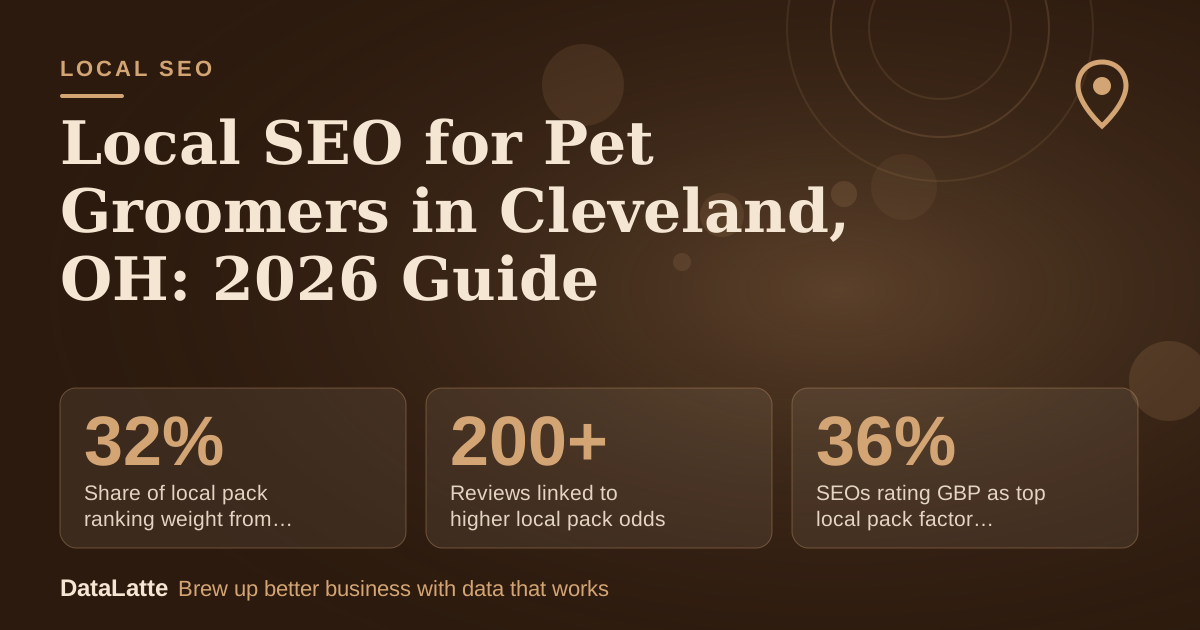
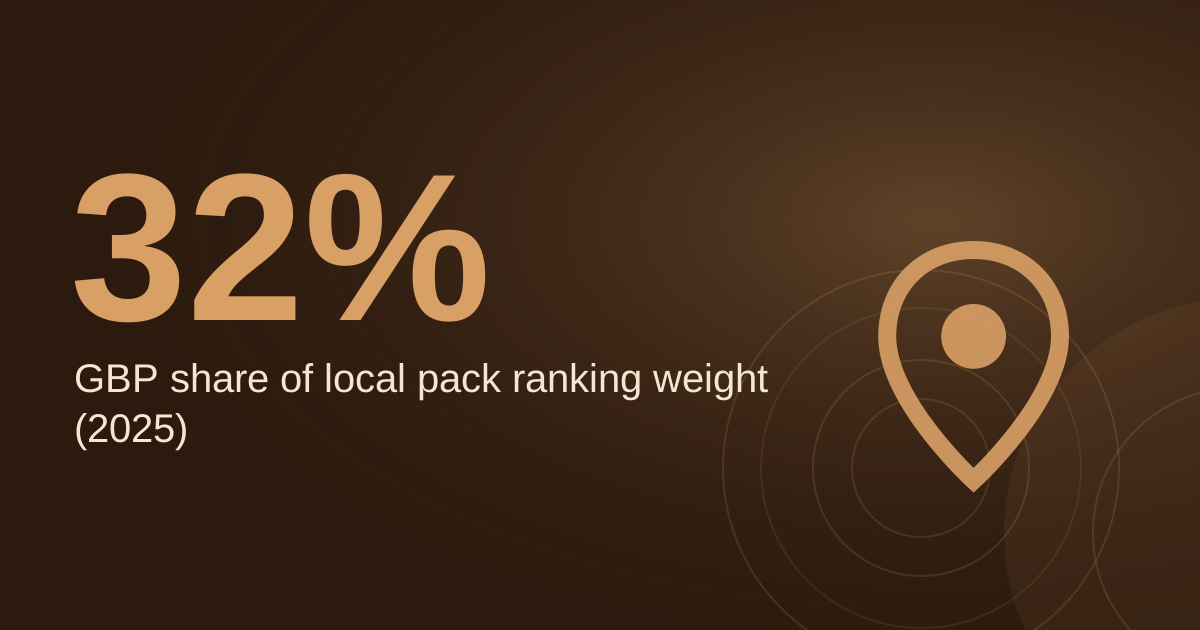
Share of local pack ranking weight from GBP signals
2025 benchmark cited by Adwave (secondary)
↑
Reviews linked to higher local pack odds
Blogging Wizard analysis of 2 million pages (secondary)
↑
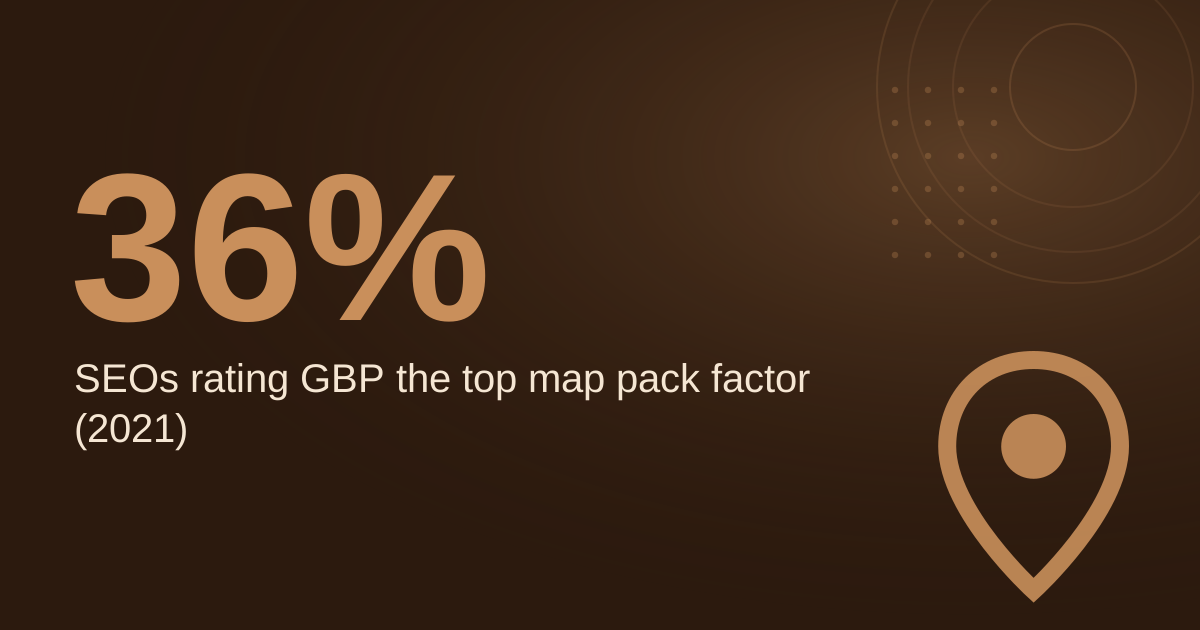
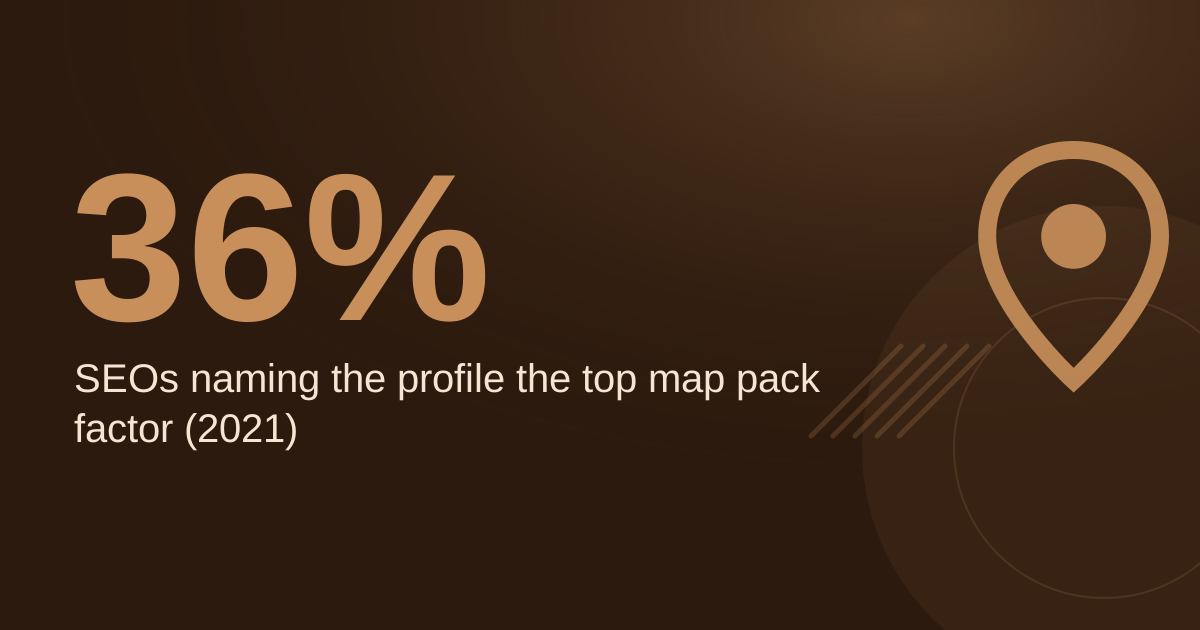
SEOs rating GBP as top local pack factor in 2021
BrightLocal survey via Ahrefs (secondary)
→
Recommended high-quality photos per profile
Adwave recommendation (secondary)
See Sources at the end of the article. Cards marked Assumption are examples, not results.
What Is the Google Maps Pack and Why Does It Matter for Pet Groomers?
The map pack is the set of three listings that appear at the top of local results when someone searches for a service nearby.
Adwave's lawn care guide states that those three businesses are pulled directly from their Google Business Profile listings. A groomer with an incomplete or inaccurate profile therefore has little to show when a customer searches "dog groomer near me."
Google's own
help page on reviews confirms that reviews appear next to your Business Profile in Maps and Search. The profile is effectively your storefront in those results, and it works the same way whether you run a salon, a home-based studio, or a mobile van.
Pet grooming is a service people book after searching, so visibility on the map matters more than general awareness. For account basics, see
our Google Business Profile guide for pet groomers.
How Do You Set Up a Google Business Profile That Earns Map Pack Visibility?
Start with the primary category. Adwave recommends reviewing the top three to five businesses in local map results for your service search and noting which categories they use. The same page claims that the primary category is the number one ranking factor for the Local Pack, although it does not name the analysis behind that claim. Choose the category that describes your main service, and add secondary categories only where they fit.
The description allows 750 characters, according to
Adwave's beginner guide. Write it as plain sentences that name your services and the Cleveland neighborhoods you serve. Avoid stacking keywords. For a fuller walkthrough, see
our Google Business Profile optimization guide for pet groomers.
Work through this checklist before anything else:
- Confirm the profile is claimed. Adwave says 11.1% of profiles are unclaimed, but the page names no source for that figure.
- Compare your primary category against the top three to five map results for your service.
- Write a description of up to 750 characters.
- Check that hours, phone number and address are exact.
- If you work from home or travel to clients, use the service area setting.
Which Photos, Posts and Q&A Keep a Pet Groomer's Profile Active?
Adwave recommends at least 15 high-quality photos and says a robust gallery gets far more clicks and calls. A separate Adwave to-do list suggests at least 10 as a starting point. Use a mix of finished grooms, your grooming station, and your mobile van if you run one. Get owner consent before posting photos of client pets.
Adwave also advises at least one new Google Post a week. Google's
help page on posts says a post shows publicly on Search and Maps only when its status is Live, and Pending or Not approved posts do not show. Check the status after each post.
Messages sent through your profile can be managed from the desktop dashboard, not only from the Maps app, according to
Adwave's messaging guide. Answer the questions you already hear most in the Q&A section, so the answers are accurate.
How Many Reviews Does a Pet Groomer Need for the Map Pack?
A third-party analysis of two million Google Business Profile pages, cited by
Adwave's review guide, found that businesses with over 200 Google reviews are significantly more likely to appear in the local pack. That is a correlation, not a guaranteed threshold, so treat 200 as a target rather than a promise.
Review volume depends on how often you ask. The example below uses assumed inputs, not benchmarks, so replace them with your own numbers.
Assumption: 120 grooming appointments per month. Assumption: 30% of clients leave a review after being asked. Assumption: the profile has 40 reviews today.
Calculation: 120 × 30% = 36 new reviews per month. Reaching 200 requires 160 more reviews (200 − 40 = 160). 160 ÷ 36 ≈ 4.4, so at that pace the target takes about five months. If your ask rate is 15% instead, the same math stretches the timeline to roughly nine months, which shows why a consistent follow-up message after each visit matters.
Why Must Name, Address and Phone Match Across Every Listing?
Adwave states that your name, address and phone number, known as NAP, must be exactly the same on your website, your Google Business Profile, and major directories such as Yelp, Apple Maps, and Bing Places. The
voice search guide makes the same point. Small differences count, so "St." and "Street" are treated as separate entries, as
Adwave's beginner guide explains.
Start by auditing existing listings. Adding new citations on top of inconsistent ones multiplies the problem. Apple Business Connect is also worth checking, since Apple Maps is one of the directories named above. Adwave's Apple article reports user figures without naming a source, so use its operational features, such as Profile Views, rather than its audience numbers.
How Should Your Website Support Your Google Profile?
Your website and profile send the same signals. According to a summary of Google's AI-driven answering by
Adwave, responses draw on business profile data, website content, and reviews. Service pages that describe what you do in plain language can therefore support what the profile says. For how AI tools fit into profile work, see
our guide to AI for Google Business Profile optimization.
Use a title tag that names the service and city, such as "Dog Grooming in Cleveland, OH | Your Business Name," and give mobile grooming and salon grooming their own pages if you offer both. Place a map embed on your contact page, as covered in
our guide to embedding Google Maps on a business website.
How Do You Measure Local SEO Results for a Pet Grooming Business?
Adwave lists six local search metrics worth tracking: Google Business Profile impressions, map-pack views, clicks to call, direction requests, website visits from the profile, and branded search lift over time. Review them monthly and compare the same months year over year, since grooming demand is seasonal.
Apple Business Connect reports Profile Views, defined as the number of people who saw your business card in Apple Maps. Adwave's beginner guide also estimates that a business may start ranking for its own name a few weeks after verification. That is a vendor estimate, not a guarantee.
If you also run paid search, Google's
location assets help page says location data in Google Ads comes from Maps and Business Profile, so corrections made there flow through. For paid setup, see
our Google Ads guide for pet groomers in Cleveland. To review your profile against this checklist,
book a free audit or read about the
local SEO service.
FAQ
Does a Google Business Profile cost anything?
No. Google describes its Business Profile as a free listing on Search and Maps, and setup is free according to its
Canada landing page.
How many photos should a pet grooming profile have?
Adwave recommends at least 15 high-quality photos. A separate Adwave to-do list suggests at least 10 as a minimum. Add new photos seasonally so the gallery stays current.
How long before a new groomer appears in the map pack?
Adwave estimates a business may start ranking for its own name a few weeks after verification. Ranking for broader searches takes longer and depends on competition, so track results over several months.
Can a mobile groomer hide its home address?
If you work from home or serve customers at their location, you can hide your street address in the profile. The business is then designated a Service Area Business, according to
Adwave's beginner guide.
Sources
- About the local pack, Google Business Profile Help: Create and manage posts (primary)
- About location assets, Google Ads Help (primary)
- Get Listed on Google, Google Business Profile (CA) (primary)
- Tips to get more reviews, Google Business Profile Help (primary)
- Local SEO audit checklist, Adwave (secondary)
- Google Business Profile Q&A, Adwave (secondary)
- Google Business Profile messaging, Adwave (secondary)
- Google Maps marketing, Adwave (secondary)
- Google Business Profile categories, Adwave (secondary)
- Voice search optimization for local businesses, Adwave (secondary)
- Apple Business Connect, Adwave (secondary)
- Multi-location local SEO audit, Adwave (secondary)
- How to get more Google reviews, Adwave (secondary)
- Local search intent, Adwave (secondary)
- How to market a lawn care business, Adwave (secondary)
- Local SEO for small business: a beginner's guide to the map pack, Adwave (secondary)
- Local SEO: The Complete Guide, Ahrefs (secondary)
Free for local businesses
Want this applied to your business?
I'll review your Google presence, local SEO, and ad accounts — and send you a specific action plan within 48 hours. No pitch, no pressure.