Local SEO for a Portland, OR coffee shop comes down to one main job: appearing in Google's map pack for searches such as "coffee shop near me." The core tool is your Google Business Profile, which Google describes as a free tool for managing your presence on Search and Maps. The work is in the details: the right category, verified information, a steady flow of reviews, and posts that stay live. The sources behind this guide do not publish Portland-specific competitor counts, so measure your own map pack position for your top keywords rather than relying on city averages.
↑
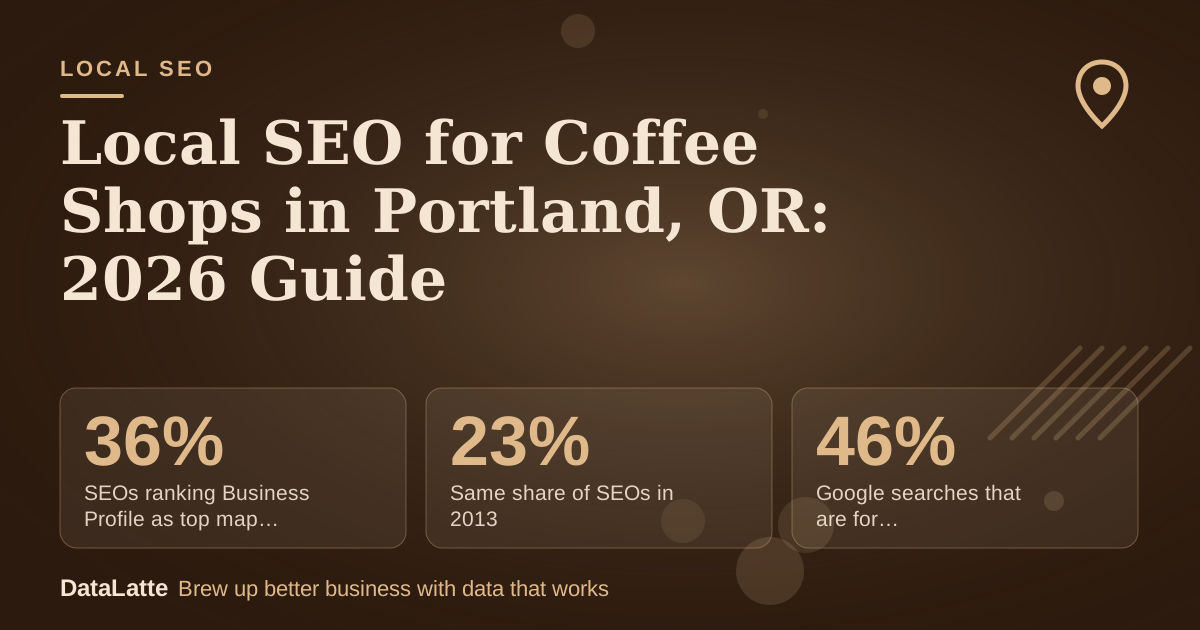
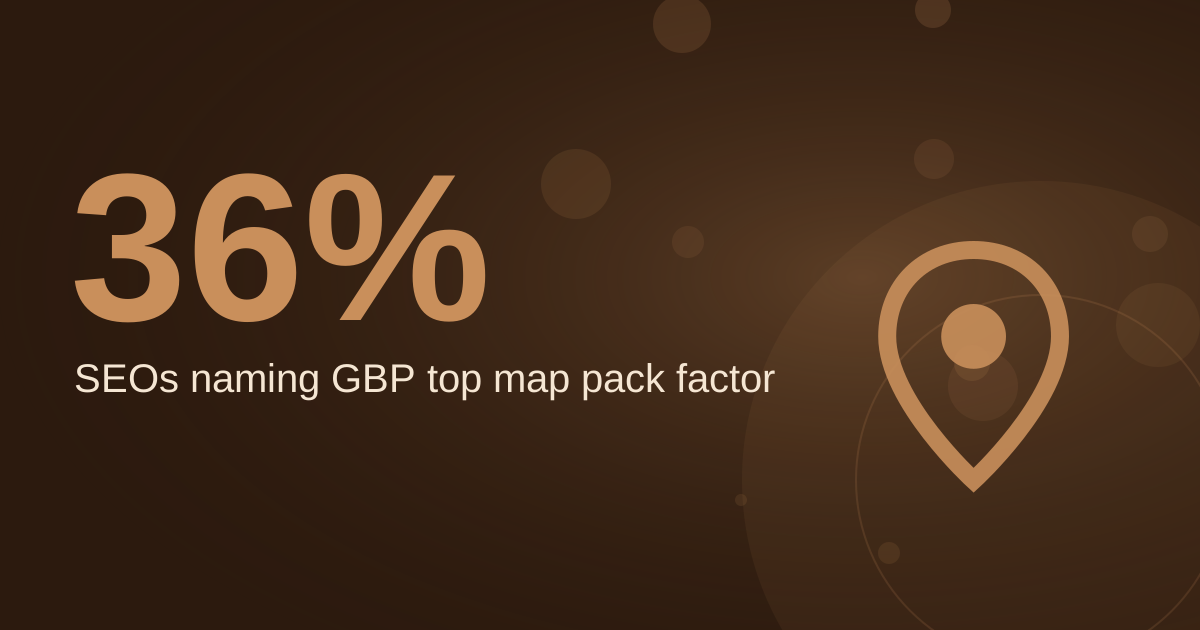
SEOs ranking Business Profile as top map pack factor (2021)
BrightLocal survey via Ahrefs (secondary)
→
Same share of SEOs in 2013
BrightLocal survey via Ahrefs (secondary)
→
Google searches that are for local businesses (2020)
BrewRound, no source cited (secondary)
→
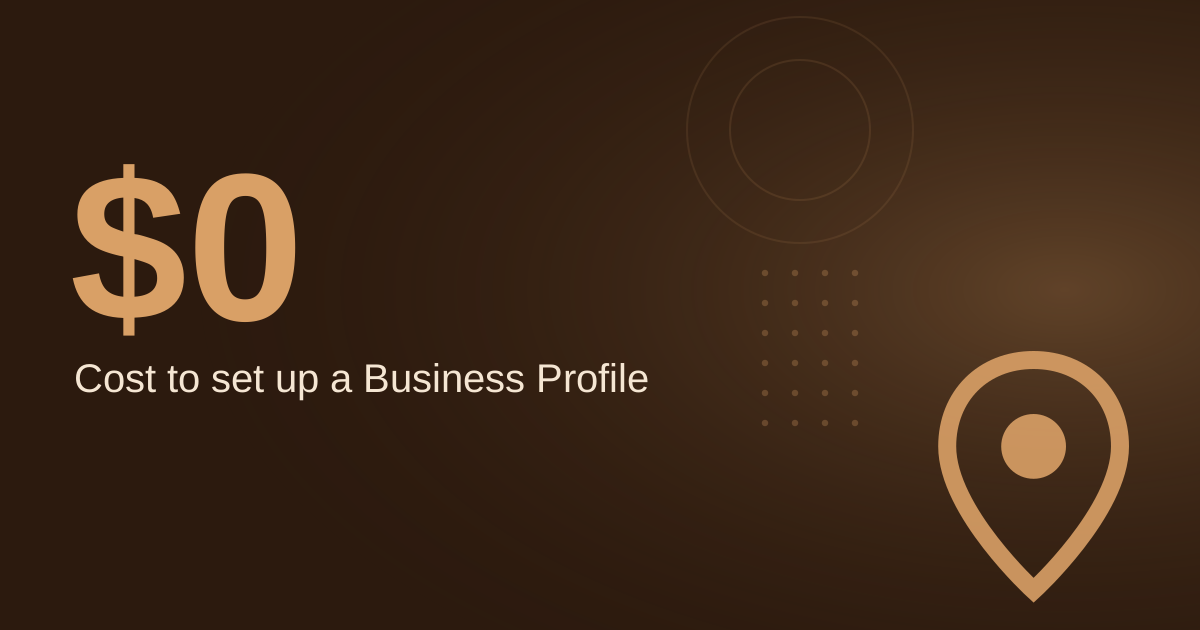
Cost to create a Business Profile
Google Business Profile page (primary)
See Sources at the end of the article. Cards marked Assumption are examples, not results.
Why does your Google Business Profile matter most for the map pack?
A 2021 BrightLocal survey, reported by
Ahrefs (secondary), found that 36% of SEOs think a Google Business Profile is the most important ranking factor for the map pack. The same data shows that share rising from 23% in 2013. It is a survey of practitioners, not a formula Google publishes, so use it as a direction rather than a guarantee.
Verification is the first thing to confirm. Per Diem's coffee shop guide notes that without
verification, updates will not show publicly and customers may not find the business (
Per Diem, secondary). BrewRound's 2020 guide says Google mails a letter with a code and the profile does not appear in results until verified (
BrewRound, secondary). Verification steps change over time, so check the live help page before you start.
How should a Portland coffee shop set up its profile?
Start with the category. Per Diem recommends choosing "Coffee shop" or a related term rather than a broad category such as "Restaurant" (
Per Diem, secondary). BrewRound notes that you can select one category at setup and add more later (
BrewRound, secondary). Pick the closest match first, then add secondary categories once the profile is live.
Creating the profile is free. Google's Business Profile page leads with "Stand out on Google with a free Business Profile" (
Google Business Profile, primary). You need a Google account, which can be registered for free.
| Step | What to do | Source note |
|---|
| 1. Claim the profile | Sign in with a Google account and create the listing | Free to create |
| 2. Set the category | "Coffee shop" or a related term, not "Restaurant" | One at setup, more later |
| 3. Verify | Complete Google's verification and confirm the listing | Updates stay hidden until verified |
| 4. Answer common questions | Add Q&As for Wi-Fi, dairy-free options, and dog policy | Per Diem recommends this proactively |
| 5. Post on a schedule | Publish updates and confirm each shows as Live | Posts show only when Live |
Per Diem also points out that Google lets users message businesses directly through listings, so check that inbox as part of your routine (
Per Diem, secondary). For a deeper walk-through of listing fields, see
our coffee shop profile optimization guide.
How many reviews does a coffee shop need, and how fast?
Reviews appear next to your Business Profile in Maps and Search (
Google, primary). Google's guidance does not set a review count for the map pack, so set your own target and track it.
Here is a worked example. All inputs are assumptions for a hypothetical shop. Assume it has 32 reviews today (assumption), a goal of 50 reviews (assumption), and it collects 3 new reviews per week (assumption). The gap is 50 minus 32, which is 18 reviews. At 3 per week, 18 divided by 3 is 6 weeks. If the shop only manages 1.5 per week, the same gap takes 12 weeks. Replace these inputs with your own numbers before you plan a collection push.
Ask for reviews in person or by text right after a visit, and reply to every review so customers see an owner who responds. Reviews that mention your drinks, seating, or Wi-Fi help customers find you for those specific things, so ask for honest detail rather than a star rating alone.
How often should a coffee shop post on Google?
Google shows a post publicly on Search and Maps only when its status is Live. Pending and Not approved posts do not show (
Google Business Profile Help, primary). Check the status after each post rather than assuming it went live.
For cadence, The Restaurant HQ recommends that coffee shops post on social media at least once per week, ideally one to two times per day (
The Restaurant HQ, secondary). That advice is for social channels, so use it as a benchmark for your overall content habit, and keep a steady weekly rhythm on the profile itself.
Do citations and your website still matter?
Yes, but the basics are simple. Keep your business name, address, and phone number identical everywhere they appear, including your website footer and directory listings. Google's Google Ads help explains that location data is sourced from Google Maps and Google Business Profile, and corrections made there flow into linked Google Ads accounts (
Google Ads Help, primary). Fix errors in your profile first, because that is the record other systems draw from.
Your website should reinforce the same facts. Embed a map on your location page using the steps in
our guide to embedding Google Maps. If you also run paid search, the
best Google ad keywords for coffee shops article covers the terms that pair well with map visibility.
Which tracking steps show whether it is working?
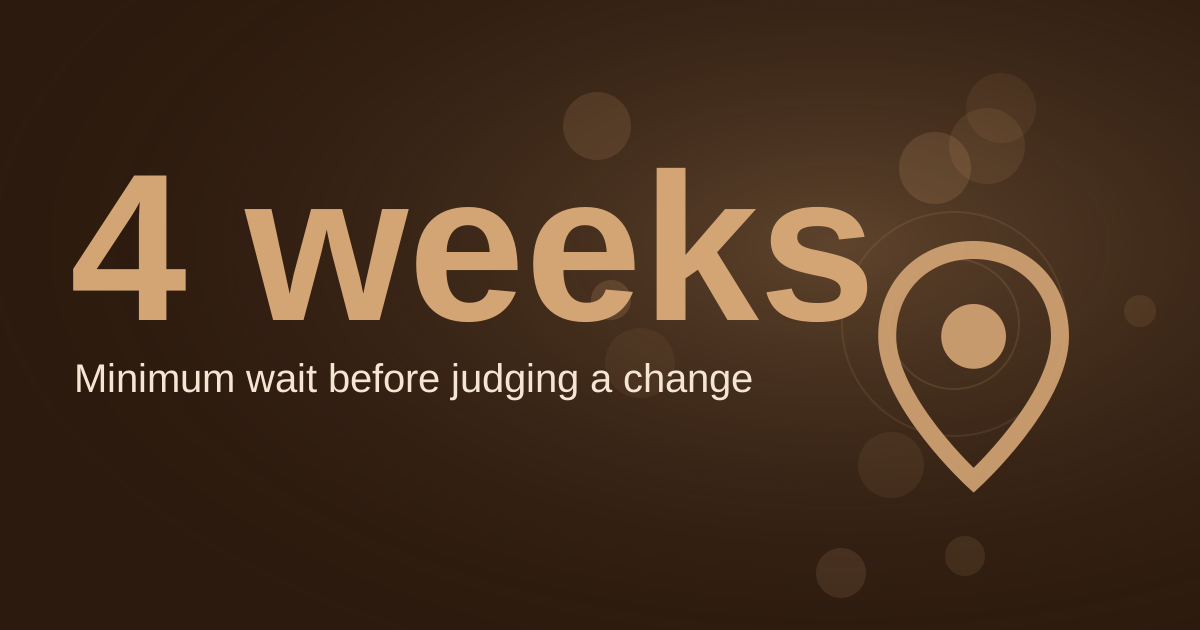
Set up measurement before you change anything. Track Business Profile insights for searches, views, and actions such as calls and direction requests each month. Check your position for your top five keywords weekly in a private browser window, and log the results in a simple spreadsheet. Compare the same weeks year over year so seasonal demand does not mislead you. For a broader look at what to monitor, read
our Google Business Profile tips for coffee shops.
FAQ
Is a Google Business Profile free for a Portland coffee shop?
Yes. Google describes its Business Profile as free to set up (
Google Business Profile, primary). You need a Google account, which can also be registered for free.
Why won't my profile updates show publicly?
Updates may not appear until the profile is verified. Per Diem notes that unverified updates do not show publicly (
Per Diem, secondary). Check your verification status in your Business Profile dashboard.
Should I pick "Coffee shop" or "Restaurant" as my category?
Choose "Coffee shop" or a related term. Per Diem recommends avoiding broad categories such as "Restaurant" (
Per Diem, secondary).
Do my Google posts appear as soon as I publish them?
Not always. Google shows a post publicly only when its status is Live. Pending and Not approved posts stay hidden (
Google Business Profile Help, primary).
Sources
- Google Business Profile, Get Listed on Google (CA), primary
- Google Business Profile Help, Create and manage posts, primary
- Google Business Profile Help, Tips to get more reviews, primary
- Google Ads Help, About location assets, primary
- Per Diem, How to Use Google My Business for Your Coffee Shop, secondary
- BrewRound, Google My Business for Coffee Shops (2020 update), secondary
- Ahrefs, Local SEO: The Complete Guide, secondary
- The Restaurant HQ, 21 Coffee Shop Marketing Ideas, secondary
Want a free review of your Portland coffee shop's profile, citations, and map pack position?
Book a free audit, or see how we handle
local SEO for small businesses.
Free for local businesses
Want this applied to your business?
I'll review your Google presence, local SEO, and ad accounts — and send you a specific action plan within 48 hours. No pitch, no pressure.