CTV Advertising in Philadelphia: Local Business Guide
July 6, 2026·Nataliia Rumiantsewa· 7 min read All posts
CTV advertising in Philadelphia lets local businesses run video ads on streaming services such as Hulu and Peacock, with targeting by ZIP code and household. This guide explains how to plan a campaign for a Philadelphia business in 2026. The sources behind this guide cover Google's Display Network and general ad benchmarks, not CTV pricing, so every CTV cost figure below is labelled as an assumption. Start with a small test, measure brand signals, and expand only after the results support it.
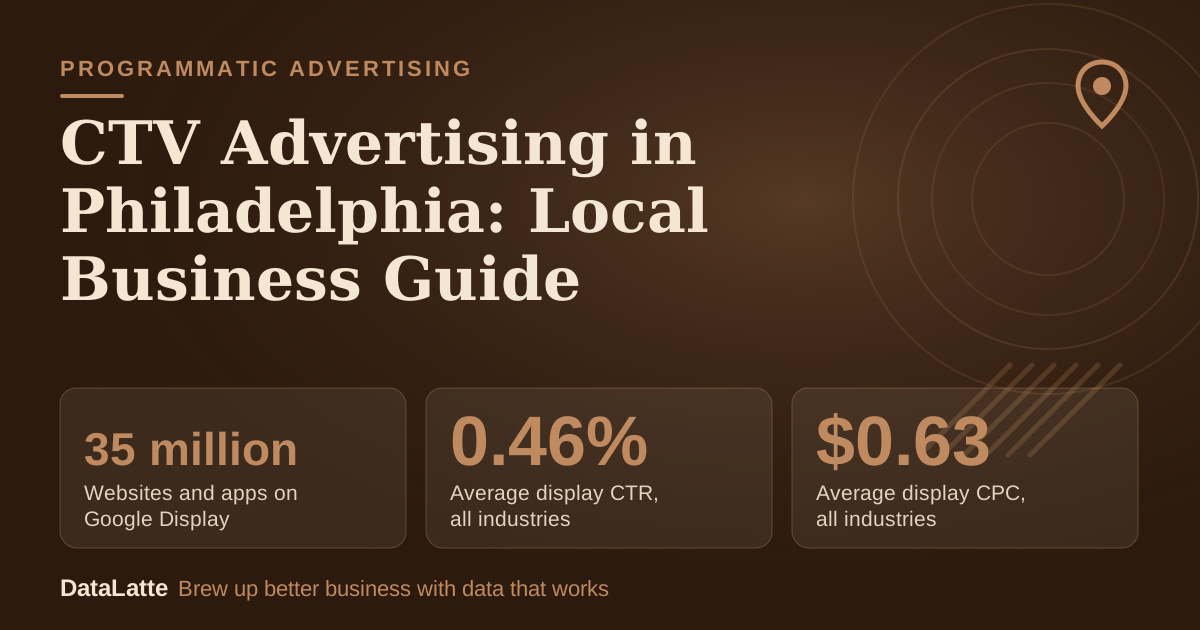
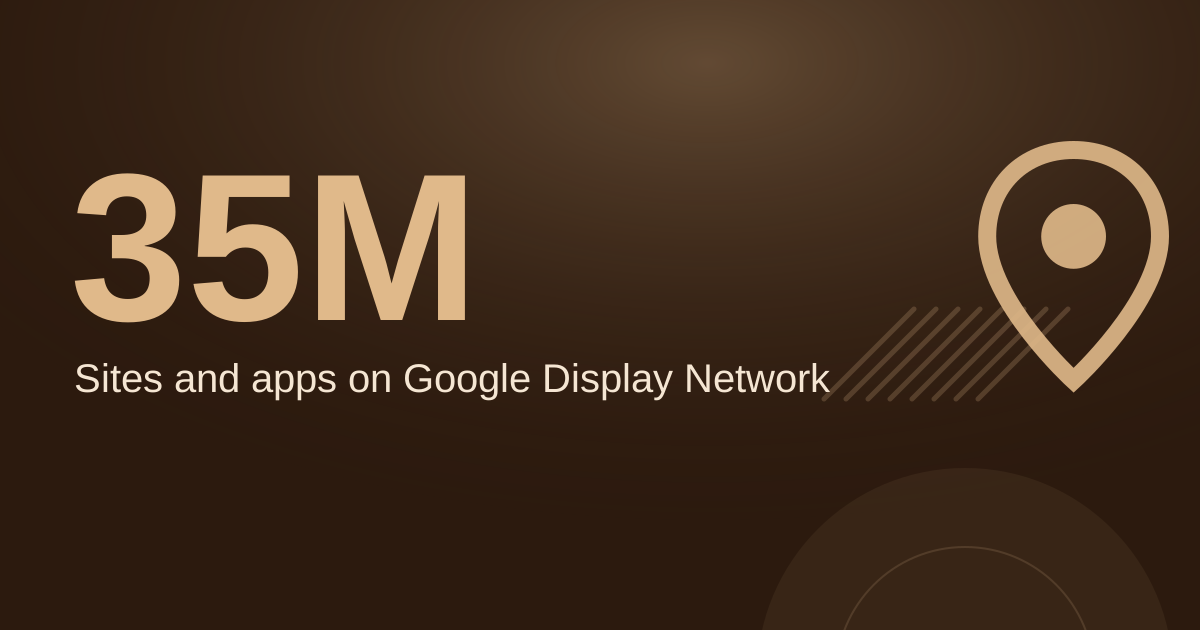
35 million→
Websites and apps on Google Display
Google help page (primary)
0.46%→
Average display CTR, all industries
WordStream benchmarks (secondary)
$0.63→
Average display CPC, all industries
WordStream benchmarks (secondary)
$2.69→
Average search CPC, all industries
WordStream benchmarks (secondary)
See Sources at the end of the article. Cards marked Assumption are examples, not results.
How does CTV advertising work for a Philadelphia local business?
CTV ads run on the television screen through streaming services, not on phones or in search results. For a local business, the useful feature is geographic control. A campaign can be limited to the ZIP codes where customers live, so the budget reaches households near the business rather than the whole metro area.
CTV is a brand-building channel. It shows a business name and offer to people who are not yet searching for it. The result is usually slower and harder to attribute than a search click, which is why the campaign should be judged over several months rather than a single week.
Philadelphia's market is split into distinct areas, including the city, Montgomery County and Delaware County. A barbershop in South Philadelphia and a family dentist in Montgomery County need different ZIP lists, so each location should be planned separately rather than run as one metro-wide buy.
Which streaming platforms should Philadelphia businesses test first?
The main options for a local buyer are Hulu, Peacock, Tubi, Amazon Prime Video (ad-supported tier) and Paramount+ with Pluto TV. Each has its own ad manager, minimum spend and audience mix. The table below compares them by role, so a buyer can match a platform to the offer before requesting quotes.
Platform
Ad model
Useful angle for a local buyer
Check before buying
Hulu
Ad-supported streaming, self-serve ad manager
Broad general audience and zip-code targeting
Current minimum spend and ZIP coverage in your area
Peacock
Ad-supported streaming
Sports viewers, including NFL and regional sports
Inventory available in your target ZIP codes
Tubi
Free, ad-supported streaming
Broad reach at a typically lower price
Targeting options, since they are less specific
Amazon Prime Video
Ad-supported tier
Purchase-related signals from Amazon activity
Geographic targeting options for your location
Paramount+ with Pluto TV
Ad-supported Paramount content and Pluto TV inventory
Broad reach across CBS and Paramount content
Which inventory is available for ZIP-level targeting
Many local advertisers start with one platform, run a test, then add a second. Peacock suits businesses that want sports audiences, while Amazon's ad tier can use purchase-related signals. Tubi and Pluto TV can give broader reach at a lower price, but their targeting is less specific.
The sources for this guide do not verify platform inventory sizes, CPMs or minimum spends. Check each platform's ad manager for current minimums and rate quotes before committing budget. Treat any published CPM as a quote to confirm, not a planning fact.
What do the verified benchmarks say about ad costs?
No verified source in this guide gives CTV pricing. The closest verified figures come from Google's display and search benchmarks. Google's help page says the Display Network reaches people across 35 million websites and apps, plus YouTube and Gmail, which shows how wide display reach is (Google, primary).
WordStream's benchmark summary reports an average display click-through rate of 0.46% and an average display cost per click of $0.63 across all industries. Its average search cost per click is $2.69 (WordStream, secondary).
These figures measure clicks, not television viewing, so they do not predict CTV results. They are useful only to show that click-based channels and brand channels are judged by different metrics.
How should ZIP code and household targeting be set up?
Start with the business address and a radius the business can actually serve, then compare it with the ZIP codes where existing customers live. Customer addresses from a booking or point-of-sale system are the most reliable source. Keep ZIP codes that fall within a normal trip and remove areas that are too far for regular visits.
Add demographic layers only where they match the offer. A fitness studio may target adults in a set age band and income range. A family-oriented service may target households with children. Each added filter reduces the audience, so test with fewer filters first and narrow later if reach is too broad.
Frequency settings control how often a household sees the ad. The sources do not give a recommended frequency for CTV, so set a limit with the platform representative, record it as an assumption, and change it only after campaign data is available to compare.
What does a worked CTV budget look like?
The example below uses assumptions for every input. It shows the arithmetic, not a forecast. Replace each assumption with a platform quote and the business's own customer data before deciding.
Inputs (all assumptions): monthly budget $800; CPM $30; average frequency of 4 impressions per household per month; average customer value $120; campaign length 3 months; no overlap between months.
Impressions per month: $800 ÷ $30 × 1,000 = about 26,667.
Households reached per month: 26,667 ÷ 4 = about 6,667.
Cost per household reached per month: $800 ÷ 6,667 = about $0.12.
Total spend over 3 months: $2,400.
Break-even: $2,400 ÷ $120 = 20 new customers over the campaign. If tracking shows fewer than 20 new customers attributable to the campaign, the campaign did not cover its cost on this assumption set. Attribution for CTV is weak, so count only new customers who name the ad or a related search in a "how did you hear about us" question.
How should a local business measure a CTV campaign?
Track signals that move during and after the flight. Compare the weeks before launch with the weeks during the campaign and the weeks after it ends. Use the same reporting window for each period, so seasonal changes do not look like campaign results.
Useful signals include direct searches for the business name, branded clicks in Google Ads if those campaigns run, and direct website visits. Ask new customers how they heard about the business and record the answers in a simple log so the data can be compared month to month.
Brand effects build gradually, so plan for at least 60 to 90 days before judging. Decide the success test before launch, such as a target number of new customers, so the metric is not chosen after the results are visible.
How do CTV and Google Ads work together?
CTV and search serve different stages. A household that sees the ad may later search for the business name or its service category, and Google Ads can then capture that intent. Google's help page notes that its Display campaigns now sit in one unified campaign type with AI-driven options. That is a separate channel from CTV but part of the same planning picture (Google, primary).
Keep the offer, phone number and location consistent across the TV ad and search ads. If search impressions rise during the CTV flight, that is a signal worth tracking, though it does not prove the television ad caused the change.
What steps should a business take before launching?
Work through these steps in order. Each one produces an input that the next step depends on, and none requires a figure that the sources do not provide.
Write one measurable goal, such as a target number of new customers over 90 days.
Pull ZIP codes from customer addresses and remove areas the business cannot serve.
Get platform quotes for CPM, minimum spend and frequency settings, and record them as inputs.
Build a 15-second or 30-second video with the business name, offer and phone number, then check the platform's technical specs before upload.
Set up tracking: branded search, website visits and a "how did you hear about us" question at the point of sale.
Schedule a review at day 30 and day 90, and decide in advance what result would justify continuing or stopping.
FAQ
Is CTV advertising worth it for a small Philadelphia business?
It depends on margins and customer lifetime value. Run the break-even calculation above with the business's own numbers. If the campaign cannot plausibly produce enough new customers to cover its cost, a smaller test or a different channel may be a better first step.
How long should a CTV test run?
Plan at least 60 to 90 days to judge brand effects, since the channel builds awareness rather than immediate clicks. A shorter trial can show whether the creative and targeting work, but it cannot prove the business result.
Can I target only specific Philadelphia neighborhoods?
Platforms let advertisers select ZIP codes, and many allow radius targeting around an address. Confirm which targeting options each platform supports for the location before planning the audience, because the options differ by platform.
Where can I get help planning the campaign?
A free review can check targeting, tracking and budget assumptions before spending begins. It can be requested through the free audit page.
Local marketing strategist with 10+ years at global agencies — OMD, Dentsu, GroupM, and BBDO. Now helping small businesses get the same data-driven edge. Based in Europe, working with clients in the US, UK, Australia, and beyond.