To rank a Milwaukee coffee shop in the Google Maps pack, verify your Google Business Profile, choose the "Coffee shop" category, keep posts and Q&A current, collect reviews steadily, and keep your name, address and phone number identical across every listing. Creating the profile is free. The steps below explain what each one involves and what it costs in time.
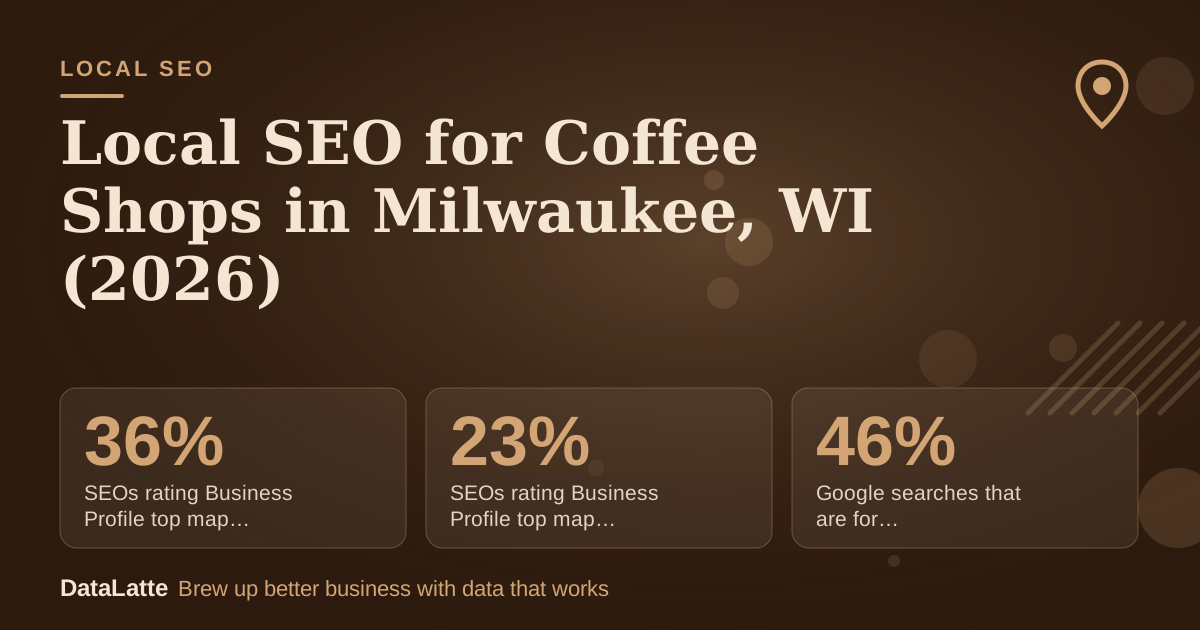
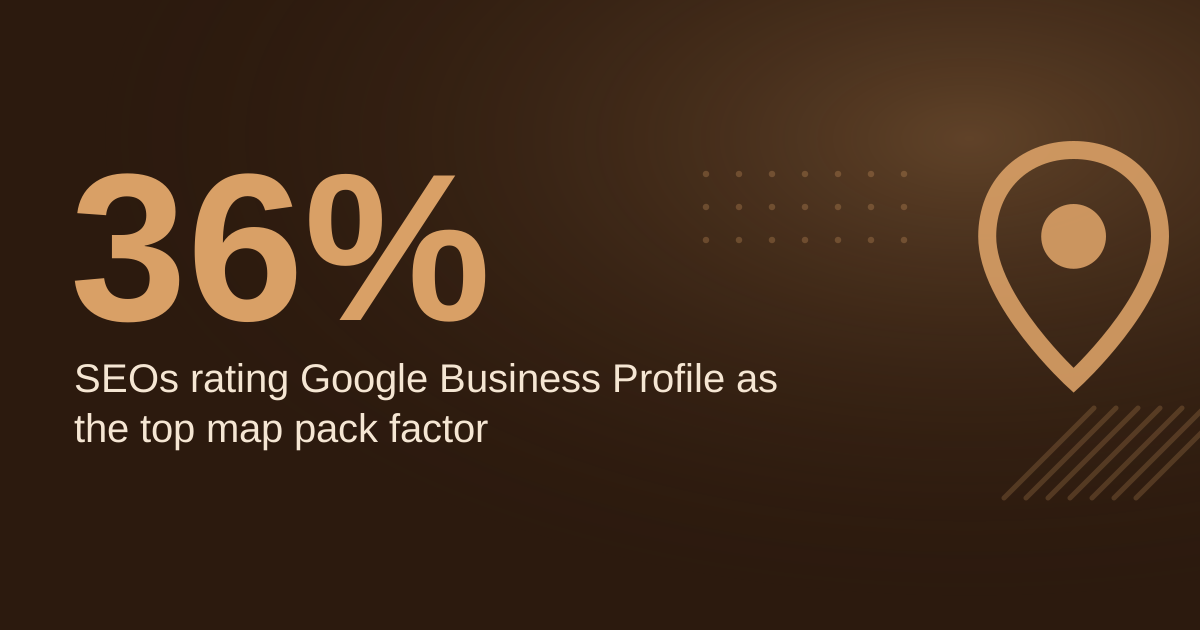
Google treats the Business Profile as the core of local results. In a BrightLocal survey cited by Ahrefs, 36% of SEOs rated the profile as the most important map pack ranking factor in 2021, up from 23% in 2013.
↑
SEOs rating Business Profile top map pack factor, 2021
BrightLocal survey via Ahrefs, secondary
→
SEOs rating Business Profile top map pack factor, 2013
BrightLocal survey via Ahrefs, secondary
→
Google searches that are for local businesses, 2020
BrewRound, no source cited, secondary
→
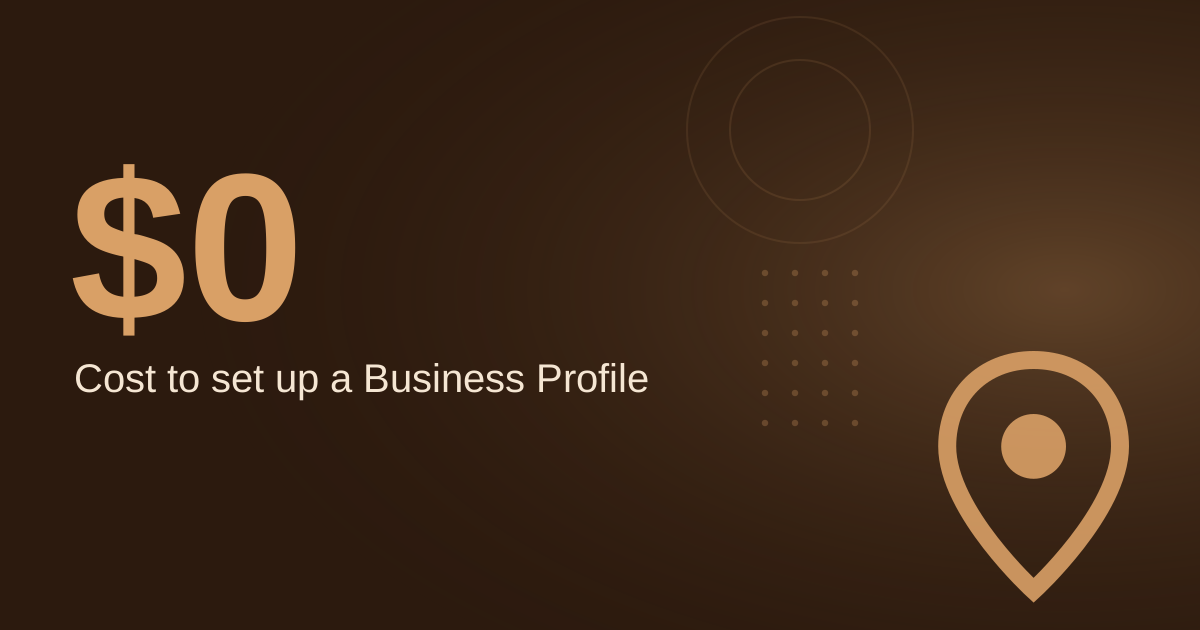
Cost to create a Business Profile
Google Business Profile page, primary
See Sources at the end of the article. Cards marked Assumption are examples, not results.
Why does verification come before everything else?
Verification is the first gate. BrewRound describes how Google mails a letter containing a code, and says the profile does not appear in results until it is verified. That description is from a 2020 article, so check Google's current verification options in the live help pages before you start.
Per Diem makes the consequence plain: without verification, your updates will not show publicly, and customers may not find the business. Do not spend time on photos or posts until the listing is verified.
The setup steps are covered in
the coffee shop profile optimization guide. Work through verification first, then return to the rest of the list.
Which category and profile details should a Milwaukee coffee shop use?
Per Diem recommends choosing "Coffee shop" or a closely related term rather than a broad category such as "Restaurant". Category is one of the clearest signals you control, so a precise choice matters more than a long list.
BrewRound notes that you can select only one category when you create the listing, and more can be added later. Set "Coffee shop" as the primary category first, then add related categories such as café or espresso bar once the profile is live.
Google also states that its Business Profile is free to set up. You need a Google account to create it, and BrewRound says that account is free to register. For more setup ideas, see
Google Business Profile tips for coffee shops.
How do posts and Q&A keep the profile active?
Google's help page on posts says a post is public on Search and Maps only when its status is Live. Pending and Not approved posts do not show. After you publish, check the status, because a post that is not approved does nothing for your listing.
Per Diem recommends answering common questions in the Q&A section before customers ask them, such as whether you offer free Wi-Fi, dairy-free options, or dogs on the patio. Google also lets users message businesses directly through their listings, so check that channel regularly.
For social channels, The Restaurant HQ recommends posting at least once a week and ideally one to two times a day (secondary). That is a social media guideline, not a Google rule, so treat it as a planning benchmark. For more on keeping a listing current with tools, see
AI for Google Business Profile optimization.
How many reviews do you need, and how should you ask?
Google states that reviews show next to your Business Profile in Maps and Search. Each review is visible to someone deciding where to go, so reviews work as both ranking input and a conversion tool.
One landscaping blog claims that businesses with over 50 reviews and a 4.7+ average rating dominate top map pack spots, but it cites no source. Treat that threshold as unverified and aim for steady growth in reviews rather than a fixed target.
Ask for reviews shortly after a visit, with a direct link, and keep the request simple. Respond to every review, whether positive or negative, and mention what the customer actually ordered or valued. Specific wording gives readers a clearer picture of your shop than generic praise.
Why do citations need to match character for character?
Citations are mentions of your business name, address and phone number on other sites. The same details should appear identically everywhere, including "St." versus "Street" and dash patterns in phone numbers.
One landscaping firm reported an 18% jump in local pack appearances after cleaning up its name, address and phone data, according to a secondary blog. That is a single anecdote, not a controlled study, so use it as a reason to audit your listings rather than as a promised result.
Google's Ads help explains that location data for Google Ads comes directly from Google Maps and Google Business Profile, and that corrections made there flow into linked Google Ads accounts. Keeping your profile accurate therefore helps both organic and paid visibility. For paid keyword ideas, see
best Google ad keywords for coffee shops in 2026.
Does the website need local SEO work too?
Your website should reinforce what the profile says. Use a title tag that names your service and city, such as "Coffee Shop in Milwaukee, WI | [Your Shop Name]", and keep the address and hours identical to your Business Profile.
Use neighbourhood names only where your customers really come from. Hyper-local phrases such as "coffee shop near me" and "best café Milwaukee" describe the queries people type, and they should appear naturally in your copy rather than repeated.
A Google Map embed on your contact page helps visitors find the shop, and you can follow
the embedding guide to add one. Keep the embedded location matched to the verified profile address.
What does a weekly profile routine cost in time?
The profile itself costs nothing, so the real cost is staff time. Here is a worked example with every input labelled as an assumption:
- Assumption: a weekly post, including one photo, takes 15 minutes.
- Assumption: you send 12 review requests per week, at 1 minute each.
- Assumption: staff time is worth $25 per hour.
Posts: 52 weeks × 15 minutes = 780 minutes, or 13.0 hours per year.
Review requests: 52 weeks × 12 requests × 1 minute = 624 minutes, or 10.4 hours per year.
Total: about 23.4 hours per year, or roughly $585 of staff time at the assumed rate.
This is a budget estimate, not a forecast of rankings. If your team is stretched, cut the post frequency before you cut review requests, because review replies and requests reach customers directly.
How do you track whether it is working?
Start by recording where your shop appears for your top three or four search phrases. Use a private browser window and check the Maps results at the same time each week, so changes reflect your work rather than your location or search history.
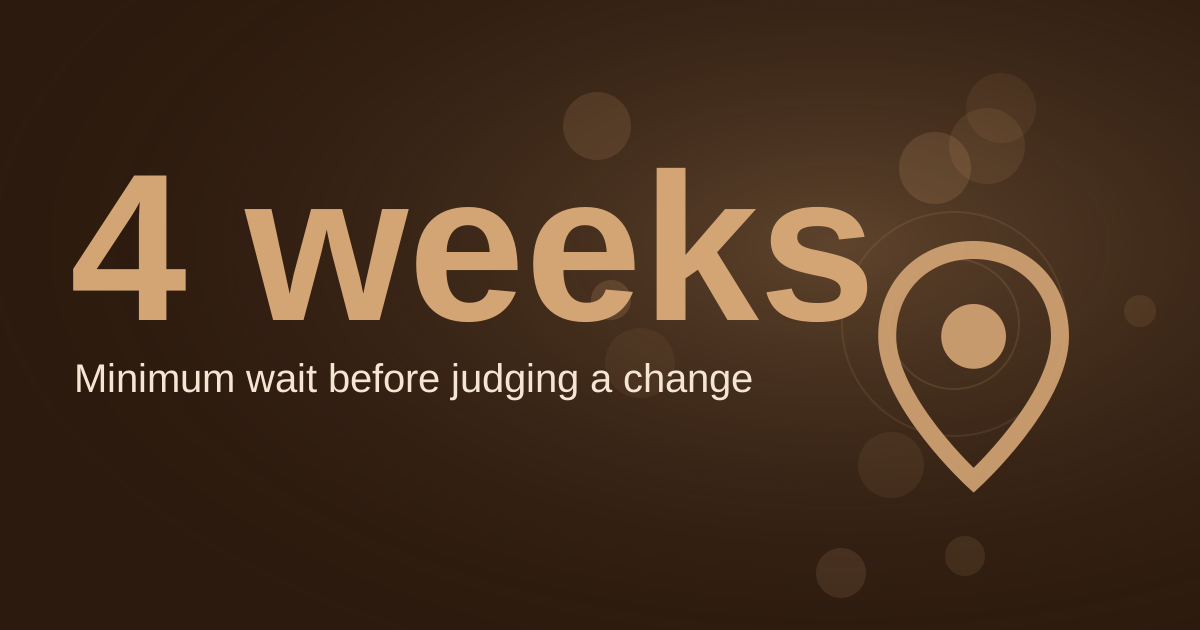
Log the results in a simple sheet each month, along with the number of new reviews, published posts and any Q&A entries you added. Compare the numbers over a full quarter before you judge what is working, because local rankings move around.
For a broader look at Maps performance, see
how coffee shops can dominate Google Maps.
FAQ
Is a Google Business Profile free for a coffee shop?
Yes. Google describes its Business Profile as free to set up, and it is a free tool for managing your presence across Search and Maps. You need a Google account, which BrewRound says you can register for free.
Which category should a coffee shop choose?
Choose "Coffee shop" or a closely related term rather than a broad category like "Restaurant". You can select one category at setup and add more later.
Why is my Google post not showing?
Check the post status. Google shows posts on Search and Maps only when they are Live, and posts marked Pending or Not approved do not appear publicly.
Do I need Google Ads to appear in the map pack?
No. Map pack visibility depends on your Business Profile and local signals, while Google Ads is a separate paid channel. Keeping your profile accurate helps both, because Google Ads location data is drawn from Google Maps and Business Profile.
Want a free check of your Milwaukee coffee shop profile?
Book a free audit, or see how our
local SEO service works for small businesses.
Sources
- Per Diem, "How to Use Google My Business for Your Coffee Shop" (secondary): https://www.tryperdiem.com/blog/google-business-profile-coffee-shop-guide
- BrewRound, "Google My Business for Coffee Shops" (secondary, 2020): https://brewround.com/blog/coffee-shop-marketing/google-my-business-for-coffee-shops/
- Ahrefs, "Local SEO: The Complete Guide", citing a BrightLocal survey (secondary): https://ahrefs.com/seo/local-seo
- Google Business Profile Help, "Create and manage posts" (primary): https://support.google.com/business/answer/7342169?hl=en
- Google Business Profile, "Get Listed on Google" (primary): https://business.google.com/ca-en/business-profile/
- Google Business Profile Help, "Tips to get more reviews" (primary): https://support.google.com/business/answer/3474122
- Google Ads Help, "About location assets" (primary): https://support.google.com/google-ads/answer/2404182?hl=en
- The Restaurant HQ, "21 Coffee Shop Marketing Ideas" (secondary): https://www.therestauranthq.com/operations/coffee-shop-marketing/
- Keepers Digital, "Yelp vs Google Business Profile" (secondary): https://keepersdigital.com/en-ca/resources/local-search/yelp-vs-google-business-profile/
- AccountabilityNow, "AI Google Business Profile Ranking for Landscapers 2026" (secondary, anecdote and unsourced claim): https://accountabilitynow.net/ai-google-business-profile-ranking-for-landscapers/
Free for local businesses
Want this applied to your business?
I'll review your Google presence, local SEO, and ad accounts — and send you a specific action plan within 48 hours. No pitch, no pressure.