To rank a coffee shop in Minneapolis on Google Maps in 2026, start with a verified Google Business Profile (GBP), choose the "Coffee shop" category, and keep the listing accurate and active. The profile is free to create, but it does not appear publicly until it is verified. Reviews, Q&A answers, posts and citation consistency then shape how the listing performs. The steps below follow published guidance, and every figure is linked to its source at the end of the article.
↑
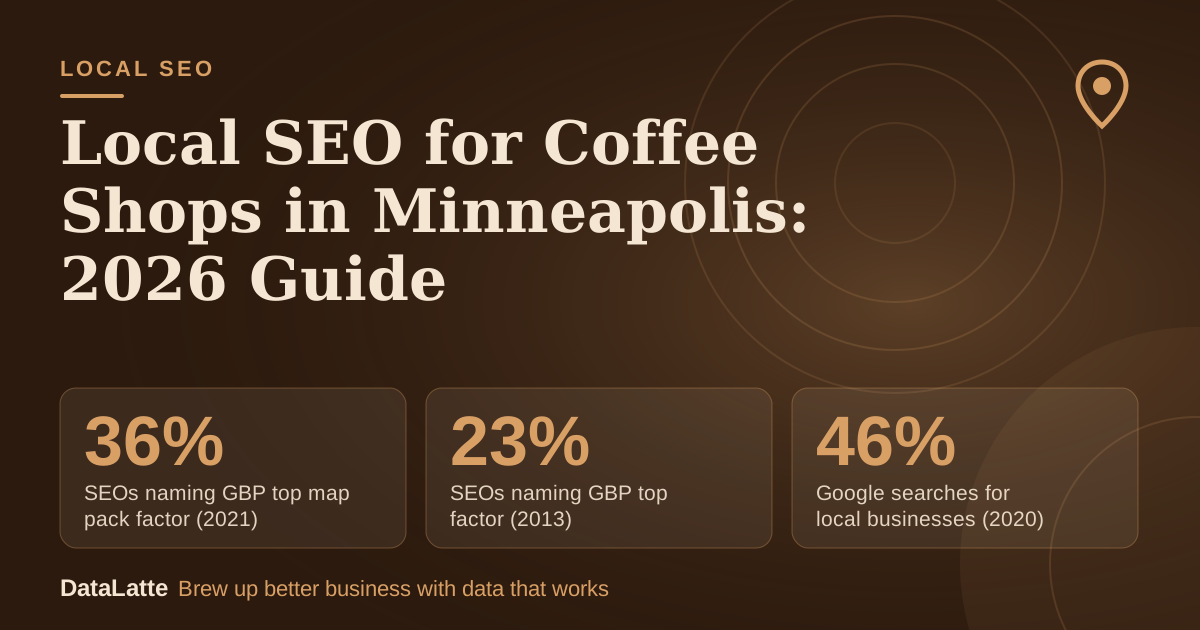
SEOs naming GBP top map pack factor (2021)
BrightLocal survey via Ahrefs (secondary)
→
SEOs naming GBP top factor (2013)
BrightLocal survey via Ahrefs (secondary)
→
Google searches for local businesses (2020)
BrewRound, no source cited (secondary)
↑
Local pack lift after NAP cleanup (anecdote)
Single landscaping firm anecdote (secondary)
See Sources at the end of the article. Cards marked Assumption are examples, not results.
Does a Minneapolis coffee shop need a verified profile before it can rank?
Yes. Per Diem states that without
verification, updates will not show publicly and customers may not find the business (
Per Diem, secondary). BrewRound, writing in 2020, describes verification by letter containing a code, and says the profile does not appear in results until verified (
BrewRound, secondary).
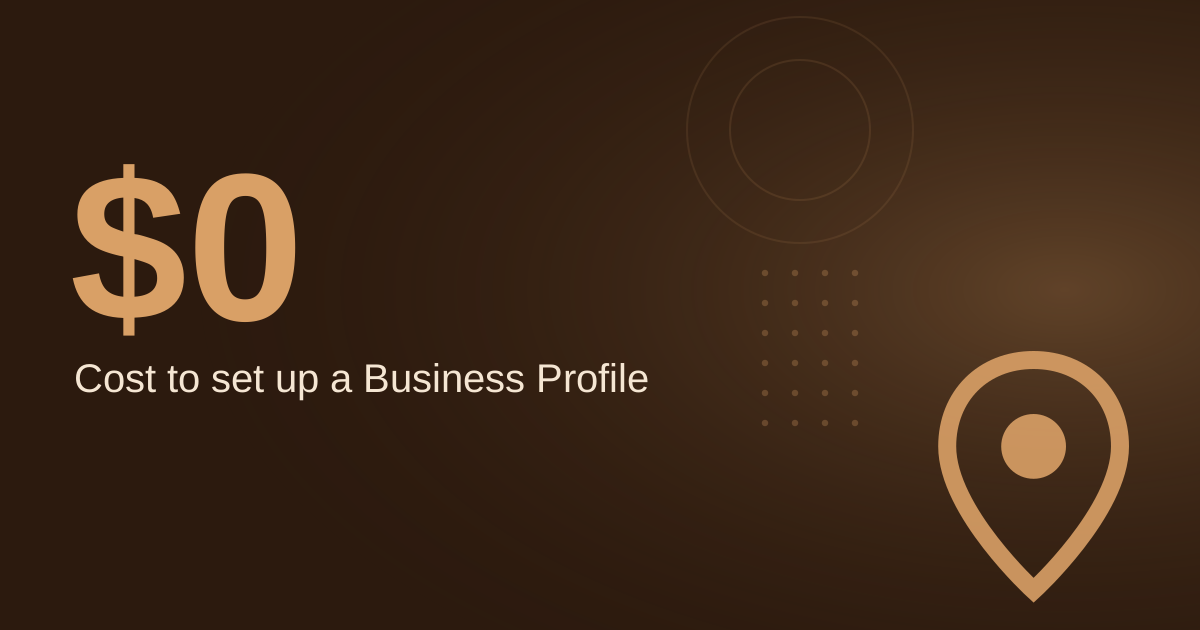
Google's own Business Profile page describes the listing as a free profile on Search and Maps (
Google Business Profile). Verification methods change over time, so confirm the current steps on Google's live help pages before you start.
Verification is the gate. Everything else in this guide is wasted effort on an unverified listing, so treat it as the first task.
What setup steps should a coffee shop follow?
Use this checklist when you create or claim the profile:
- Sign in with a Google account. BrewRound notes that a free account can be registered if you do not have one.
- Enter the business name, address and phone number exactly as they appear on your storefront and website.
- Choose the "Coffee shop" category. BrewRound says one category is selected at creation, and more can be added later.
- Request verification and complete it using the method Google currently shows.
- Add opening hours, photos and your website link, then search for your shop in a private window to confirm it appears.
- Seed the Q&A section and set a posting schedule before launch.
Step 5 is the one most often skipped. A listing that looks complete in the dashboard can still be missing from public results, so check it from outside your account.
Which category should a coffee shop choose?
Per Diem recommends choosing "Coffee shop" or a related term rather than a broad category such as "Restaurant" (
Per Diem, secondary). A broad category tells Google less about what you sell, which weakens matching for coffee-related searches.
Secondary categories can be added after setup, as BrewRound notes. Choose terms that match what customers actually order and search for, such as espresso drinks or pastries, and avoid adding categories your shop does not offer. Category changes do not fix a weak profile on their own, so pair them with the Q&A, posts and review steps below.
How should a coffee shop use Q&A, messaging and posts?
Per Diem recommends answering common questions in the Q&A section before customers ask them, such as whether you offer free Wi-Fi, dairy-free options or dogs on the patio (
Per Diem, secondary). Seeding these answers yourself keeps the wording accurate and gives customers the information they need at the decision point.
Google also lets users message businesses directly through their listings, so check the messages inbox as part of your routine (
Per Diem, secondary). Posts follow a review step: Google reviews each post, and only posts with a Live status appear publicly on Search and Maps. Pending and Not approved posts do not show (
Google Business Profile Help).
For posting frequency, one secondary source recommends social media posts at least weekly, ideally one to two times per day (
The Restaurant HQ, secondary). That guidance covers social channels, so treat it as a separate habit from GBP posts. For more on profile tasks, see the
coffee shop Google Business Profile optimisation guide.
How many reviews does a coffee shop need to compete?
Google states that reviews show next to your Business Profile in Maps and Search (
Google Business Profile Help). Reviews therefore sit directly beside the information a customer uses to choose a shop.
A secondary article claims that businesses with over 50 reviews and a 4.7+ average rating dominate top map pack spots, but it cites no source (
AccountabilityNow, secondary). Treat 50 reviews as a working target, not a confirmed threshold.
Worked example (all inputs are assumptions):
- Current reviews: 10 (assumption)
- Working target: 50 reviews (from the unsourced benchmark above)
- Paid orders per week: 120 (assumption)
- Customers who leave a review after a prompt: 5% (assumption)
Reviews per week: 120 × 5% = 6. Reviews still needed: 50 − 10 = 40. Weeks to target: 40 ÷ 6 ≈ 7. If only 2.5% of customers review, the rate falls to 3 per week and the target takes about 14 weeks. The rate of prompting, not the total, is what you can control.
Do citations and NAP accuracy matter for Google Ads too?
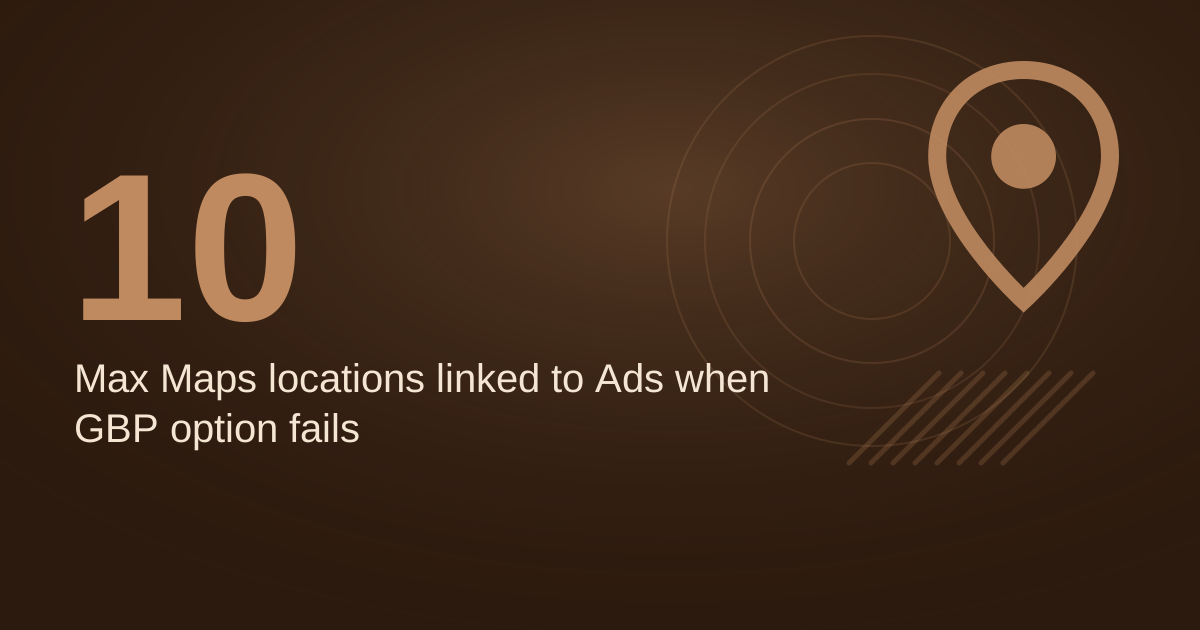
Yes. Google states that location asset data used in Google Ads is sourced directly from Google Maps and Google Business Profile, and that successful corrections made there flow into linked Google Ads accounts (
Google Ads Help). A wrong address on your profile can therefore affect paid campaigns as well as organic results.
One secondary article describes a landscaping firm that cleaned up its name, address and phone data and saw an 18% jump in local pack appearances (
AccountabilityNow, secondary). This is a single anecdote, not a controlled result, but it shows why consistency is worth checking.
Audit the directories where your shop already appears, correct mismatches in name, address and phone, and only then add new listings. If you plan paid search alongside your profile, review
keyword options for coffee shops before setting a budget.
How can a coffee shop tell whether the profile is working?
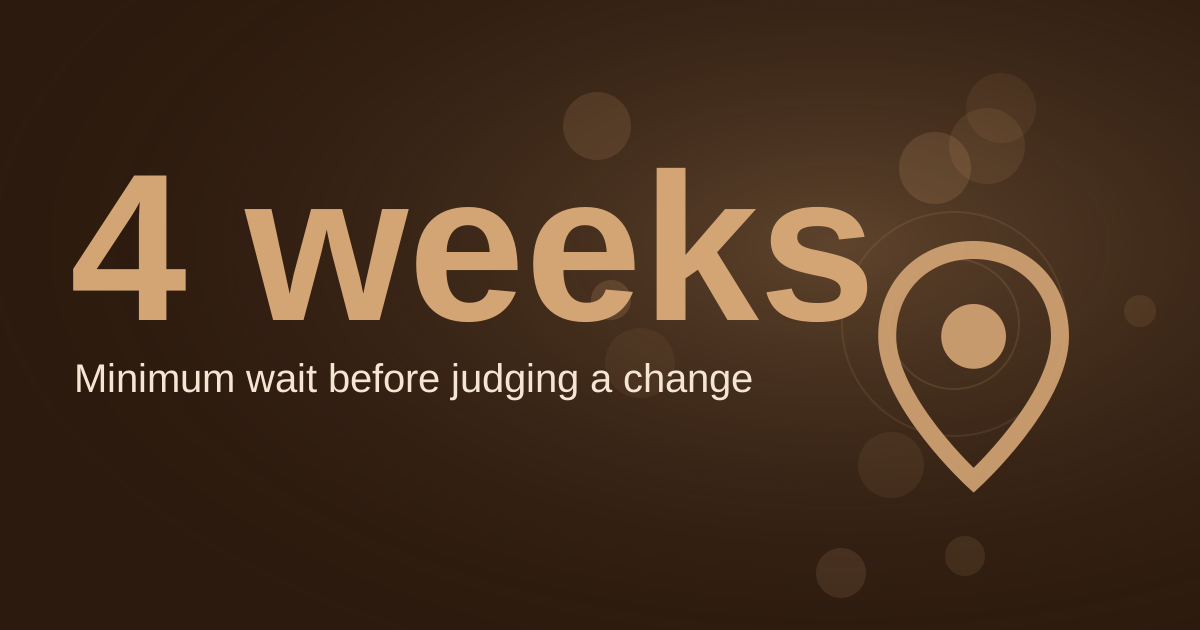
Check three things each month: the GBP insights for views and customer actions, the status of recent posts, and your position for your main local searches in a private browser window. Record the results in a simple spreadsheet so changes are visible over time.
Website signals matter too. Google's Business Profile guidance covers Search and Maps together, so the website and the profile should agree on hours, services and location (
Keepers Digital, secondary). An embedded map on the contact page is one simple way to reinforce the location. See the
guide to embedding a Google Map for the steps.
Tools can speed up monitoring, but they do not replace a clean profile. If you want help with profile upkeep, the
AI tools for Google Business Profile optimisation article covers what they can and cannot do.
FAQ
Is a Google Business Profile free for a coffee shop?
Yes. Google describes its Business Profile as a free profile on Search and Maps (
Google Business Profile). BrewRound also notes that creating a listing is free, though its wording dates from 2020 (
BrewRound, secondary).
Can a coffee shop choose more than one category?
BrewRound states that one category is selected when the listing is created, and more can be added later (
BrewRound, secondary). Add only categories that describe what the shop actually sells.
Why is my coffee shop not showing on Google Maps?
Per Diem states that without verification, updates will not show publicly and customers may not find the business (
Per Diem, secondary). Confirm verification is complete, then search from a private window to check the listing.
Do Google Business Profile posts appear straight away?
Not always. Google reviews posts, and only posts with a Live status show publicly on Search and Maps (
Google Business Profile Help). Check the status after publishing.
Sources
To review your listing, see the
free local SEO audit or the
local SEO service for ongoing profile and citation management.
Free for local businesses
Want this applied to your business?
I'll review your Google presence, local SEO, and ad accounts — and send you a specific action plan within 48 hours. No pitch, no pressure.