This article cannot give a verified Squarespace plan price. The pricing and fee pages were not among the sources checked for this update, so no plan figure is stated as fact. What the checked sources do confirm: Squarespace's help center is gated behind a sign-in, its support hours are published, and its refund form promises a reply within 2 business days. On the local side, Google Business Profile sets how a local business appears in search, and a website platform does not change that. Check current plan prices on Squarespace's live pricing page before committing, and use the cost model below to compare platforms on identical assumptions.
→
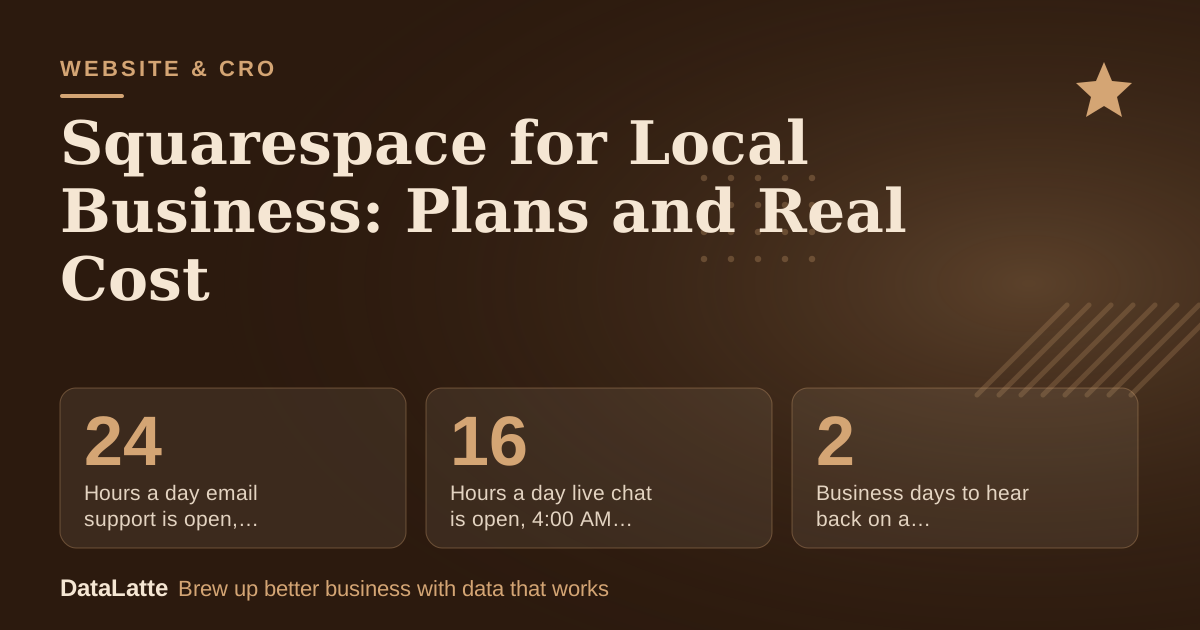
Hours a day email support is open, every day of the week
Seven days a week (Squarespace)
→
Hours a day live chat is open, 4:00 AM to 8:00 PM EST
Weekdays only, English only (Squarespace)
→
Business days to hear back on a refund request
Squarespace refund request form
→
Extra categories allowed on a Google Business Profile
One primary category plus nine more (Google)
See Sources at the end of the article. Cards marked Assumption are examples, not results.
What Can Be Verified About Squarespace Support?
The Squarespace Help Center topic page for site guides requires a sign-in before its content loads, so its articles could not be read directly. Its visible contact details are still useful.
Squarespace's help center lists live chat from Monday to Friday, 4:00 AM to 8:00 PM EST, offered in English only. Email support is listed as available 24 hours a day, 7 days a week, and Spanish email support is offered separately.
Those hours matter if a site goes down on a busy Saturday. Chat runs in a weekday window set to US Eastern time, so a business in Sydney or Vancouver may wait longer for a live answer. Email is the only channel that covers weekends in the published details.
The same page shows that account recovery can require documents. Recovery requests ask for a bank statement showing the most recent Squarespace charge, and the .AU domain form asks for government ID and proof of Australian address. Keeping billing records and registrant details in one place before a problem arises saves time.
What Does Google Business Profile Control for Local Visibility?
Google says local results are mainly based on relevance, distance and prominence. Relevance comes from how completely a profile describes the business. Distance is how far each business sits from the searcher. Prominence reflects how well known the business is, including how many websites link to it and how many reviews it has (
Google Business Profile Help).
Google also states that there is no way to request or pay for a better local ranking. A website builder cannot buy a higher position, so spending on a platform should be judged on what it lets the owner control: a fast page, clear service pages and details that match the profile.
Google's guidance on profile upkeep is concrete. Keep the business name exactly as it appears on signage, set hours and service area, choose a specific primary category, and respond to reviews (
Google Business Profile Help). These edits are free and work on any website, Squarespace included.
How Many Categories and Phone Numbers Can a Profile Use?
A Google Business Profile takes one primary category and up to 9 more. Google advises choosing a specific primary category and avoiding categories used as keywords or to describe features of the business (
Google Business Profile Help). A coffee shop that adds "bakery", "catering" and "wedding venue" should include only those that are true services.
Up to 2 more phone numbers can be listed beyond the main one. They can be mobile or landline, but not fax. The phone number can also be hidden on the profile. Keep the numbers identical to those on the Squarespace site, because mismatched details can weaken how a profile matches searches.
These are free settings. They are a better use of an afternoon than comparing plan features that do not affect ranking.
How Do You Build a Three-Year Cost Model Without Verified Prices?
Until live prices are confirmed, use a template and fill every input from the platform's own page. The example below uses placeholder inputs, all labelled as assumptions, so the structure is visible. Nothing in it is a quote.
| Cost line | Assumed monthly price | Months | Three-year total |
|---|
| Website plan (assumption) | $20 | 36 | $720 |
| Business email, one user (assumption) | $10 | 36 | $360 |
| Booking tool (assumption) | $15 | 36 | $540 |
| Domain renewal, two years (assumption) | $2 | 24 | $48 |
| Total (arithmetic on assumed inputs) | | | $1,668 |
Replace each assumed monthly price with the live figure from the platform's pricing page. Then add any transaction fee on online sales as its own line: the percentage on the live page multiplied by expected monthly online sales, multiplied by 36. Run the same calculation for every platform under consideration, using identical assumptions for email and booking. If one platform includes a feature in its plan price and another charges separately, the comparison only works when both lines are visible.
How Should a Local Business Choose a Plan?
Work through these steps before paying for anything:
- List the three things a customer must do on the site: call, book or visit. Those actions decide which pages are needed.
- Check the live pricing page for the plan that includes custom code, if a tracking tag or structured data is needed, and confirm whether code is listed as an add-on.
- Estimate monthly online sales, such as gift cards or class packs. Multiply by any store fee on the live page to see the yearly cost.
- Decide whether booking is a separate tool. If one is already in use, embed its booking link rather than paying for a second calendar.
- Confirm that the name, address and phone number match the Google Business Profile exactly.
Local visibility also depends on whether people can reach the business easily. If a contact form is added, check the data it collects against the rules in
local business website GDPR compliance. If a map is added, follow the steps in
how to embed a Google Map on a local business website.
Only indirectly. A platform does not decide relevance, distance or prominence. It affects how quickly pages load and how easily the owner can keep them accurate. Google's guidance focuses on profile completeness and reviews, so those are the first tasks to finish (
Google Business Profile Help).
Paid search follows different rules. Before budgeting for paid placement, read
whether Google Local Service Ads are worth it for local businesses. Paid placement adds a monthly cost that belongs in the cost model above, separate from the website plan.
For phone and chat inquiries outside opening hours, an automated tool can cover gaps in the schedule.
AI agents for customer service at local businesses covers what such a tool does and where it stops.
Where Should a Local Business Start?
Start with the free items: a complete Google Business Profile, matching contact details, one specific primary category, and a routine for responding to reviews. Then build the site on the cheapest plan that covers the three customer actions identified earlier. Keep original photos and text in a folder outside the platform, so a move later does not mean starting over.
For an outside check of the profile and site before choosing a plan, see DataLatte's
local SEO service.
FAQ
Does this article include verified Squarespace prices?
No. The pricing page was not among the sources checked for this update, so no plan price is stated as fact. Check the live pricing page and fill the cost model with those figures.
How long does Squarespace take to reply about a refund?
Its refund request form says a reply arrives within 2 business days (
Squarespace Help Center).
Google states that local results are based on relevance, distance and prominence, and that there is no way to pay for a better local ranking (
Google Business Profile Help). Profile accuracy and reviews matter more than the platform.
How many categories can a Google Business Profile have?
One primary category plus up to 9 more. Choose a specific primary category and avoid using categories as keywords (
Google Business Profile Help).
Can the phone number on a Google Business Profile be hidden?
Yes. Google allows the phone number on a Business Profile to be hidden (
Google Business Profile Help).
Sources
- Squarespace Help Center: Site topic guides (primary, opened 9 November 2026; content gated behind sign-in, contact details and refund timing read from the page)
- Google Business Profile Help: Edit your Business Profile (primary, opened 10 November 2026)
- Google Business Profile Help: Tips to improve your local ranking on Google (primary, opened 10 November 2026)
Free for local businesses
Want this applied to your business?
I'll review your Google presence, local SEO, and ad accounts — and send you a specific action plan within 48 hours. No pitch, no pressure.